
Docker-compose一键部署zentao
1、编写docker-compose.yml文件。默认管理员账号:admin 密码:123456。首次登陆后会要求自己更改密码。2、启动zentao容器。
·
1、编写docker-compose.yml文件
version: '3.1'
services:
  zendao:
    image: docker.io/idoop/zentao:latest
    restart: always
    container_name: zendao
    environment:
      MYSQL_ROOT_PASSWORD: zendao@biking2023
    ports:
      - 18088:80
    volumes:
      - ./app:/app/zentaopms
      - ./data:/opt/zbox/data/mysql
2、启动zentao容器
root@iZj6c9pagb27v0r25yg0yoZ:/data/docker-compose/zentao# docker ps
CONTAINER ID   IMAGE                 COMMAND               CREATED         STATUS                   PORTS                                               NAMES
a8c8eab4391a   idoop/zentao:latest   "docker-entrypoint"   8 minutes ago   Up 8 minutes (healthy)   3306/tcp, 0.0.0.0:18088->80/tcp, :::18088->80/tcp   zendao
3、登录禅道页面
默认管理员账号:admin 密码:123456
首次登陆后会要求自己更改密码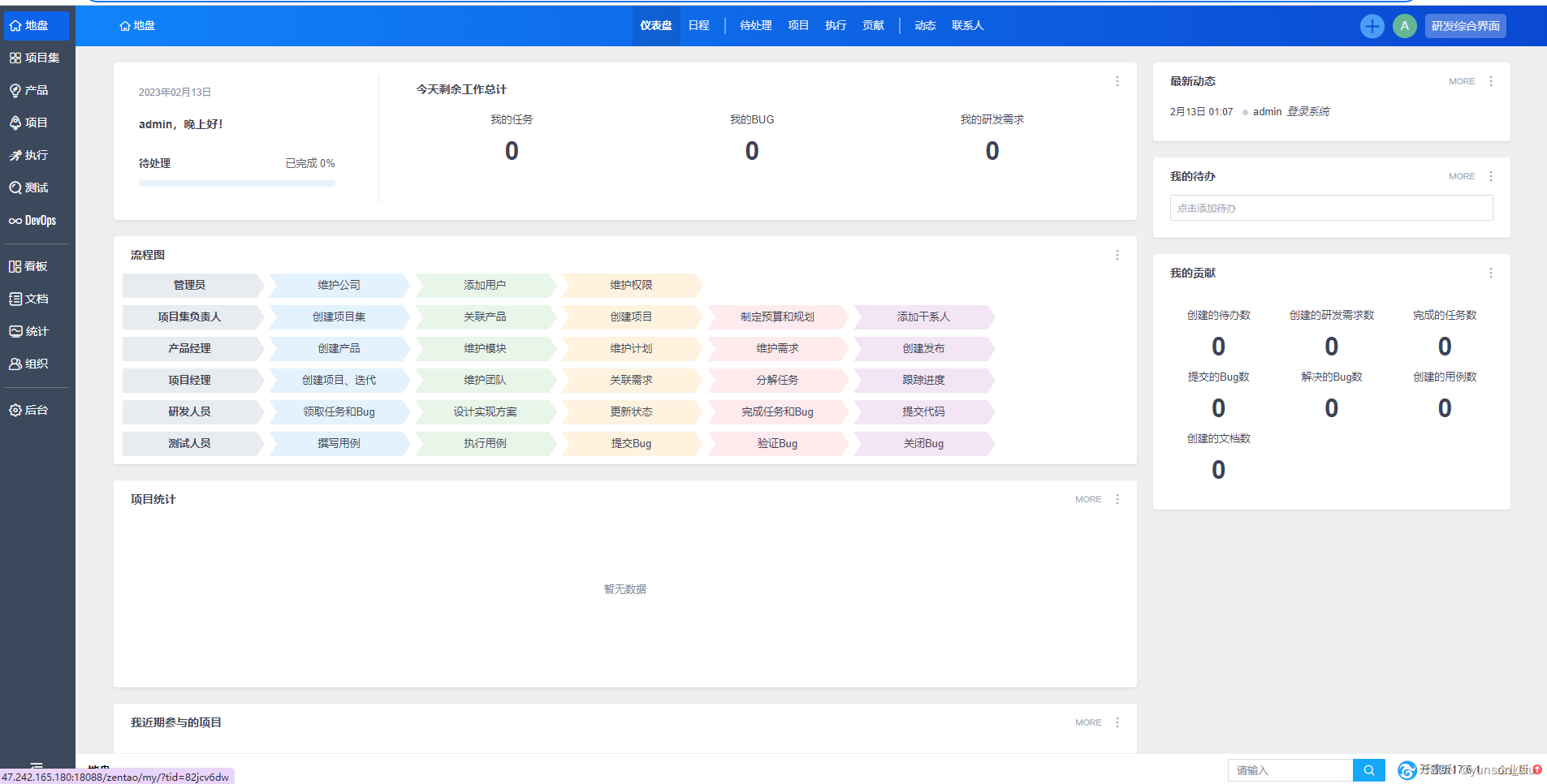
4、zentao重置账号密码
[root@showdoc zentao]# docker exec -it zendao /bin/bash
root@e2928f67a565:/opt/zbox/bin# ./mysql -u root -p
Enter password:
Welcome to the MariaDB monitor.  Commands end with ; or \g.
Your MariaDB connection id is 10
Server version: 10.7.6-MariaDB Source distribution

Copyright (c) 2000, 2018, Oracle, MariaDB Corporation Ab and others.

Type 'help;' or '\h' for help. Type '\c' to clear the current input statement.

MariaDB [(none)]> use zentao
Reading table information for completion of table and column names
You can turn off this feature to get a quicker startup with -A

Database changed
MariaDB [zentao]> update zt_user set password="e10adc3949ba59abbe56e057f20f883e" where id=1;
Query OK, 1 row affected (0.001 sec)
Rows matched: 1  Changed: 1  Warnings: 0

MariaDB [zentao]> select password from zt_user where id=1;
+----------------------------------+
| password                         |
+----------------------------------+
| e10adc3949ba59abbe56e057f20f883e|
+----------------------------------+
1 row in set (0.000 sec)
重新登陆的账号仍是:admin, 密码:123456

一站式 AI 云服务平台
更多推荐



 0
0 0
0- 0


 已为社区贡献5条内容

所有评论(0)