
cypress自动化测试-代码调试
cypress f12 console下cy.pause()cy.debug()
·
编写好的cypress自动化测试代码,如果运行的结果不是自己想要的需要进行调试,看哪一步操作的不正确,有以下几种调试方法
console查看执行结果
如图所示,查看type输入内容的执行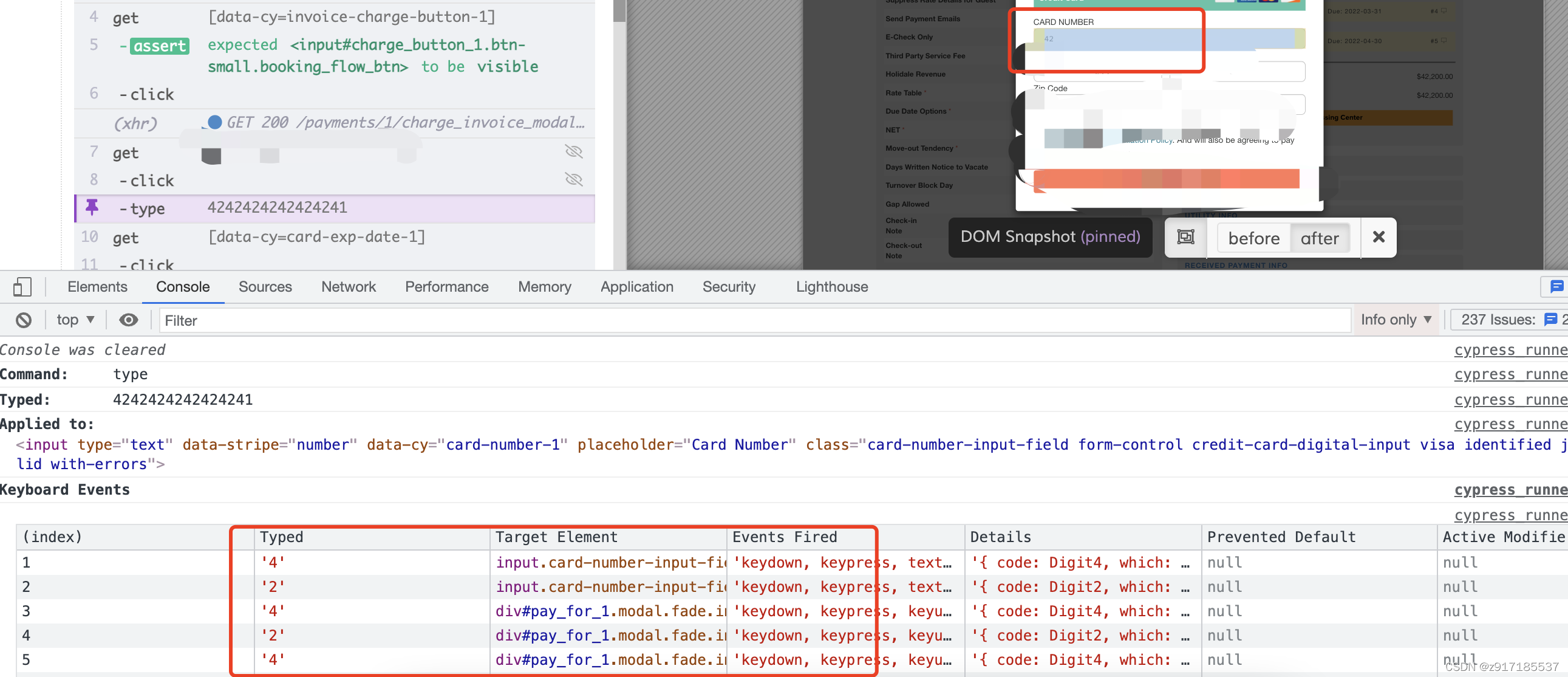
debugger
需要注意的是在cypress中使用debugger,不能以如下方式使用
it('let me debug ', () => {
  cy.visit('https://www.baidu.com')
  console.log('first')
  cy.get('#kw')
  debugger // Doesn't work
})
正确的写法如下,(需要打开console页面)
it('let me debug ', () => {
  cy.visit('https://www.baidu.com')
  console.log('first')
  cy.get("#kw").type("cypress").then(($dbg)=>{
			debugger
		})
})
如图所示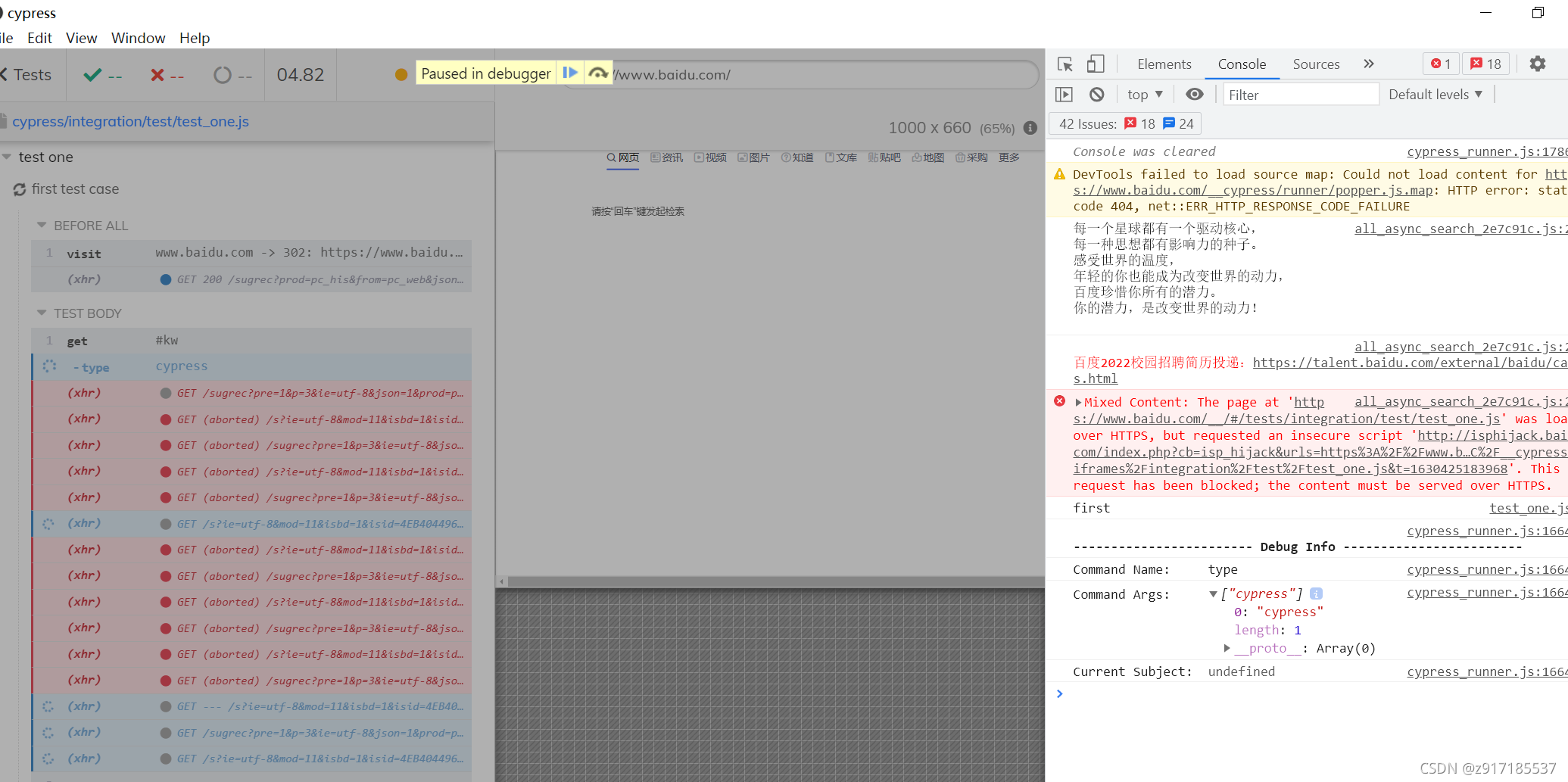
cy.debug()
功能同debugger,写法如下
it('let me debug ', () => {
  cy.visit('https://www.baidu.com')
  console.log('first')
  cy.get("#kw").type("cypress");
  cy.debug();
  cy.get("#su")
})
cy.pause()
代码如下
it('second test case',()=>{

		console.log('second')
		cy.get("#kw").type("cypress");
		cy.pause();
		cy.get("#su");
	})
如图所示运行到pause处暂停运行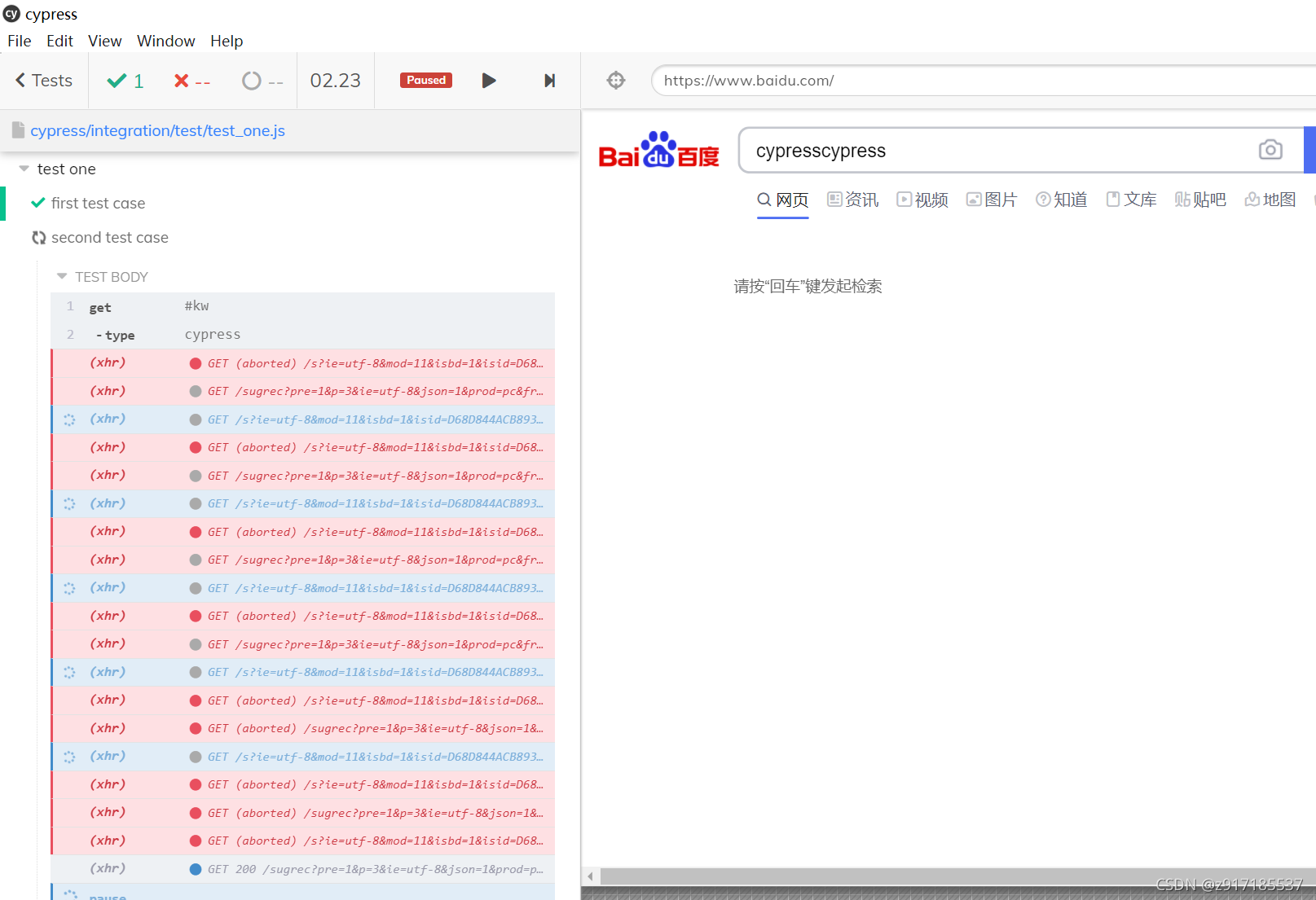

一站式 AI 云服务平台
更多推荐



 0
0 0
0- 0


 已为社区贡献4条内容

所有评论(0)