
vs 注释代码快捷键_小知识:Python Spyder开发环境快捷键汇总
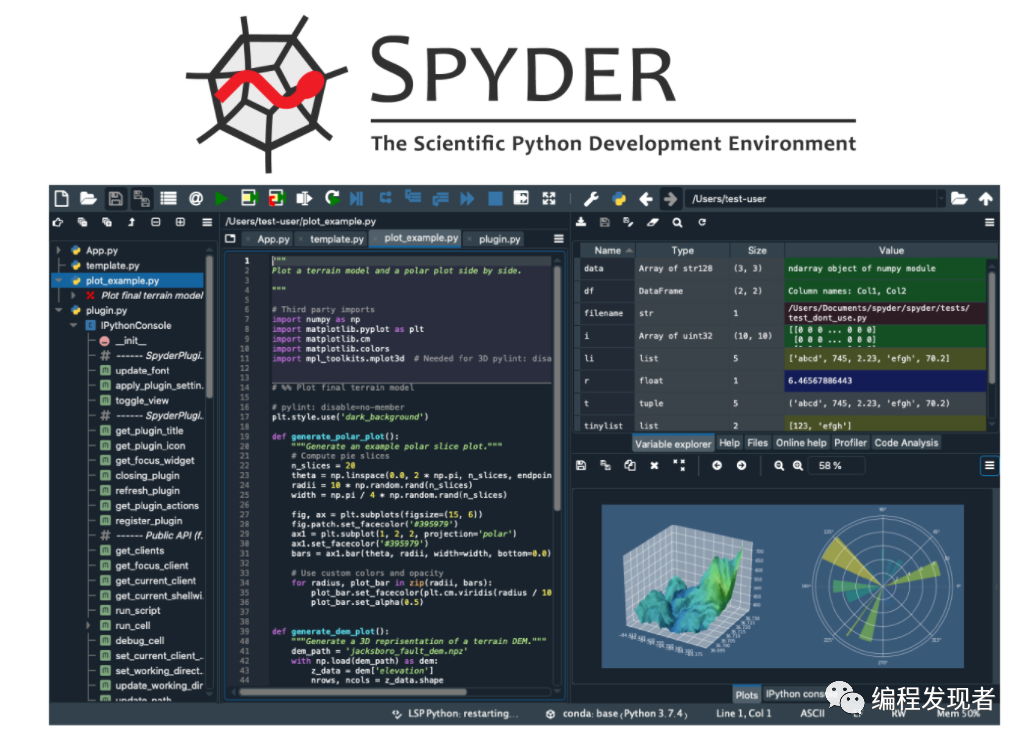
1. Spyder是anaconda中一个python的集成开发环境,其优点是模仿Matlab环境,可以方便的查看和修改数组取值。不得不说anaconda是一个好东西,学python的可以用用,里面集成了好多开发环境,省去了我们安装软件等各种问题。只需你安心的学习相关技术即可。这一章节主要是对anaconda中的Spyder所常用的快捷键做一总汇: F5:运行 F11:全...
1. Spyder是anaconda中一个python的集成开发环境,其优点是模仿Matlab环境,可以方便的查看和修改数组取值。不得不说anaconda是一个好东西,学python的可以用用,里面集成了好多开发环境,省去了我们安装软件等各种问题。只需你安心的学习相关技术即可。这一章节主要是对anaconda中的Spyder所常用的快捷键做一总汇:
F5:运行
F11:全屏
Ctrl + 1: 注释/反注释
Ctrl + 4/5: 块注释/块反注释
Ctrl + L: 跳转到行号
Tab/Shift + Tab: 代码缩进/反缩进
Ctrl +I:显示帮助
Tab:空行前是代码缩进;在输入一个字母后,按Tab键会自动补全或者代码提示。
Shift+Tab:撤销代码缩进
2. 可以在Ipython Console输入变量进行快速验证,类似matlab
3.快捷键查看方法:Tools-->Preferences-->Keyboard Shortcut 可以查看所有快捷键
4.spyder如何调节注释颜色:——》在tools菜单里面Preferences菜单里
文末下面列出详细的汇总。
常用快捷键快捷键 中文名称Ctrl+R 替换文本Ctrl+1 单行注释,单次注释,双次取消注释Ctrl+4 块注释,单次注释,双次取消注释F5 运行程序Ctrl+P 文件切换Ctrl+L 清除shellCtrl+I 查看某个函数的帮助文档Ctrl+Shift+V 调出变量窗口Ctrl+up 回到文档开头Ctrl+down 回到文档末尾全部快捷键context name shortcut 中文名称- close page Ctrl+Shift +F4 关闭页面- configure Ctrl+F6 配置- debug continue Ctrl+F12 继续调试- debug exit Ctrl+Shift+F12 调试退出- debug step into Ctrl+F11 调试进入函数- debug step over Ctrl+F10 调试跳出函数- debug step return Ctrl+Shift+F11 调试返回- debug Ctrl+F5 调试- file switche Ctrl+P 文件切换- find next F3 查找下一个文件- find previous Shift+F3 找到以前的文件- find text Ctrl+F 找到文本- fullscreen mode F11 全屏模式- hide find and replace EShiftCtrl 隐藏查找和替换- layout preferences Alt+Shift+P 布局的设置- lock unlock panes Ctrl+Shift+F5 锁解锁窗格- maximize pane Ctrl+Alt+Shift+M 最大化窗格- preferneces Ctrl +Alt +Shift+P 偏好- quit Ctrl +Q 退出- re-run last script F6 最后重新运行脚本- repalce text Ctrl +R 替换文本- restart Alt +Shift+R 重新启动- run F5 运行- save current layout Alt +Shift+ S 保存当前的布局- show toolbars Alt +Shift+T 显示工具栏- spyder documentation F11 spyder的文档- switch to breakpoints Ctrl +Shift+B 切换到断点- switch to console Ctrl +Shift+C 切换到控制台- switch to editor Ctrl +Shift+E 切换到编辑器- switch to explorer Ctrl +Shift+X 切换到浏览器- switch t find_in_files Ctrl +Shift+F 切换到 find_in_files- switch to help Ctrl +Shift+H 切换到帮助- switch to historylog Ctrl +Shift+L 切换到historylog- switch to ipython_console Ctrl +Shift+I 切换到ipython_console- switch to onlinehelp Ctrl +Shift+D 切换到onlinehelp- switch to outline_explorer Ctrl +Shift+O 切换到outline_explorer- switch to project_explorer Ctrl +Shift+P 切换到project_explorer- switch to variable_explorer Ctrl +Shift+v 切换到variable_explorer- symbol finder Ctrl +Alt +P 符号查找器- use next layout Alt +Shift+PageDoen 使用下一个布局- use previous layout Alt +Shift+PageUp 使用上一个布局array_builer enter array inline Ctrl +Alt +M 进入array内联array_builer enter array table Ctrl +M 进入array表console clear line Shift+Esc 清除行console clear shell Ctrl +L 清除shelleditor inspect current object Ctrl +I 检查当前对象editor breakpoint F12 断点editor blockcomment Ctrl +4 editor close all Ctrl +Shift+W 关闭所有editor close file 1 Ctrl +W 关闭文件1editor close file 2 Ctrl +F4 关闭文件2editor code completion Ctrl +Space 代码自动完成editor conditional breakpoint SF12 条件断点editor copy line Ctrl +Alt +Down 复制行editor copy line Ctrl +C 复制行editor cut Ctrl +X 减少editor delete line Ctrl +D 删除一行editor delete line Del 删除一行editor duplicate line Ctrl +Alt +Up 重复的行editor end of document Ctrl +Down 最终的文档editor end of line Meta + E 每行的最后editor go to definition Ctrl +G 去定义editor go to line Ctrl +L 去行editor go to next file Ctrl +Shift+Tab 去下一个文件editor go to previous file Ctrl +Tab 去之前的文件editor inspect current object Ctrl +I 检查当前对象editor kell next word Meta+D 清楚下一个单词editor kill previous word Meta+B 清除上一个单词editor kill to line end Meta+K 清楚行的终点editor kill to line start Meta+U 清除行的开始editor last edit location Ctrl +Alt +Shift+L 最后编辑位置editor move line down Alt +Down 线向下移动editor move line up Alt +Up 线向上移动editor new file Ctrl +N 新建文件editor next char Meta+F 下一个单词editor next cursor position Ctrl +Alt +Right 下一个光标位置editor next line Meta+N 下一行editor next word Meta+Right 下一个词editor open file Ctrl +O 打开的文件editor open last closed Ctrl +Shift+T 打开上次关闭editor paste Ctrl +V 粘贴editor previous char Meta+B 之前的字符editor previous cursor position Ctrl +Alt +L 前一光标位置editor previous line Meta+P 前一行editor previous word Meta+L 以前的单词editor redo Ctrl +Shift+Z 重做editor rotate kill ring Meta+Shift+Y 旋转杀死环editor run cell and advance Shift+R 细胞和推进editor run cell Ctrl +R 运行单元editor run selection F9 选择运行editor save all Ctrl +Alt +S 保存所有editor save as Ctrl +Shift+S 另存为editor save file Ctrl +S 保存文件editor select all Ctrl +A 选择所有editor show/hide outline Ctrl +Alt +O 显示/隐藏轮廓editor start of document Ctrl +U 开始的文档editor start of line Meta+A 开始行editor toggle comment Ctrl +1 切换的评论editor transform to lowercase Ctrl +U 转换为小写字母editor transform to uppercaer Ctrl +Shift+U 变换大写字母editor unblockcomment Ctrl +F5 unblockcommenteditor undo Ctrl +Z 撤销editor yank Meta+Y 猛拉editor zoom in 1 Ctrl ++ 放大1editor zoom in 2 Ctrl += 放大2editor zoom out Ctrl +- 缩小editor zoom reset Ctrl +0 变焦重置ipython_console new tab Ctrl +T 新标签页ipython_console reset namespace Ctrl +Alt+R 重置名称空间ipython_console reset kernel Ctrl +. 重置内核profiler run profiler F10 运行分析器pylint run analysis F8 运行分析variable_explorer copy Ctrl +C 复制


一站式 AI 云服务平台
更多推荐



 0
0 0
0- 0


 已为社区贡献2条内容

所有评论(0)