
MAC前端开发环境配置
MAC前端开发环境配置:Homebrew / Node / Git / Vue
·
一、配置Homebrew
1. 安装
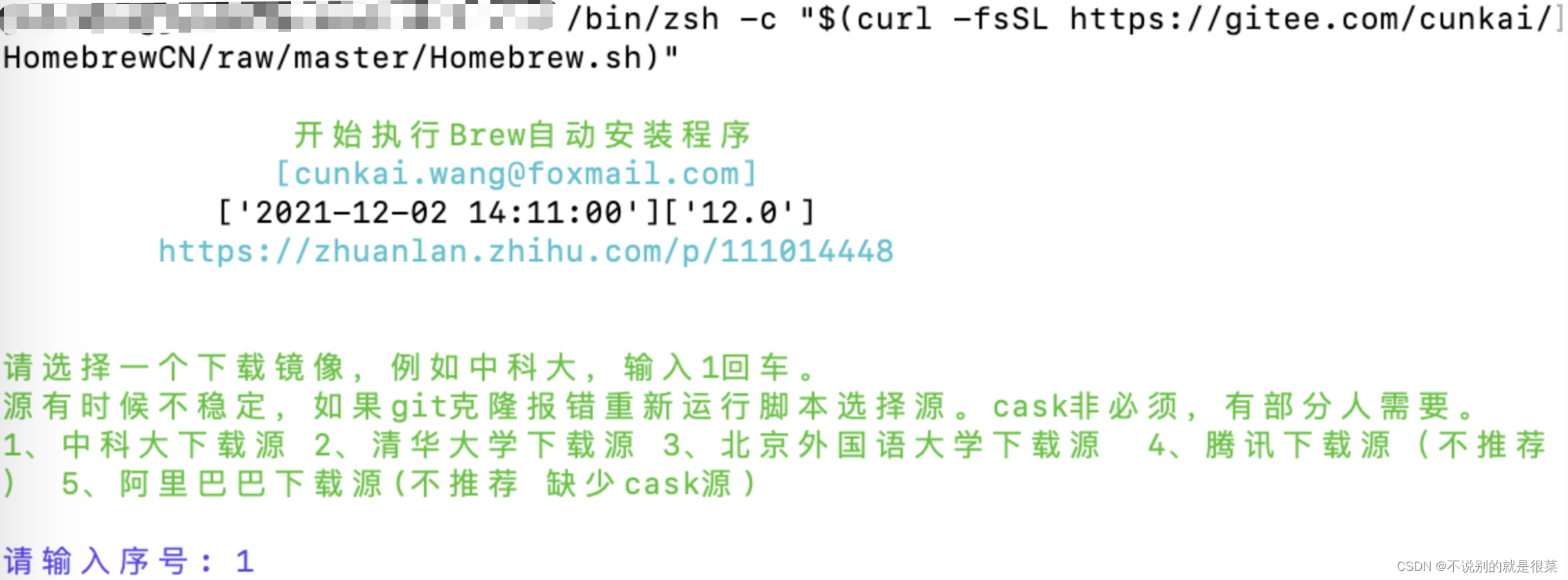
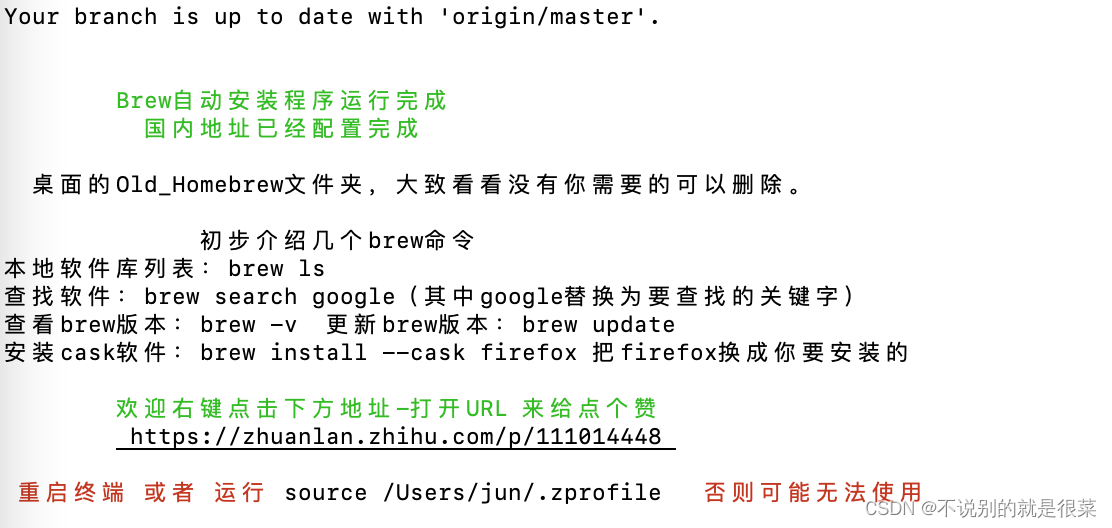
使用脚本安装
/bin/zsh -c "$(curl -fsSL https://gitee.com/cunkai/HomebrewCN/raw/master/Homebrew.sh)"
2.版本查看
查看版本,确认是否安装成功
brew -v

二、配置Node
1. 安装
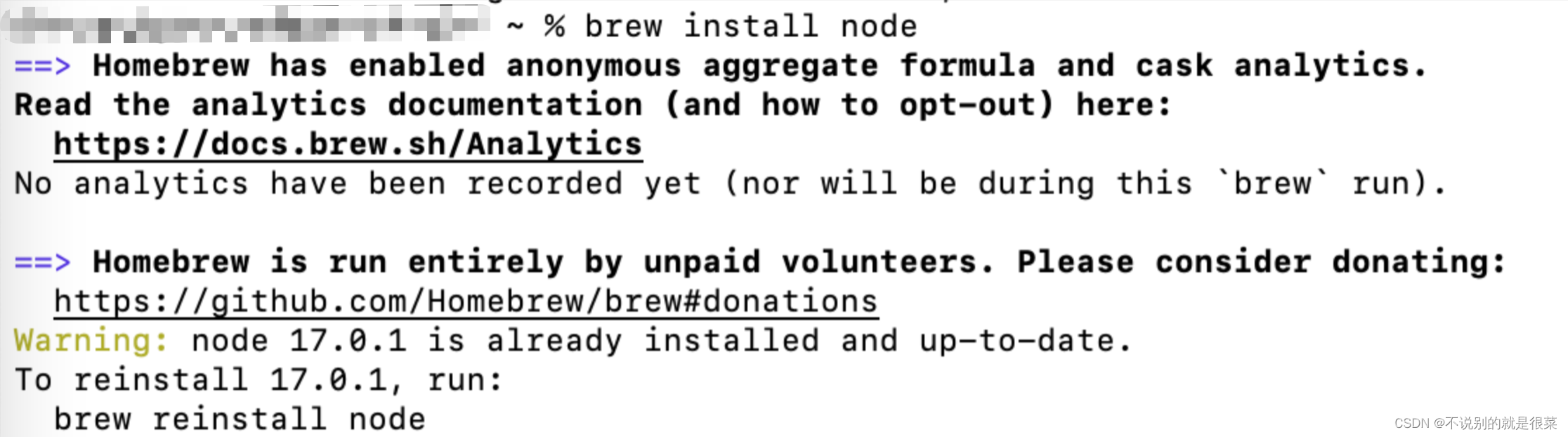
使用Homebrew安装node
brew install node
2. 版本查看
查看版本,确认是否安装成功
node -v

三、安装npm
1. 查看本机配置
npm内置在node中,可查看版本确认是否安装成功
npm -v

四、安装vue
1. 安装
使用npm安装vue/cli
npm install -g @vue/cli

2. 版本查看
查看版本,确认是否安装成功
vue -V

五、安装配置git
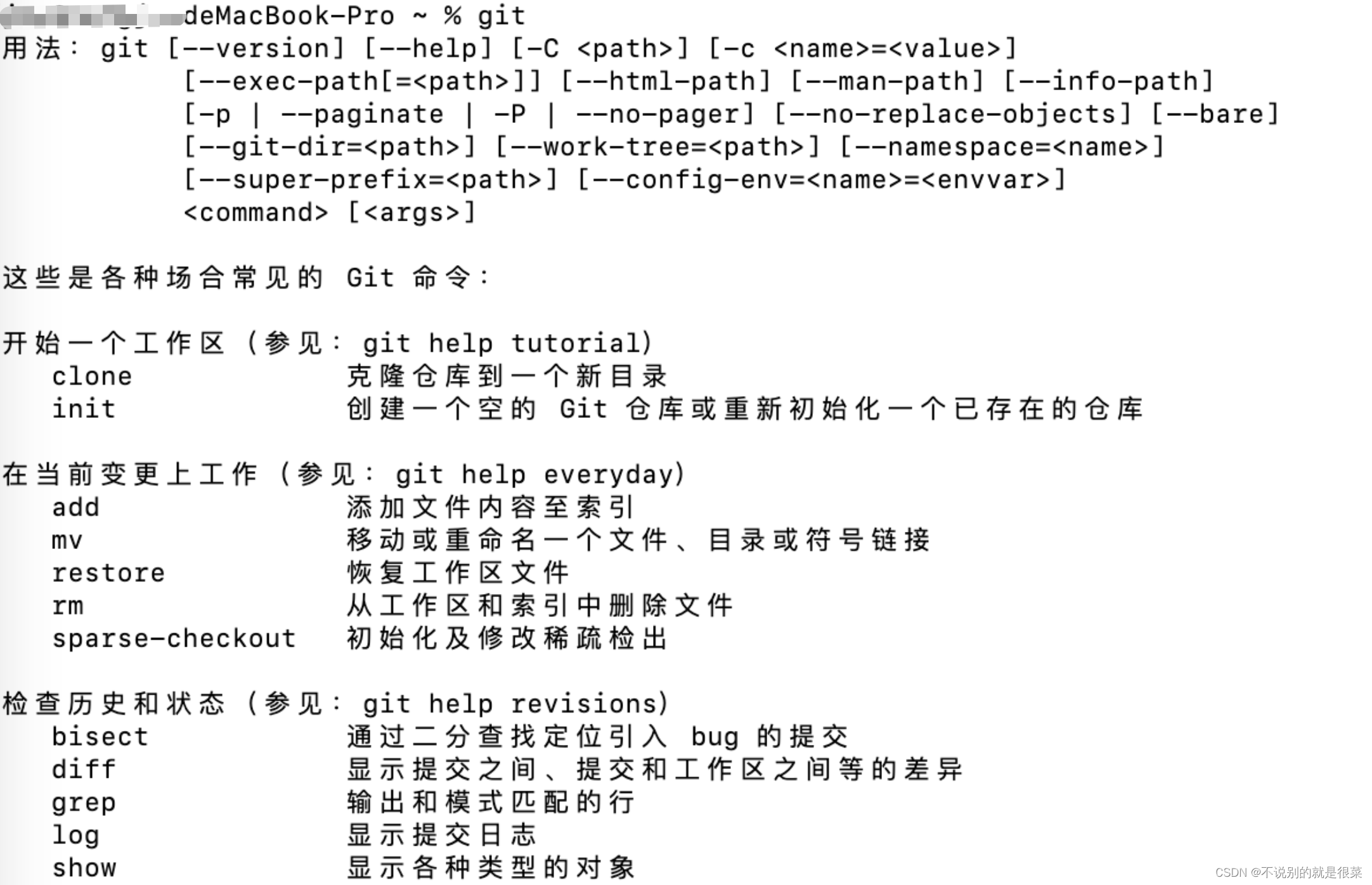
1. 查看本机配置
查看系统中是否已有git,若有信息则表示已有
2. 安装
使用homebrew安装git
brew install git
3. 绑定
绑定已有的git账号
git config --global user.name "你的昵称"
git config --global user.email "你的邮箱"
4. 查看结果
查看是否绑定成功
git config --list


一站式 AI 云服务平台
更多推荐


 1
1 0
0- 0


 已为社区贡献2条内容

所有评论(0)