
python helium学习web自动化
from helium import *import timedriver=start_chrome('https://www.baidu.com')write('一拳超人')press(ENTER)time.sleep(2)click("图片")img=driver.find_element_by_name("pn8")click(img)click("下载")首先pip installheli
·
from helium import *
import time
driver=start_chrome('https://www.baidu.com')
write('一拳超人')
press(ENTER)
time.sleep(2)
click("图片")
img=driver.find_element_by_name("pn8")
click(img)
click("下载")
helium的说明文档
Welcome to Helium’s documentation! — helium 3.0.9-SNAPSHOT documentation
首先pip install helium
然后复制ChromeDriver
下载链接ChromeDriver - WebDriver for Chrome - Downloads https://chromedriver.chromium.org/downloads
https://download.csdn.net/download/fzf1996/63990095
将chromedriver.exe拷贝至
谷歌浏览器目录(如 C:\Program Files\Google\Chrome\Application)
以及python根目录(C:\Python27)。
将谷歌浏览器环境变量添加到path(C:\Users\HD003\AppData\Local\Google\Chrome\Application)。
将代码运行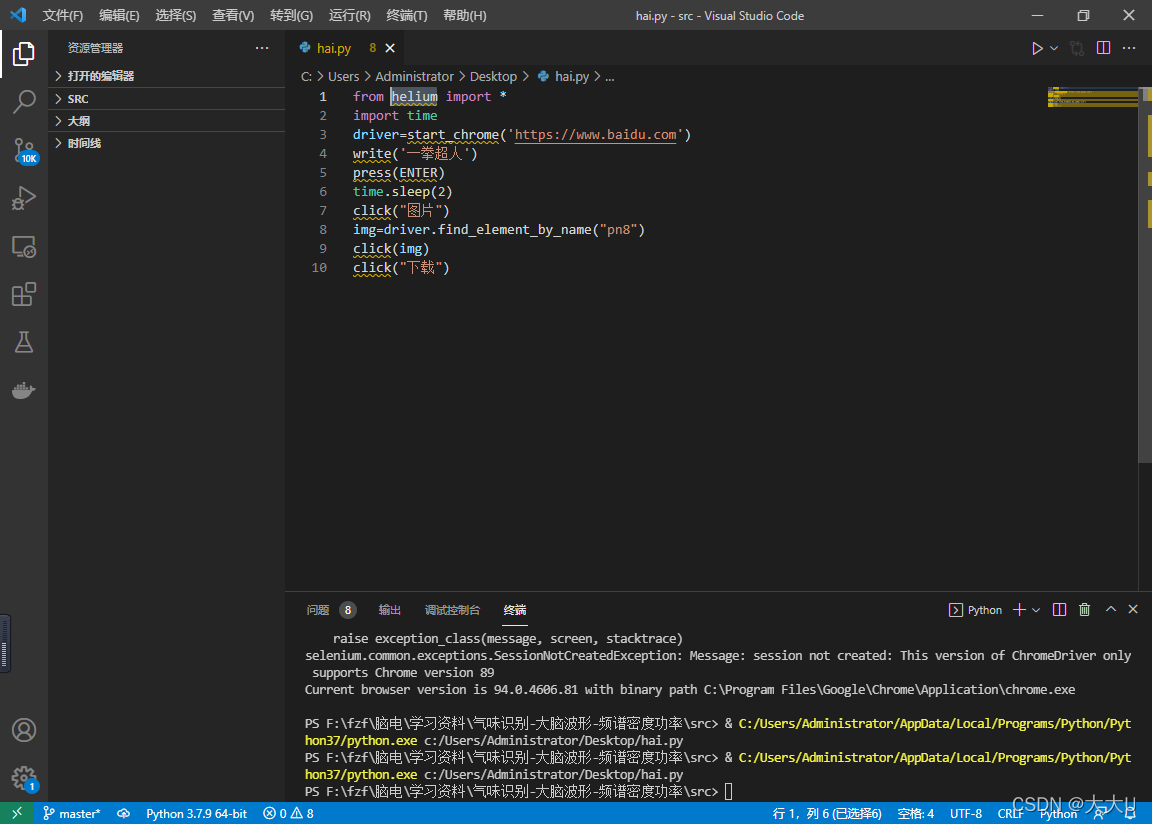
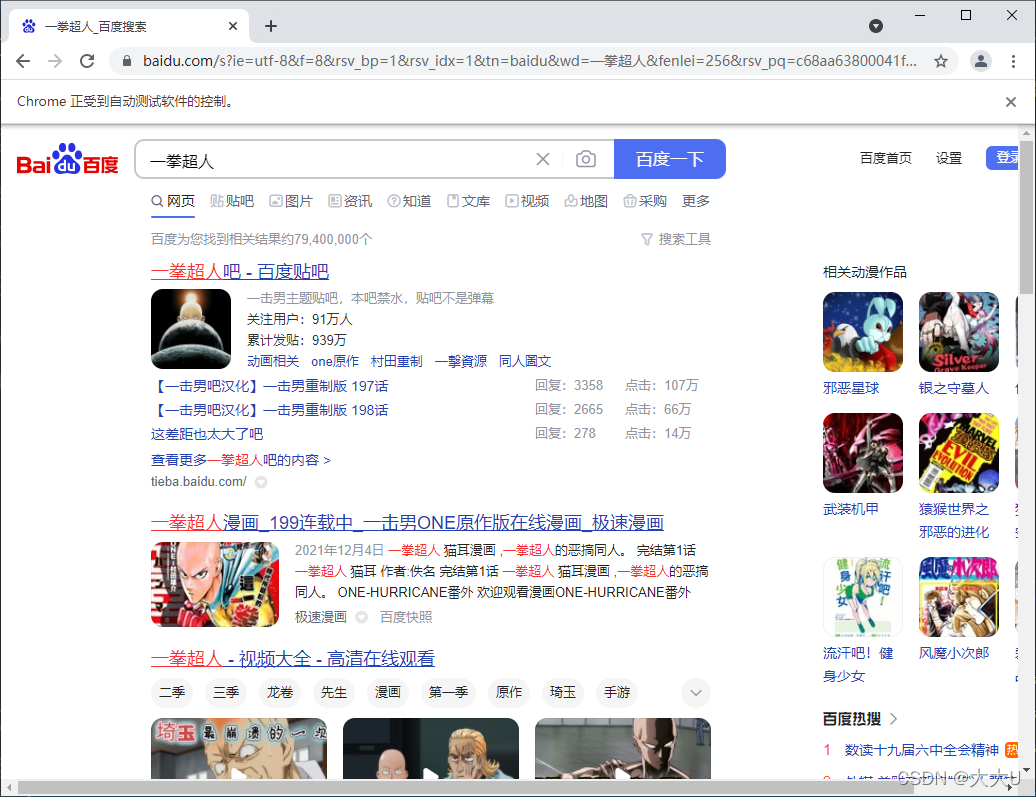
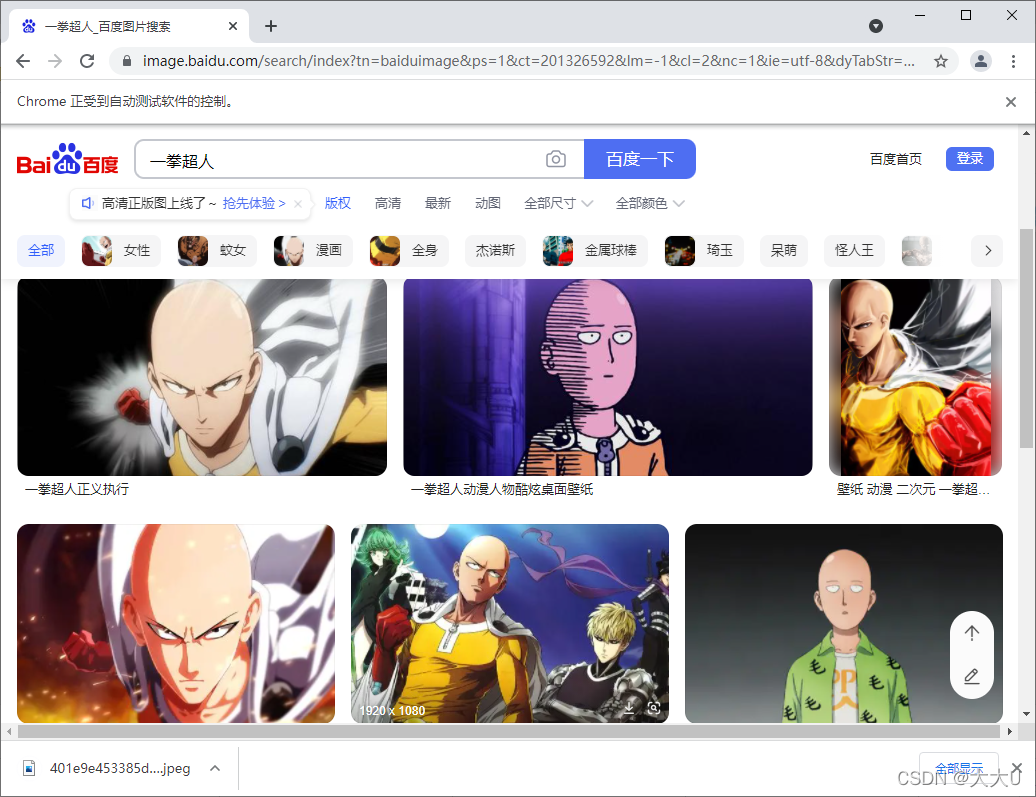
进一步学习

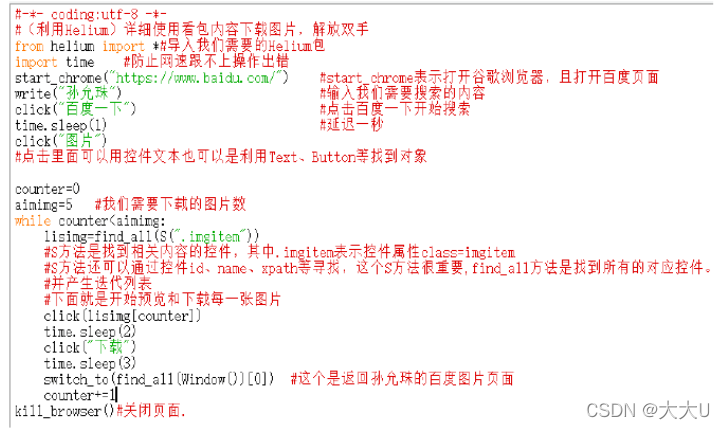
打开网页,查找网页元素,位置


一站式 AI 云服务平台
更多推荐



 0
0 0
0- 0


 已为社区贡献1条内容

所有评论(0)