
Tailscale异地组网中转derp服务器搭建(无需域名)
Tailscale异地组网中转derp服务器搭建
·
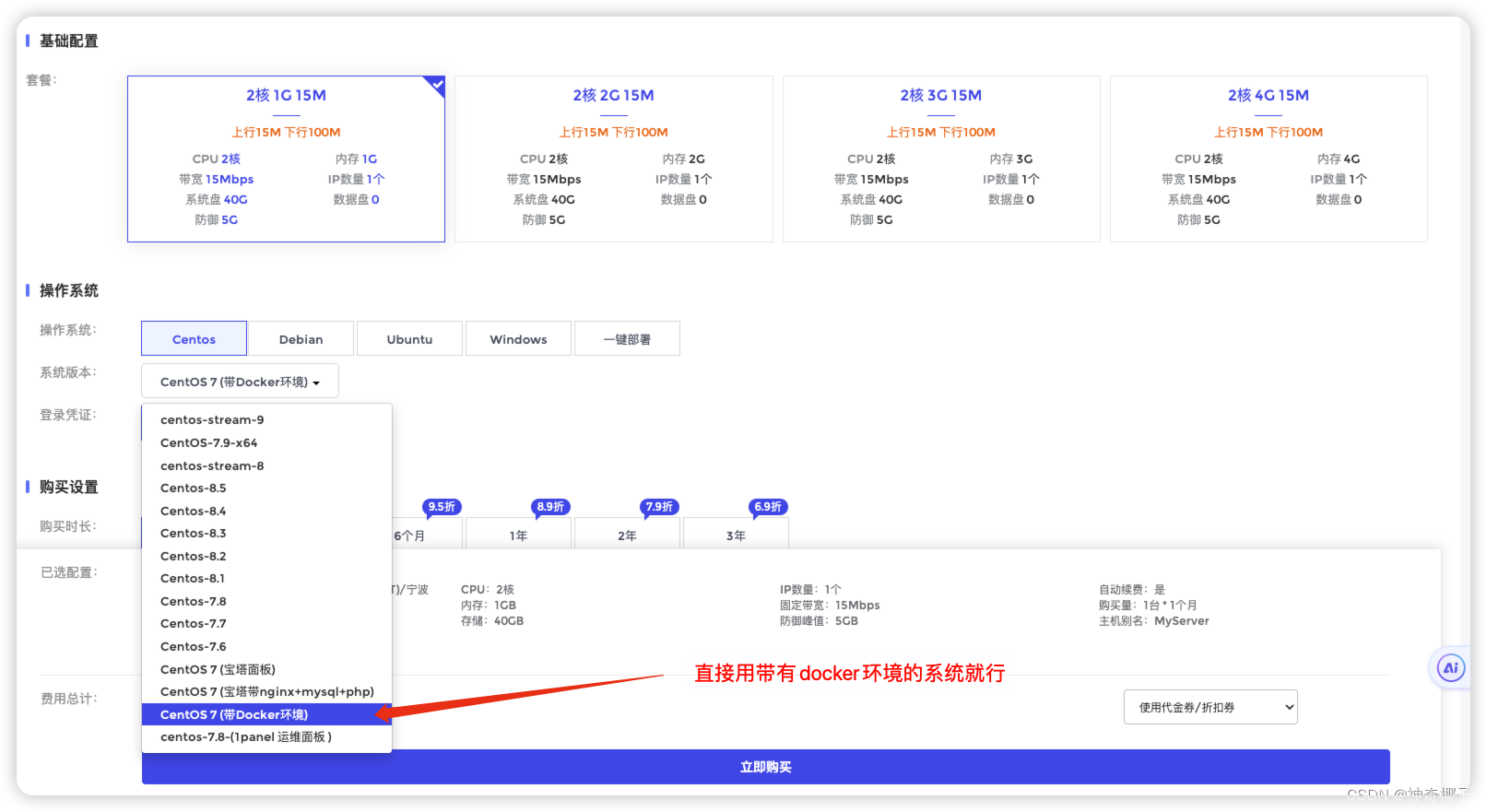
准备一台nat服务器
#安装带有docker环境的系统
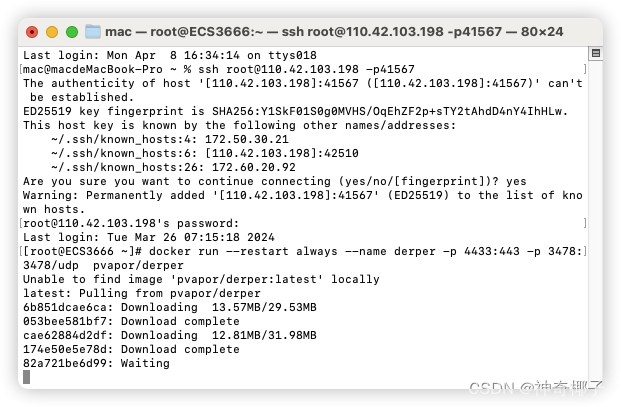
登录服务器
部署derp容器
docker run -d --restart always --name derper -p 4433:443 -p 3478:3478/udp pvapor/derper
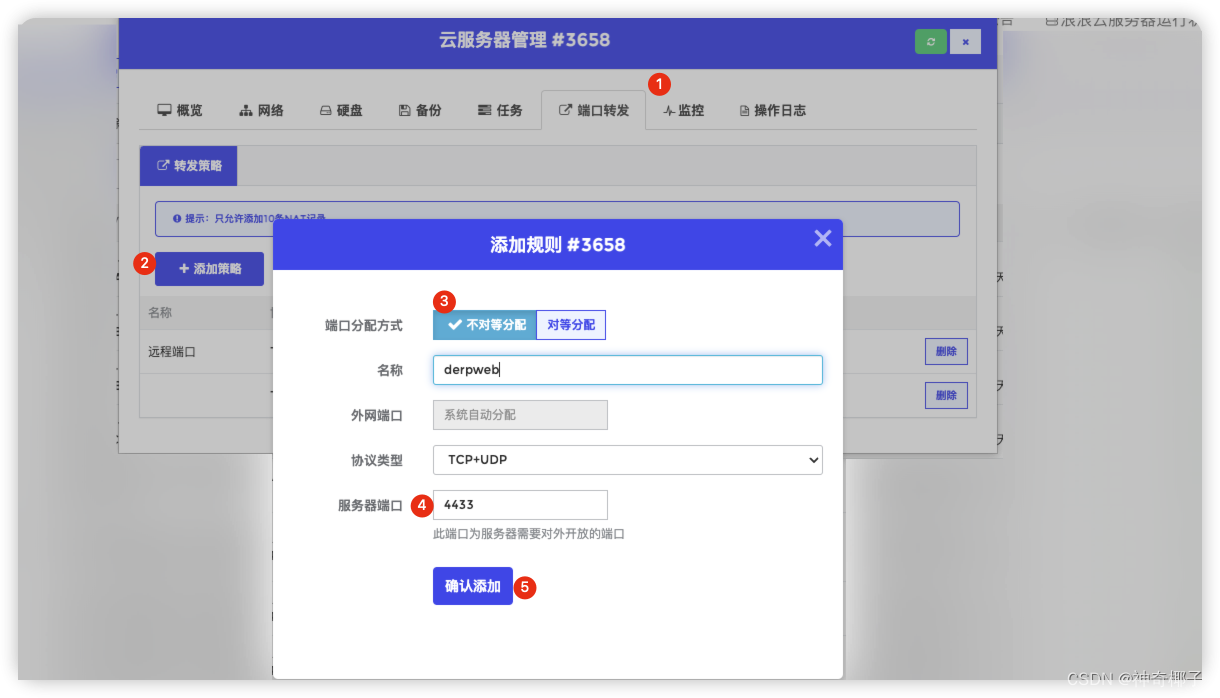
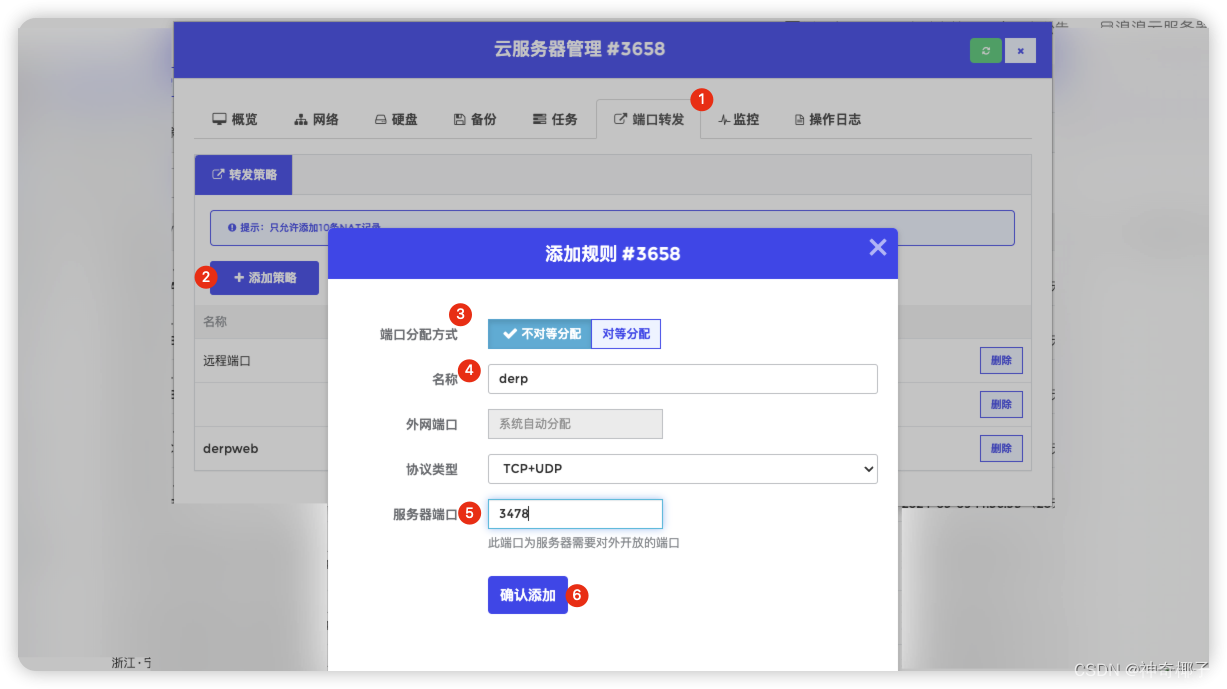
添加端口转发
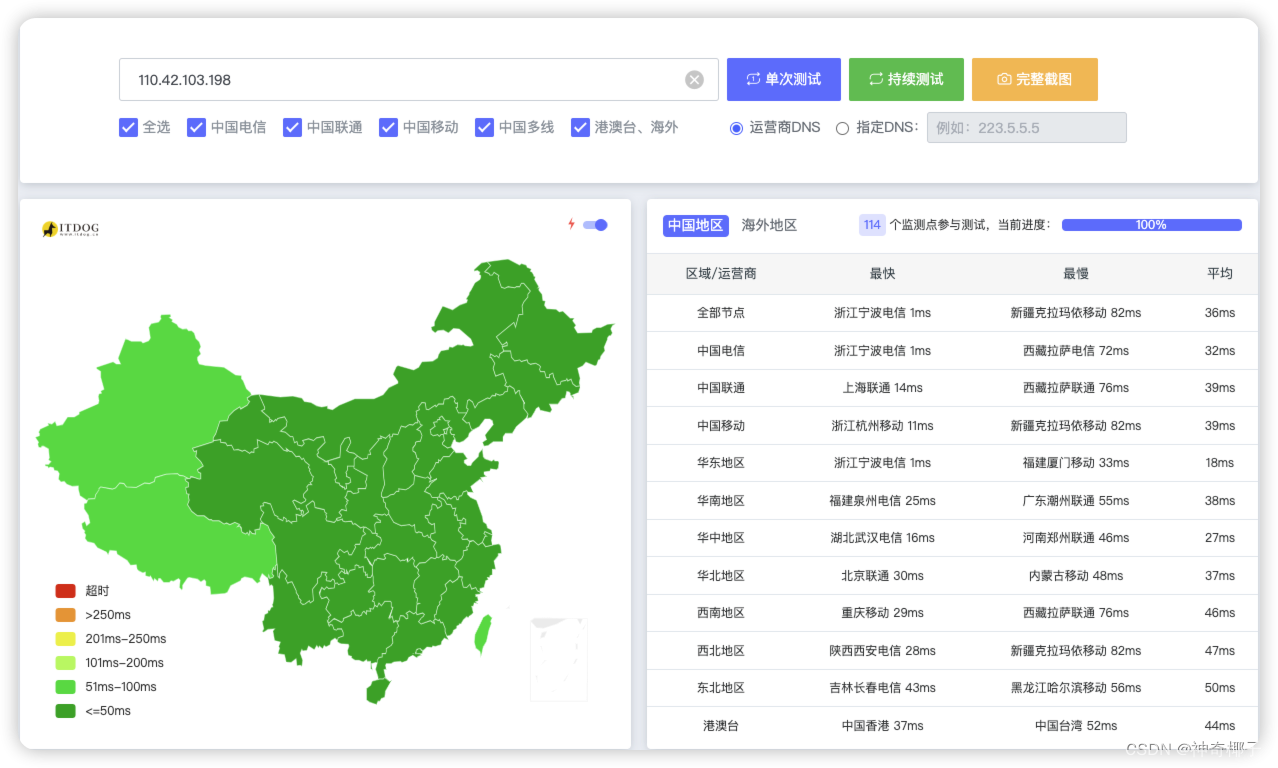
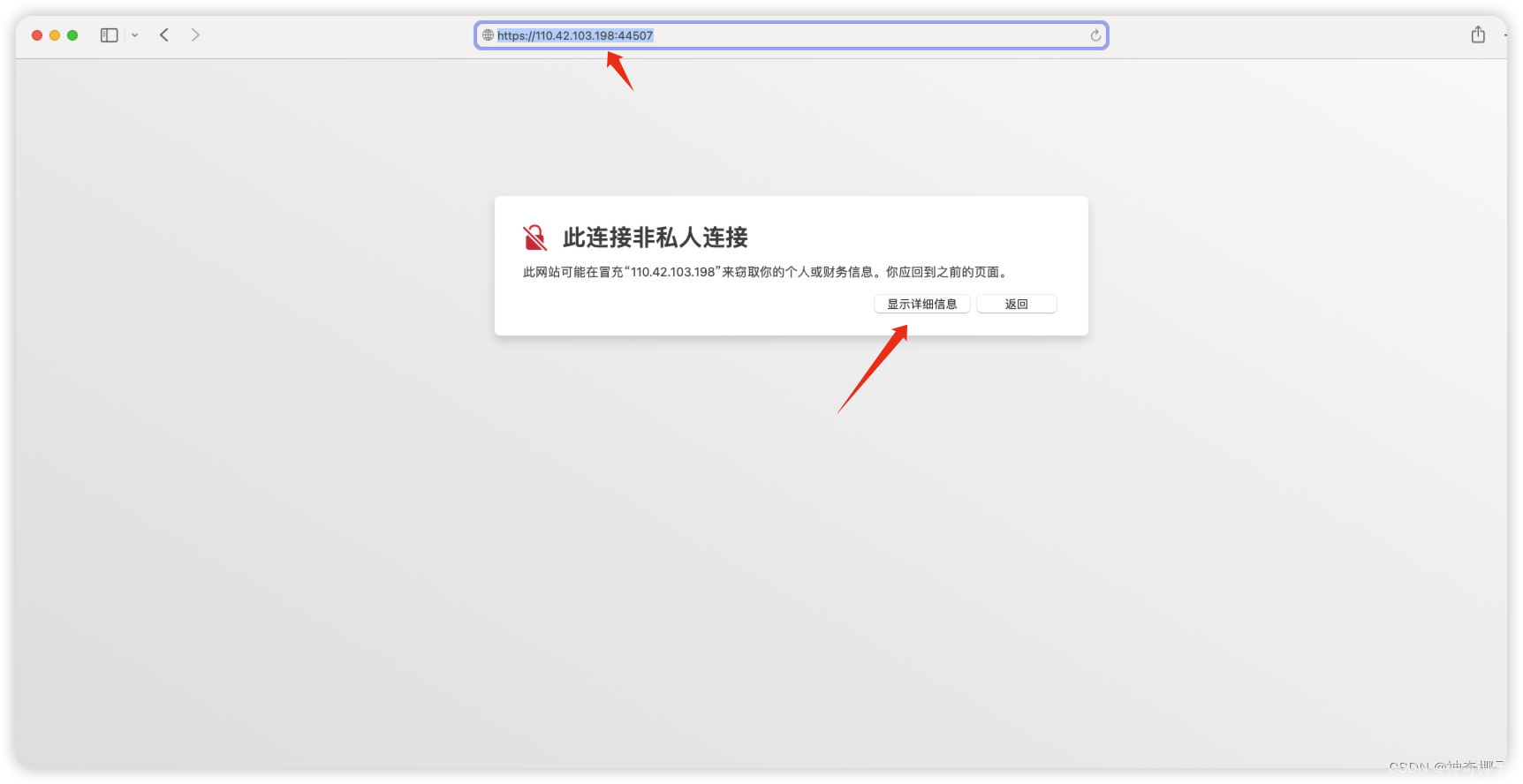
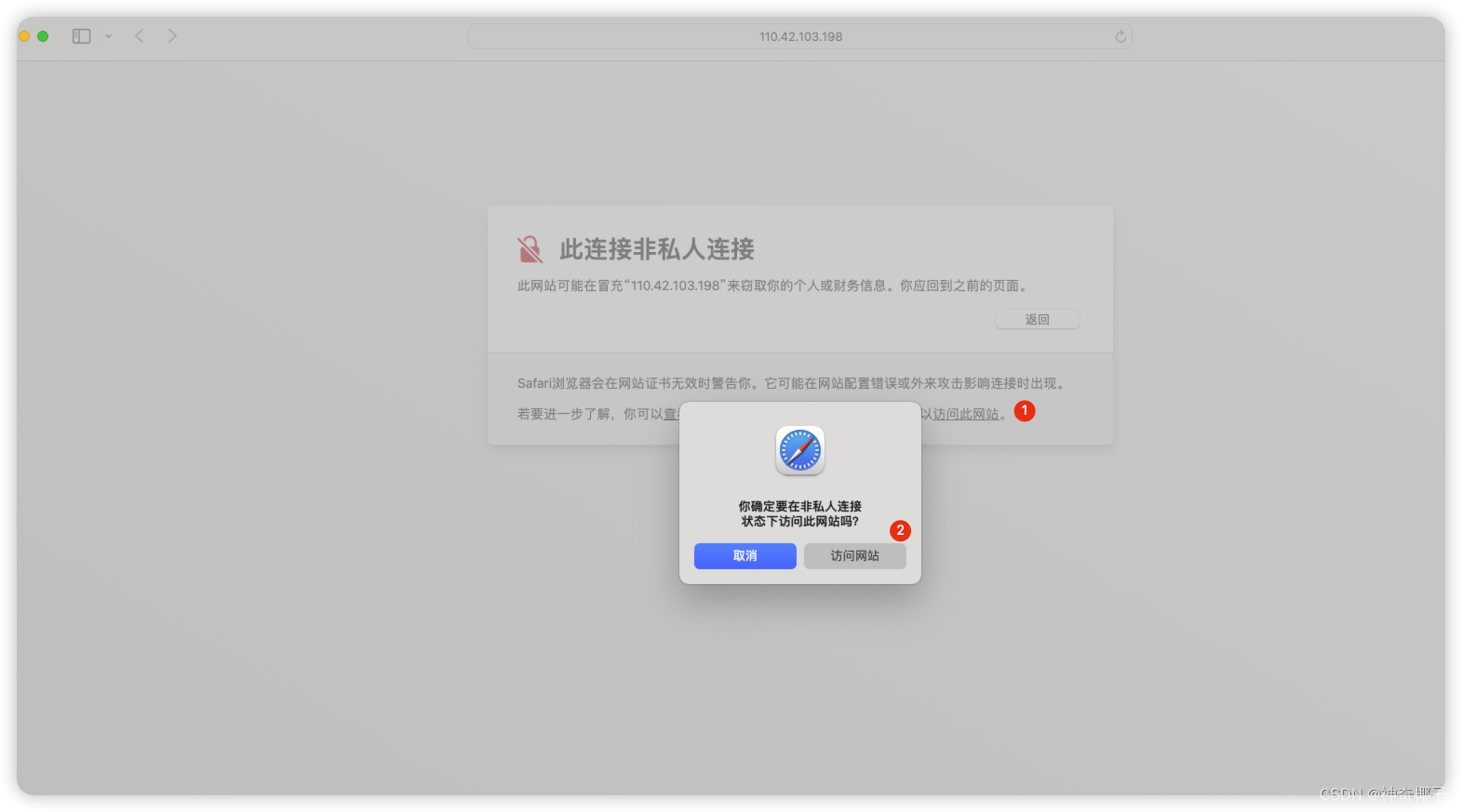
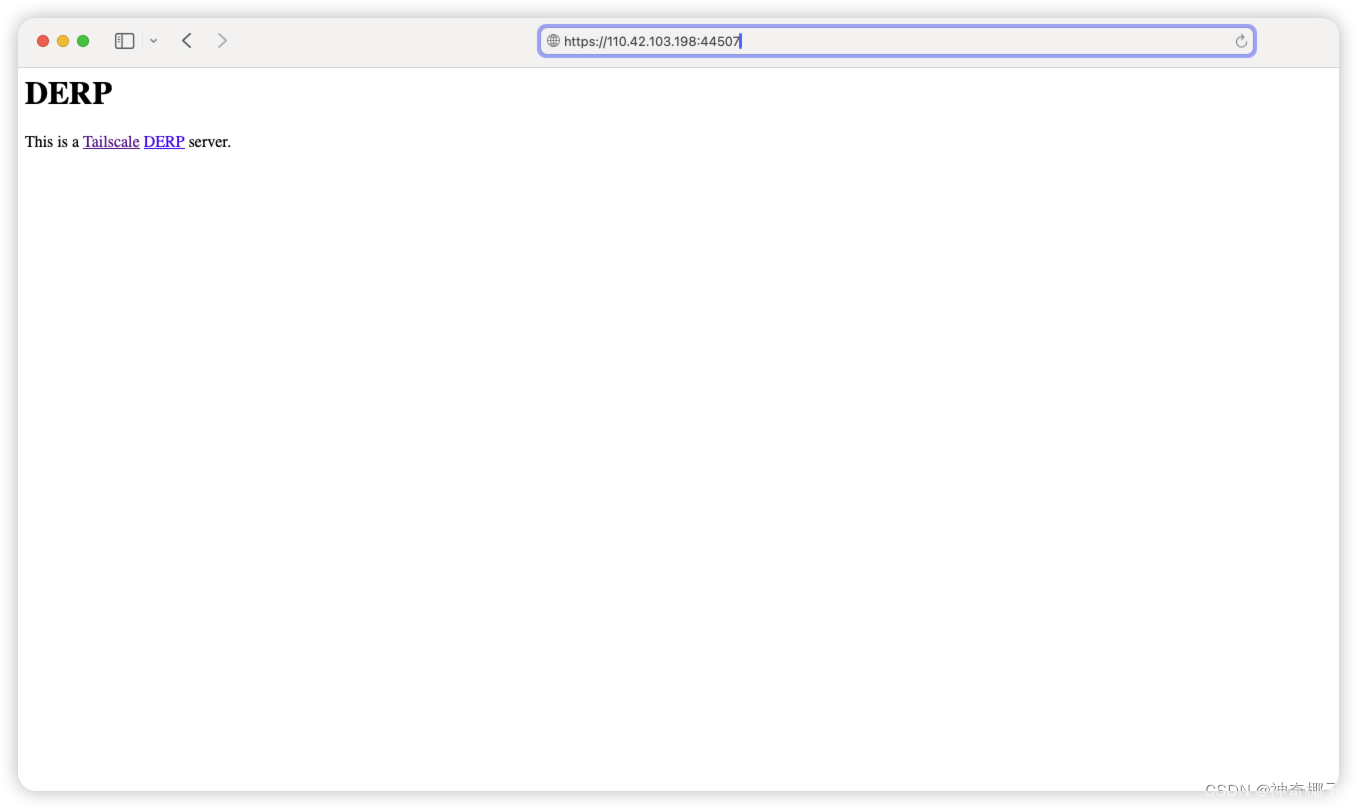
测试访问derp服务器
> https://110.42.103.198:44507 访问成功
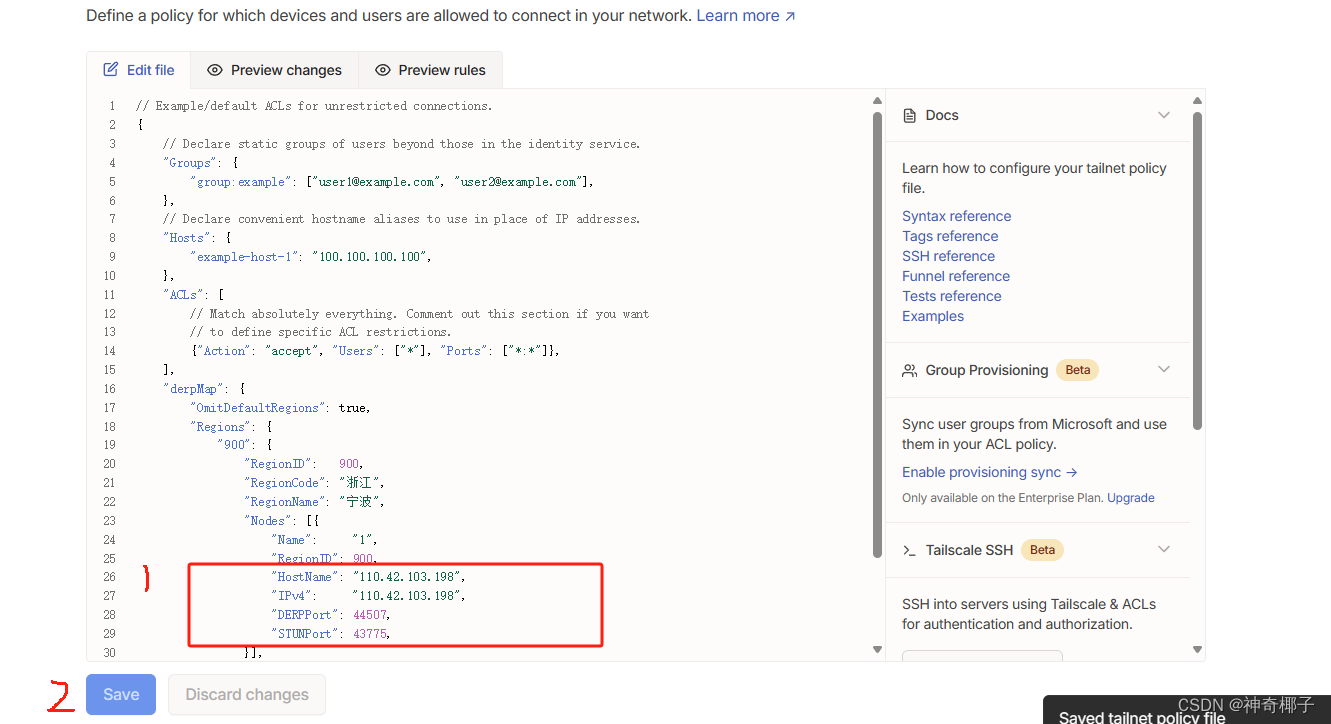
修改tailscale配置文件
// Example/default ACLs for unrestricted connections.
{
	// Declare static groups of users beyond those in the identity service.
	"Groups": {
		"group:example": ["user1@example.com", "user2@example.com"],
	},
	// Declare convenient hostname aliases to use in place of IP addresses.
	"Hosts": {
		"example-host-1": "100.100.100.100",
	},
	"ACLs": [
		// Match absolutely everything. Comment out this section if you want
		// to define specific ACL restrictions.
		{"Action": "accept", "Users": ["*"], "Ports": ["*:*"]},
	],
	"derpMap": {
		"OmitDefaultRegions": true,
		"Regions": {
			"900": {
				"RegionID":   900,
					"RegionCode": "浙江",
				"RegionName": "宁波",
				"Nodes": [{
					"Name":     "1",
					"RegionID": 900,
					"HostName": "服务器的ip",
					"IPv4": "服务器的ip",
					"DERPPort": 4433对应的网端口,
					"STUNPort": 3478对应的外网端口,
				}],
			},
		},
	},
}
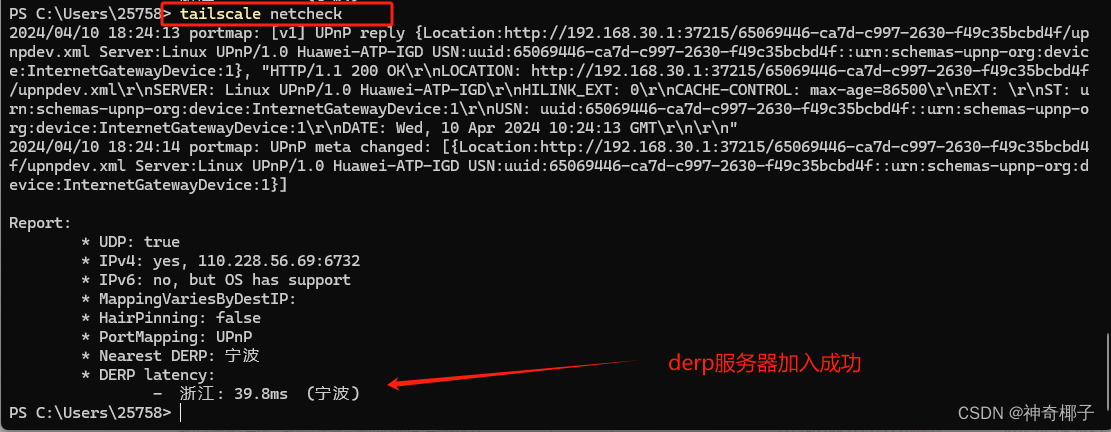
保存配置文件通过 `tailscale netcheck`命令进行查看

一站式 AI 云服务平台
更多推荐



 18
18 0
0- 0


 已为社区贡献8条内容

所有评论(0)