
SpringBoot3整合Elasticsearch8,Linux运维面试
Test//创建索引else{
@Test
public void directConnectionTest() throws IOException {
if (open.equals(“true”)) {
//创建索引
CreateIndexResponse response = directConnectionESClient.indices().create(c -> c.index(“direct_connection_index”));
log.info(response.toString());
}
else{
log.info(“es is closed”);
}
}
#### 账号密码连接`ES`


1. 设置:`ES` `Elasticsearch.yml`的`xpack.security.enabled`属性使用默认值`+` `xpack.security.http.ssl.enabled`设置为`false`


>
> 注意:若`xpack.security.enabled`属性为`false`,则`xpack.security.http.ssl.enabled`属性不生效,即相当于设置为`false`;所有以`xpack`开头的属性都不会生效
>
>
>


>
> `ES` `Elasticsearch.yml`的`xpack.security.http.ssl.enabled`:
>  ● 默认`true`:必须使用`https://localhost:9200/`访问`ES`服务`+`启动`Kibana`服务会成功`+`需要使用账号连接`+`必须使用`HTTPS`连接
>  ● 若为`false`:必须使用`http://localhost:9200/`访问`ES`服务`+`启动`Kibana`服务会失败+需要使用账号连接,但必须使用HTTP连接
>
>
>


2. 配置:`dev`目录`application-dal`中添加下列配置
elasticsearch配置
elasticsearch:
userName: #自己的账号名
password: #自己的密码
3. 添加:`ElasticSearchTest`类中添加下列代码`---`索引名必须小写`+`不能有空格
4. 运行:设置跳过测试`--->`手动运行/不跳过`--->`直接`install`,但不运行测试
@Resource(name = “accountConnectionESClient”)
ElasticsearchClient accountConnectionESClient;
@Test
public void accountConnectionTest() throws IOException {
if (open.equals(“true”)) {
//创建索引
CreateIndexResponse response = accountConnectionESClient.indices().create(c -> c.index(“account_connection_index”));
log.info(response.toString());
}
else{
log.info(“es is closed”);
}
}
#### 证书账号连接`ES`


1. 设置:`ES` `Elasticsearch.yml`的`xpack.security.enabled`和`xpack.security.http.ssl.enabled`配置项使用默认值


>
> 设置为`true`后,`ES`就走`https`,若`scheme`为`http`,则报`Unrecognized` SSL `message`错误
>
>
>


2. 配置:将`dev`目录`application-dal`中`elasticsearch.scheme`配置项改成`https`
3. 证书添加:终端输入`keytool -importcert -alias es_https_ca -keystore "D:\computelTool\Java\JDK\JDK21\lib\security\cacerts" -file "D:\computelTool\database\elasticsearch8111\config\certs\http_ca.crt"`


>
> `keytool -delete -alias es_https_ca -keystore "D:\computelTool\Java\JDK\JDK21\lib\security\cacerts"` `---`与上面的命令相反
>
>
>


4. 拷贝:将`ESconfig`目录下`certs`目录下的`http_ca.crt`文件拷贝到`web`模块`resource`目录
5. 添加:`ElasticSearchConfig`类添加下列方法
/**
* @function: 创建用于安全连接(证书 + 账号)ES服务器的客户端
* 如果@Bean没有指定bean的名称,那么这个bean的名称就是方法名
*/
@Bean(name = “accountAndCertificateConnectionESClient”)
public ElasticsearchClient accountAndCertificateConnectionESClient() {
RestClientBuilder builder = creatBaseConfBuilder( (scheme == "https")?"https":"https");

// 1.账号密码的配置
//CredentialsProvider: 用于提供 HTTP 身份验证凭据的接口; 允许你配置用户名和密码,以便在与服务器建立连接时进行身份验证
CredentialsProvider credentialsProvider = new BasicCredentialsProvider();
credentialsProvider.setCredentials(AuthScope.ANY, new UsernamePasswordCredentials(userName, password));

// 2.设置自签证书,并且还包含了账号密码
builder.setHttpClientConfigCallback(httpAsyncClientBuilder -> httpAsyncClientBuilder
                                    .setSSLContext(buildSSLContext())
                                    .setSSLHostnameVerifier(NoopHostnameVerifier.INSTANCE)
                                    .setDefaultCredentialsProvider(credentialsProvider));

RestClientTransport transport = new RestClientTransport(builder.build(), new JacksonJsonpMapper());

//And create the API client
ElasticsearchClient esClient = new ElasticsearchClient(transport);

return esClient;
}
private static SSLContext buildSSLContext() {
// 读取http\_ca.crt证书
ClassPathResource resource = new ClassPathResource("http\_ca.crt");
SSLContext sslContext = null;
try {
    // 证书工厂
    CertificateFactory factory = CertificateFactory.getInstance("X.509");
    Certificate trustedCa;
    try (InputStream is = resource.getInputStream()) {
        trustedCa = factory.generateCertificate(is);
    }
    // 密钥库
    KeyStore trustStore = KeyStore.getInstance("pkcs12");
    trustStore.load(null, "liuxiansheng".toCharArray());
    trustStore.setCertificateEntry("ca", trustedCa);
    SSLContextBuilder sslContextBuilder = SSLContexts.custom()
             .loadTrustMaterial(trustStore, null);
    sslContext = sslContextBuilder.build();
} catch (CertificateException | IOException | KeyStoreException | NoSuchAlgorithmException |
             KeyManagementException e) {
    log.error("ES连接认证失败", e);
}
return sslContext;
}
7. 测试:`ElasticSearchTest`类添加
@Resource(name = “accountAndCertificateConnectionESClient”)
ElasticsearchClient accountAndCertificateConnectionESClient;
@Test
public void accountAndCertificateConnectionTest() throws IOException {
if (open.equals(“true”)) {
//创建索引
CreateIndexResponse response = accountAndCertificateConnectionESClient.indices().create(c -> c.index(“account_and_certificate_connection_index”));
log.info(response.toString());
System.out.println(response.toString());
}
else{
log.info(“es is closed”);
}
}
### `Spring Data ES`


#### 公共配置


1. 依赖:`web`模块引入该依赖`---`但其版本必须与你下载的`ES`的版本一致


>
> 版本:点击`https://spring.io/projects/spring-data-elasticsearch#learn`,点击`GA`版本的`Reference Doc`,点击`version`查看`Spring Data ES`与`ES`版本的支持关系
>
>
>


>
> 参考:`https://www.yuque.com/itwanger/vn4p17/wslq2t/https://blog.csdn.net/qq_40885085/article/details/105023026`
>
>
>
2. 新建:`we`b模块`TestEntity`目录新建`ESTestEntity`
@Data
@EqualsAndHashCode(callSuper = false)
@Document(indexName = “test”)
public class ESTestEntity implements Serializable {
private static final long serialVersionUID = 1L;

@Id
private Long id;

@Field(type = FieldType.Text, analyzer = "ik\_max\_word")
private String content;

private String title;

private String excerpt;
}
3. 新建:`web`模块`TestRepository`包下新建`ESTestRepository` 接口
import cn.bytewisehub.pai.web.TestEntity.ESTestEntity;
import org.springframework.data.domain.Page;
import org.springframework.data.domain.Pageable;
import org.springframework.data.elasticsearch.repository.ElasticsearchRepository;
public interface ESTestRepository extends ElasticsearchRepository<ESTestEntity, Long> {
}
#### 直接连接`ES`


1. 配置:`ES` `Elasticsearch.yml`的`xpack.security.enabled`属性设置为`false`


>
> `xpack.security.enabled`:
>  ● 默认`true`:必须使用账号连接`ES`
>  ● 若为`false`:必须使用`http://localhost:9200/`访问`ES`服务`+`启动`Kibana`服务会失败`+`不需要使用账号连接,但必须使用`HTTP`连接
>
>
>


2. 配置:`web`模块`dev`目录`application-dal`添加
spring:
elasticsearch:
uris:
- http://127.0.0.1:9200
3. 新建:`web`模块`test`目录新建`ElasticsearchTemplateTest`
import cn.bytewisehub.pai.web.TestEntity.ESTestEntity;
import cn.bytewisehub.pai.web.TestRepository.ESTestRepository;
import org.junit.jupiter.api.Test;
import org.springframework.beans.factory.annotation.Autowired;
import org.springframework.boot.test.context.SpringBootTest;
import org.springframework.data.elasticsearch.client.elc.ElasticsearchTemplate;
@SpringBootTest
public class ElasticsearchTemplateTest {
@Autowired
ESTestRepository esTestRepository;

@Autowired
ElasticsearchTemplate elasticsearchTemplate;

@Test
void save() {
    ESTestEntity esTestEntity = new ESTestEntity();
    esTestEntity.setId(1L);
    esTestEntity.setContent("不安全连接");
    esTestEntity.setTitle("world");
    esTestEntity.setExcerpt("test");
    System.out.println(elasticsearchTemplate.save(esTestEntity));
}

@Test
void insert() {
    ESTestEntity esTestEntity = new ESTestEntity();
    esTestEntity.setId(2L);
    esTestEntity.setContent("不安全连接");
    esTestEntity.setTitle("world");
    esTestEntity.setExcerpt("test");
    System.out.println(esTestRepository.save(esTestEntity));
}
}
4. 访问:点击`http://localhost:9200/test/_search` `---`查询索引库`test`

#### `HTTP`连接`ES`
1. 配置:`ES` `Elasticsearch.yml`的`xpack.security.enabled`属性使用默认值`+` `xpack.security.http.ssl.enabled`设置为`false`
>
> `ES` `Elasticsearch.yml`的`xpack.security.http.ssl.enabled`:
> ● 默认`true`:必须使用`https://localhost:9200/`访问`ES`服务`+`启动`Kibana`服务会成功`+`需要使用账号连接`+`必须使用`HTTPS`连接
> ● 若为`false`:必须使用`http://localhost:9200/`访问`ES`服务`+`启动`Kibana`服务会失败`+`需要使用账号连接,但必须使用`HTTP`连接
>
>
>
2. 配置:`web`模块`dev`目录`application-dal`添加
**自我介绍一下,小编13年上海交大毕业,曾经在小公司待过,也去过华为、OPPO等大厂,18年进入阿里一直到现在。**
**深知大多数Linux运维工程师,想要提升技能,往往是自己摸索成长或者是报班学习,但对于培训机构动则几千的学费,着实压力不小。自己不成体系的自学效果低效又漫长,而且极易碰到天花板技术停滞不前!**
**因此收集整理了一份《2024年Linux运维全套学习资料》,初衷也很简单,就是希望能够帮助到想自学提升又不知道该从何学起的朋友,同时减轻大家的负担。**
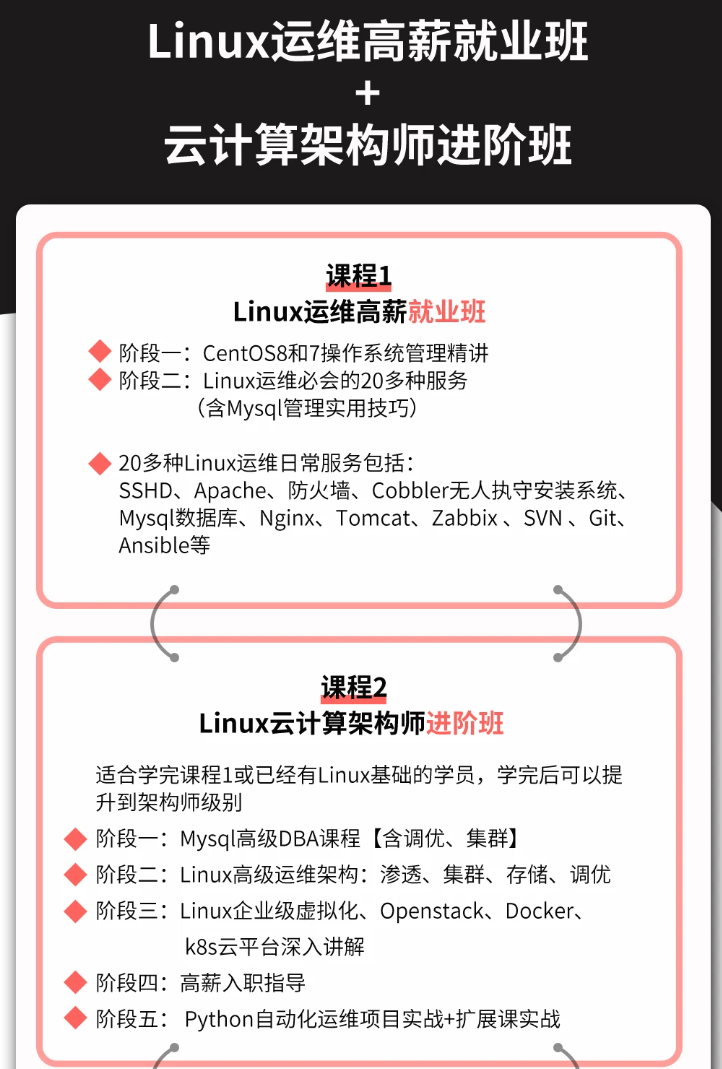
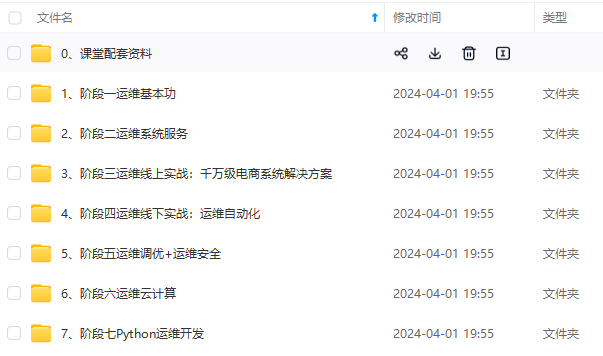
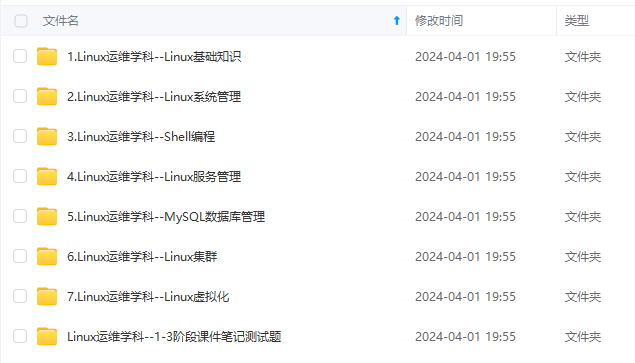
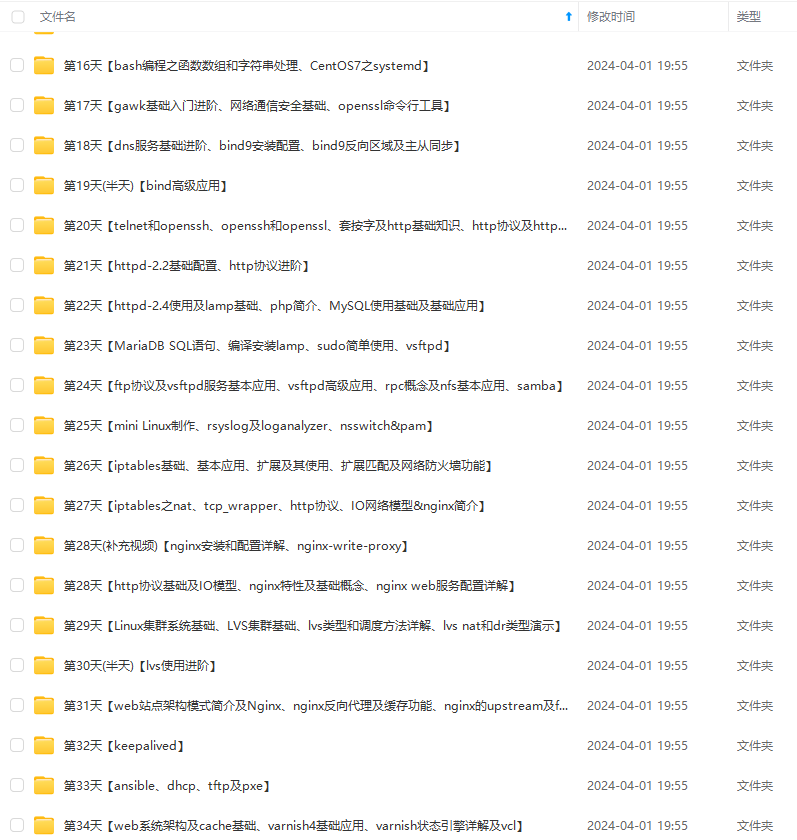
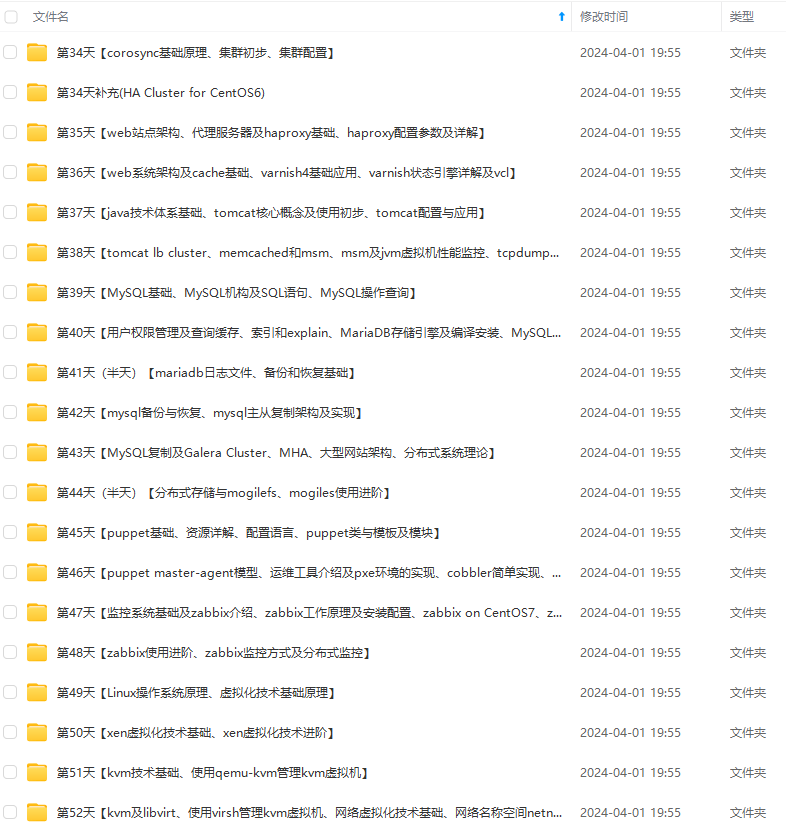
**既有适合小白学习的零基础资料,也有适合3年以上经验的小伙伴深入学习提升的进阶课程,基本涵盖了95%以上Linux运维知识点,真正体系化!**
**由于文件比较大,这里只是将部分目录大纲截图出来,每个节点里面都包含大厂面经、学习笔记、源码讲义、实战项目、讲解视频,并且后续会持续更新**
**如果你觉得这些内容对你有帮助,可以添加VX:vip1024b (备注Linux运维获取)**

为了做好运维面试路上的助攻手,特整理了上百道 **【运维技术栈面试题集锦】** ,让你面试不慌心不跳,高薪offer怀里抱!
这次整理的面试题,**小到shell、MySQL,大到K8s等云原生技术栈,不仅适合运维新人入行面试需要,还适用于想提升进阶跳槽加薪的运维朋友。**
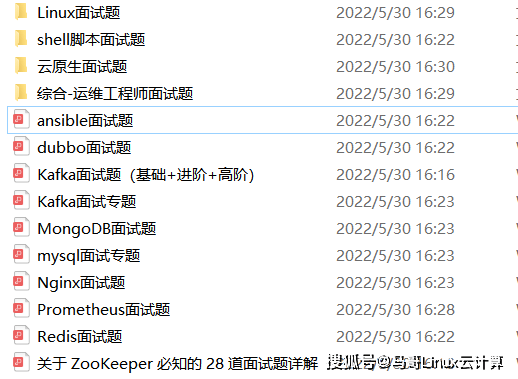
本份面试集锦涵盖了
* **174 道运维工程师面试题**
* **128道k8s面试题**
* **108道shell脚本面试题**
* **200道Linux面试题**
* **51道docker面试题**
* **35道Jenkis面试题**
* **78道MongoDB面试题**
* **17道ansible面试题**
* **60道dubbo面试题**
* **53道kafka面试**
* **18道mysql面试题**
* **40道nginx面试题**
* **77道redis面试题**
* **28道zookeeper**
**总计 1000+ 道面试题, 内容 又全含金量又高**
* **174道运维工程师面试题**
> 1、什么是运维?
> 2、在工作中,运维人员经常需要跟运营人员打交道,请问运营人员是做什么工作的?
> 3、现在给你三百台服务器,你怎么对他们进行管理?
> 4、简述raid0 raid1raid5二种工作模式的工作原理及特点
> 5、LVS、Nginx、HAproxy有什么区别?工作中你怎么选择?
> 6、Squid、Varinsh和Nginx有什么区别,工作中你怎么选择?
> 7、Tomcat和Resin有什么区别,工作中你怎么选择?
> 8、什么是中间件?什么是jdk?
> 9、讲述一下Tomcat8005、8009、8080三个端口的含义?
> 10、什么叫CDN?
> 11、什么叫网站灰度发布?
> 12、简述DNS进行域名解析的过程?
> 13、RabbitMQ是什么东西?
> 14、讲一下Keepalived的工作原理?
> 15、讲述一下LVS三种模式的工作过程?
> 16、mysql的innodb如何定位锁问题,mysql如何减少主从复制延迟?
> 17、如何重置mysql root密码?
[**一个人可以走的很快,但一群人才能走的更远。如果你从事以下工作或对以下感兴趣,欢迎戳这里加入程序员的圈子,让我们一起学习成长!**](https://bbs.csdn.net/forums/4304bb5a486d4c3ab8389e65ecb71ac0)
**AI人工智能、Android移动开发、AIGC大模型、C C#、Go语言、Java、Linux运维、云计算、MySQL、PMP、网络安全、Python爬虫、UE5、UI设计、Unity3D、Web前端开发、产品经理、车载开发、大数据、鸿蒙、计算机网络、嵌入式物联网、软件测试、数据结构与算法、音视频开发、Flutter、IOS开发、PHP开发、.NET、安卓逆向、云计算**
tMQ是什么东西?
> 14、讲一下Keepalived的工作原理?
> 15、讲述一下LVS三种模式的工作过程?
> 16、mysql的innodb如何定位锁问题,mysql如何减少主从复制延迟?
> 17、如何重置mysql root密码?
[**一个人可以走的很快,但一群人才能走的更远。如果你从事以下工作或对以下感兴趣,欢迎戳这里加入程序员的圈子,让我们一起学习成长!**](https://bbs.csdn.net/forums/4304bb5a486d4c3ab8389e65ecb71ac0)
**AI人工智能、Android移动开发、AIGC大模型、C C#、Go语言、Java、Linux运维、云计算、MySQL、PMP、网络安全、Python爬虫、UE5、UI设计、Unity3D、Web前端开发、产品经理、车载开发、大数据、鸿蒙、计算机网络、嵌入式物联网、软件测试、数据结构与算法、音视频开发、Flutter、IOS开发、PHP开发、.NET、安卓逆向、云计算**

一站式 AI 云服务平台
更多推荐



 9
9 0
0- 0


 已为社区贡献7条内容

所有评论(0)