
Linux之X11+OpenGL+EGL绘制(二十),2024年最新靠这份Linux运维知识点PDF成功跳槽
最近很多小伙伴找我要Linux学习资料,于是我翻箱倒柜,整理了一些优质资源,涵盖视频、电子书、PPT等共享给大家!
#include <X11/Xlib.h>
#include <X11/Xatom.h>
#include <X11/Xutil.h>
#include <GLES2/gl2.h>
#include <EGL/egl.h>
using namespace std;
const char vertex_src [] =
" \
attribute vec4 position; \
varying mediump vec2 pos; \
uniform vec4 offset; \
\
void main() \
{ \
gl_Position = position + offset; \
pos = position.xy; \
} \
";
const char fragment_src [] =
" \
varying mediump vec2 pos; \
uniform mediump float phase; \
\
void main() \
{ \
gl_FragColor = vec4( 1., 0.9, 0.7, 1.0 ) * \
cos( 30.sqrt(pos.xpos.x + 1.5pos.ypos.y) \
- atan(pos.y,pos.x) - phase ); \
} \
";
// handle to the shader
void print_shader_info_log (GLuint shader){
GLint length;
glGetShaderiv ( shader , GL_INFO_LOG_LENGTH , &length );
if ( length ) {
char* buffer = new char [ length ];
glGetShaderInfoLog ( shader , length , NULL , buffer );
cout << "shader info: " << buffer << flush;
delete [] buffer;
GLint success;
glGetShaderiv( shader, GL_COMPILE_STATUS, &success );
if ( success != GL_TRUE ) exit ( 1 );
}
}
GLuint load_shader ( const char *shader_source, GLenum type){
GLuint shader = glCreateShader( type );
glShaderSource ( shader , 1 , &shader_source , NULL );
glCompileShader ( shader );
print_shader_info_log ( shader );
return shader;
}
Display *x_display;
Window win;
EGLDisplay egl_display;
EGLContext egl_context;
EGLSurface egl_surface;
GLfloat
norm_x = 0.0,
norm_y = 0.0,
offset_x = 0.0,
offset_y = 0.0,
p1_pos_x = 0.0,
p1_pos_y = 0.0;
GLint phase_loc, offset_loc, position_loc;
bool update_pos = false;
const float vertexArray[] = {
0.0, 0.5, 0.0,
-0.5, 0.0, 0.0,
0.0, -0.5, 0.0,
0.5, 0.0, 0.0,
0.0, 0.5, 0.0
};
void render(){
static float phase = 0;
static int donesetup = 0;
static XWindowAttributes gwa;
draw
if ( !donesetup ) {
XWindowAttributes gwa;
XGetWindowAttributes ( x_display , win , &gwa );
glViewport ( 0 , 0 , gwa.width , gwa.height );
glClearColor ( 0.08 , 0.06 , 0.07 , 1.); // background color
donesetup = 1;
}
glClear ( GL_COLOR_BUFFER_BIT );
glUniform1f ( phase_loc , phase ); // write the value of phase to the shaders phase
phase = fmodf ( phase + 0.5f , 2.f * 3.141f ); // and update the local variable
if ( update_pos ) { // if the position of the texture has changed due to user action
GLfloat old_offset_x = offset_x;
GLfloat old_offset_y = offset_y;
offset_x = norm_x - p1_pos_x;
offset_y = norm_y - p1_pos_y;
p1_pos_x = norm_x;
p1_pos_y = norm_y;
offset_x += old_offset_x;
offset_y += old_offset_y;
update_pos = false;
}
glUniform4f ( offset_loc , offset_x , offset_y , 0.0 , 0.0 );
glVertexAttribPointer ( position_loc, 3, GL_FLOAT, false, 0, vertexArray );
glEnableVertexAttribArray ( position_loc );
glDrawArrays ( GL_TRIANGLE_STRIP, 0, 5 );
eglSwapBuffers ( egl_display, egl_surface ); // get the rendered buffer to the screen
}
int main(){
/// the X11 part //
// in the first part the program opens a connection to the X11 window manager
//
x_display = XOpenDisplay ( NULL ); // open the standard display (the primary screen)
if ( x_display == NULL ) {
cerr << “cannot connect to X server” << endl;
return 1;
}
Window root = DefaultRootWindow( x_display ); // get the root window (usually the whole screen)
XSetWindowAttributes swa;
swa.event_mask = ExposureMask | PointerMotionMask | KeyPressMask;
win = XCreateWindow ( // create a window with the provided parameters
x_display, root,
0, 0, 800, 480, 0,
CopyFromParent, InputOutput,
CopyFromParent, CWEventMask,
&swa );
XSetWindowAttributes xattr;
Atom atom;
int one = 1;
xattr.override_redirect = False;
XChangeWindowAttributes ( x_display, win, CWOverrideRedirect, &xattr );
atom = XInternAtom ( x_display, “_NET_WM_STATE_FULLSCREEN”, True );
XChangeProperty (
x_display, win,
XInternAtom ( x_display, “_NET_WM_STATE”, True ),
XA_ATOM, 32, PropModeReplace,
(unsigned char*) &atom, 1 );
XChangeProperty (
x_display, win,
XInternAtom ( x_display, “_HILDON_NON_COMPOSITED_WINDOW”, False ),
XA_INTEGER, 32, PropModeReplace,
(unsigned char*) &one, 1);
XWMHints hints;
hints.input = True;
hints.flags = InputHint;
XSetWMHints(x_display, win, &hints);
XMapWindow ( x_display , win ); // make the window visible on the screen
XStoreName ( x_display , win , “GL test” ); // give the window a name
get identifiers for the provided atom name strings
Atom wm_state = XInternAtom ( x_display, “_NET_WM_STATE”, False );
Atom fullscreen = XInternAtom ( x_display, “_NET_WM_STATE_FULLSCREEN”, False );
XEvent xev;
memset ( &xev, 0, sizeof(xev) );
xev.type = ClientMessage;
xev.xclient.window = win;
xev.xclient.message_type = wm_state;
xev.xclient.format = 32;
xev.xclient.data.l[0] = 1;
xev.xclient.data.l[1] = fullscreen;
XSendEvent ( // send an event mask to the X-server
x_display,
DefaultRootWindow ( x_display ),
False,
SubstructureNotifyMask,
&xev );
自我介绍一下,小编13年上海交大毕业,曾经在小公司待过,也去过华为、OPPO等大厂,18年进入阿里一直到现在。
深知大多数Linux运维工程师,想要提升技能,往往是自己摸索成长或者是报班学习,但对于培训机构动则几千的学费,着实压力不小。自己不成体系的自学效果低效又漫长,而且极易碰到天花板技术停滞不前!
因此收集整理了一份《2024年Linux运维全套学习资料》,初衷也很简单,就是希望能够帮助到想自学提升又不知道该从何学起的朋友,同时减轻大家的负担。
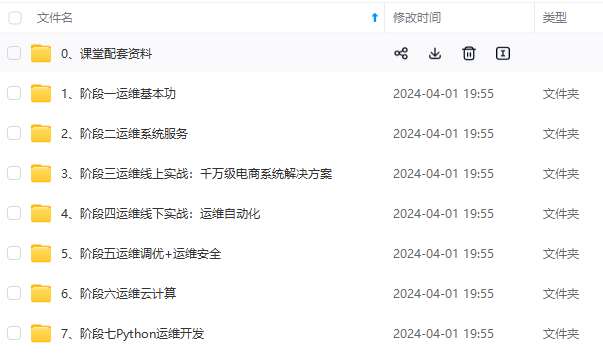
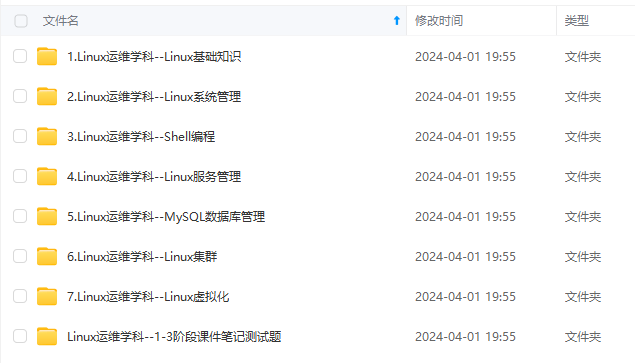
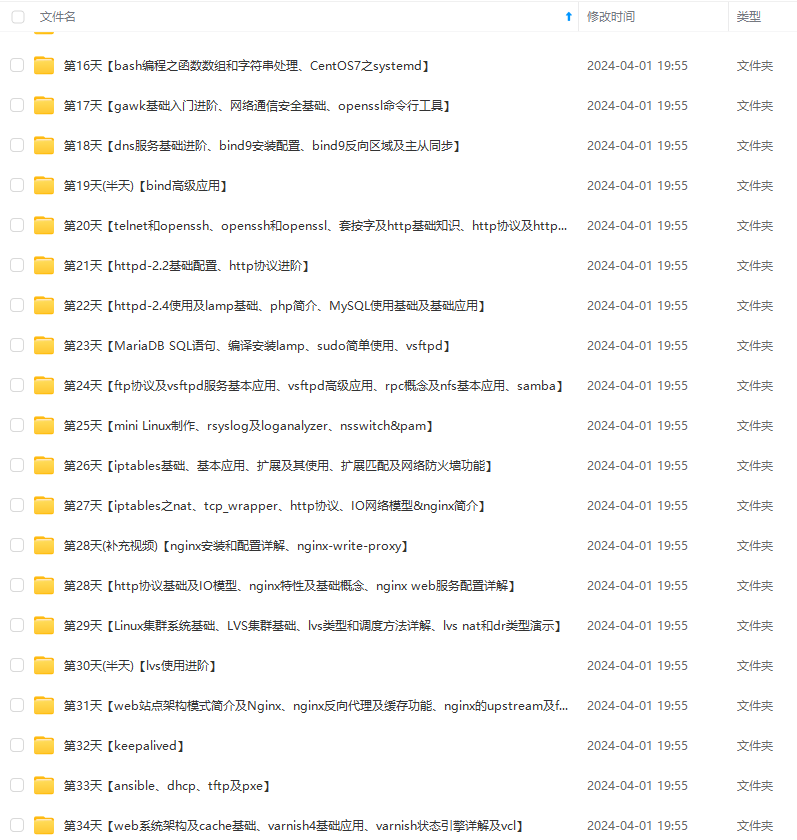
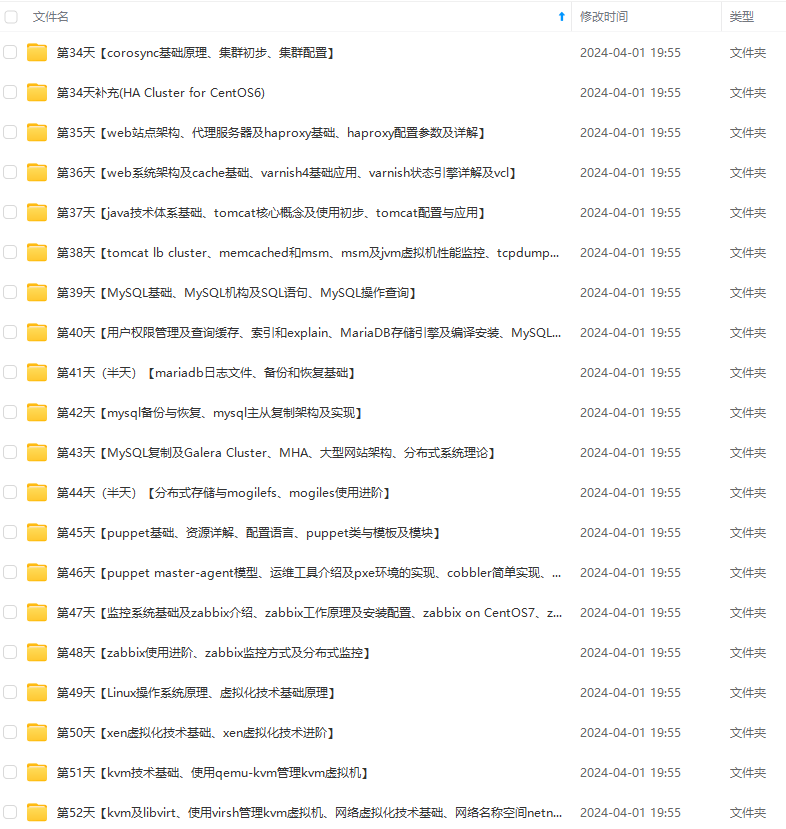
既有适合小白学习的零基础资料,也有适合3年以上经验的小伙伴深入学习提升的进阶课程,基本涵盖了95%以上Linux运维知识点,真正体系化!
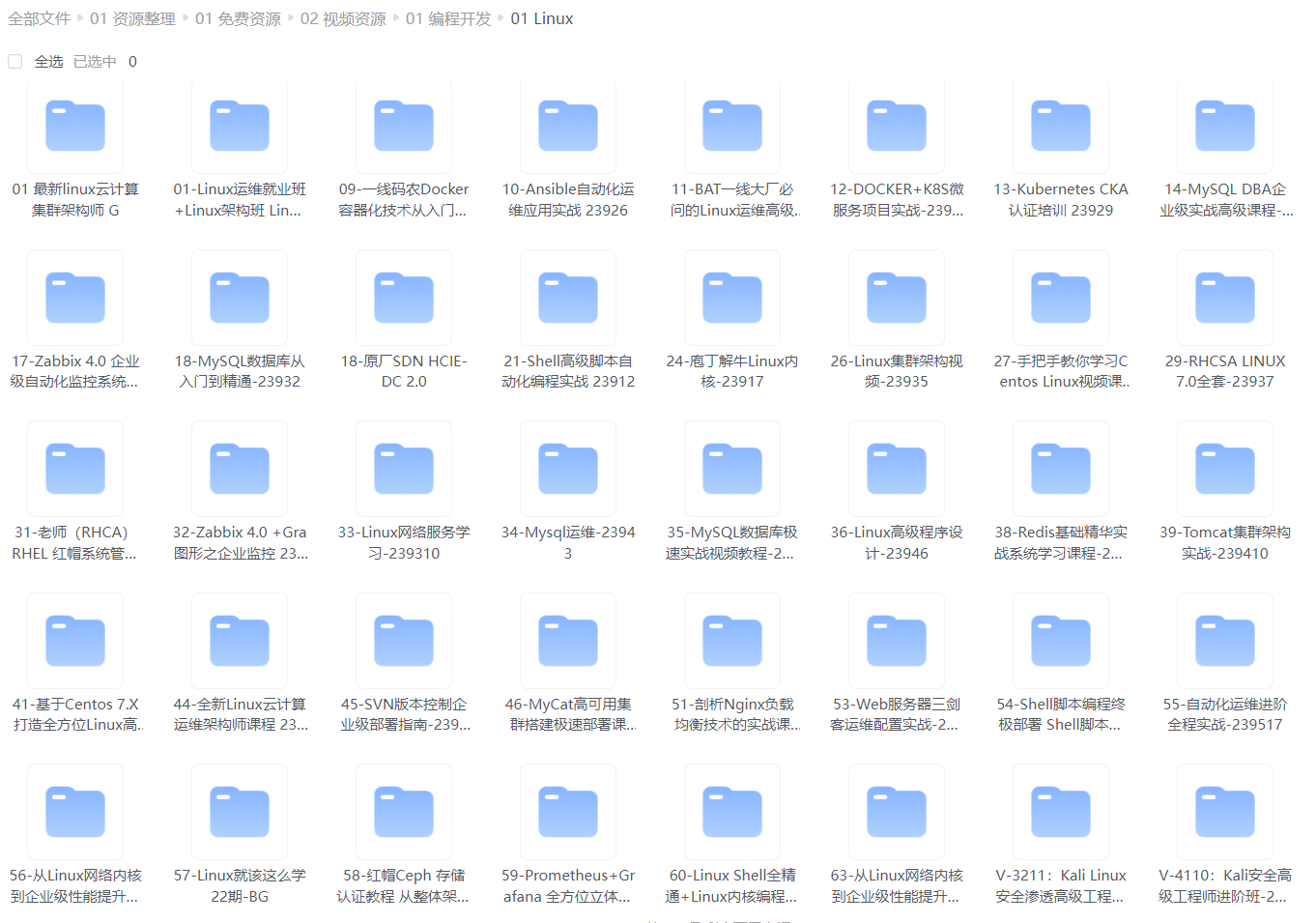
由于文件比较大,这里只是将部分目录大纲截图出来,每个节点里面都包含大厂面经、学习笔记、源码讲义、实战项目、讲解视频,并且后续会持续更新
如果你觉得这些内容对你有帮助,可以添加VX:vip1024b (备注Linux运维获取)
最后的话
最近很多小伙伴找我要Linux学习资料,于是我翻箱倒柜,整理了一些优质资源,涵盖视频、电子书、PPT等共享给大家!
资料预览
给大家整理的视频资料:
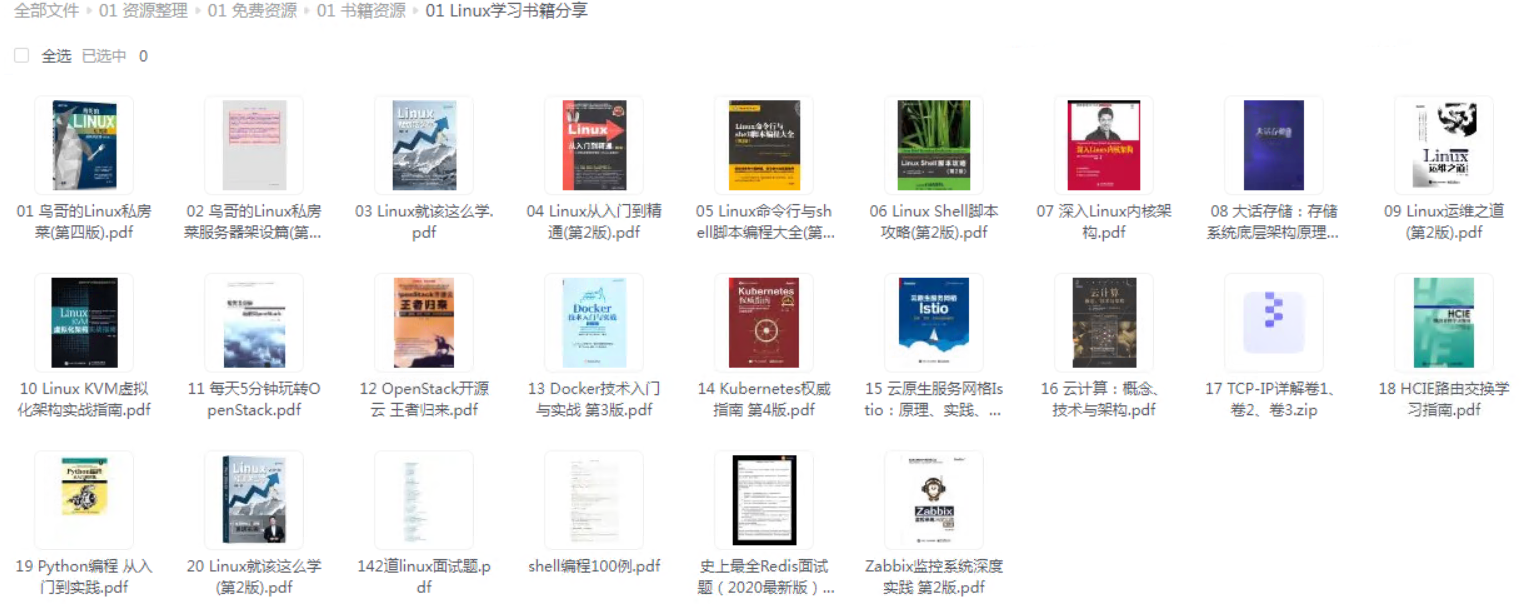
给大家整理的电子书资料:
如果本文对你有帮助,欢迎点赞、收藏、转发给朋友,让我有持续创作的动力!
一个人可以走的很快,但一群人才能走的更远。不论你是正从事IT行业的老鸟或是对IT行业感兴趣的新人,都欢迎扫码加入我们的的圈子(技术交流、学习资源、职场吐槽、大厂内推、面试辅导),让我们一起学习成长!
Linux学习资料,于是我翻箱倒柜,整理了一些优质资源,涵盖视频、电子书、PPT等共享给大家!
资料预览
给大家整理的视频资料:
[外链图片转存中…(img-7g1ZPs3P-1712963705441)]
给大家整理的电子书资料:
[外链图片转存中…(img-eRuWzsNQ-1712963705441)]
如果本文对你有帮助,欢迎点赞、收藏、转发给朋友,让我有持续创作的动力!
一个人可以走的很快,但一群人才能走的更远。不论你是正从事IT行业的老鸟或是对IT行业感兴趣的新人,都欢迎扫码加入我们的的圈子(技术交流、学习资源、职场吐槽、大厂内推、面试辅导),让我们一起学习成长!
[外链图片转存中…(img-IhUZhdd9-1712963705441)]

一站式 AI 云服务平台
更多推荐



 17
17 0
0- 0


 已为社区贡献11条内容

所有评论(0)