
本地化部署Fastgpt+One-API+ChatGLM3-6b知识库_fastgpt本地部署接入oneapi 知识库(3)
打开composite_demo/client.py修改模型位置。如果显存低于12G,回答响应太慢,改变量化模型后,可以正常对话。修改openai_api.py使用chatglm3模型位置。可替换openai_api.py代码。上postman测试。运行命令测试,缺少什么模块就安装。正常对话,代码和环境都可以运行。如果有其他模型,放在一个目录。验证是否使用GPU学习。可在网站搜索对应版本。
先自我介绍一下,小编浙江大学毕业,去过华为、字节跳动等大厂,目前在阿里
深知大多数程序员,想要提升技能,往往是自己摸索成长,但自己不成体系的自学效果低效又漫长,而且极易碰到天花板技术停滞不前!
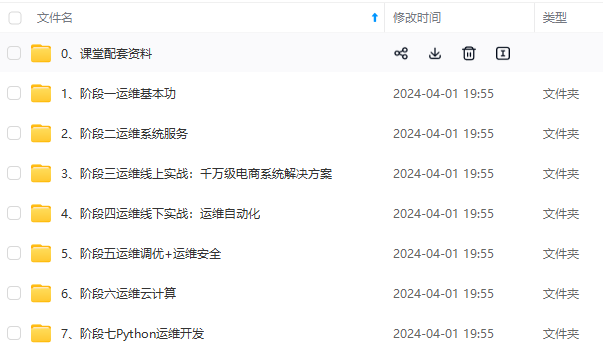
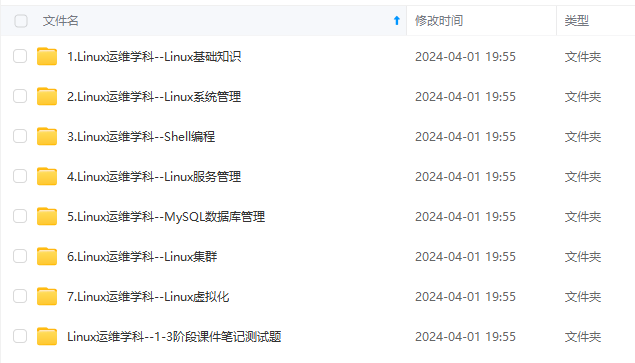
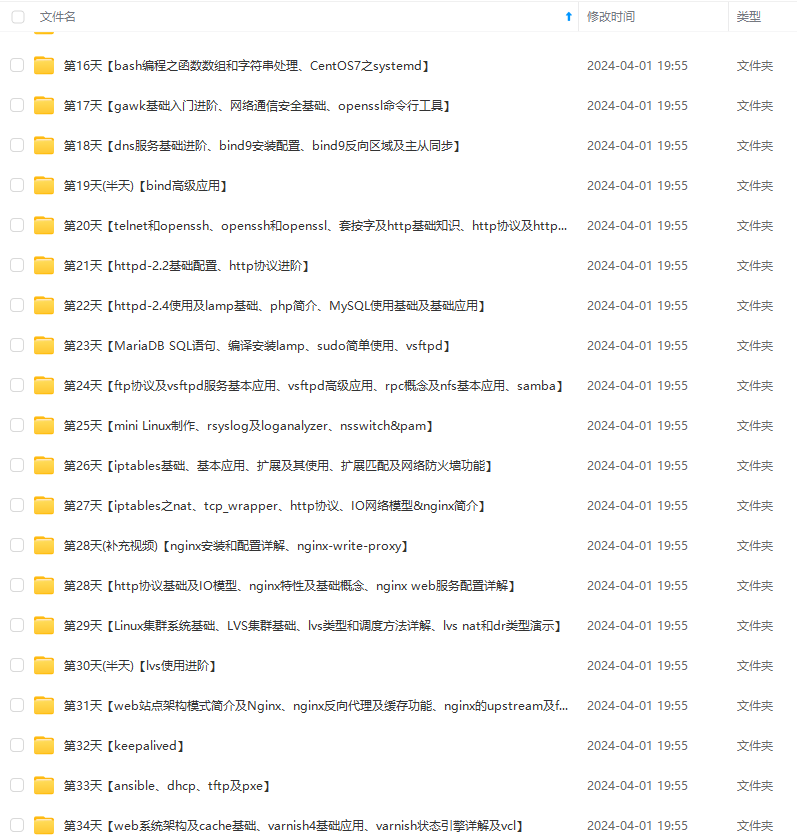
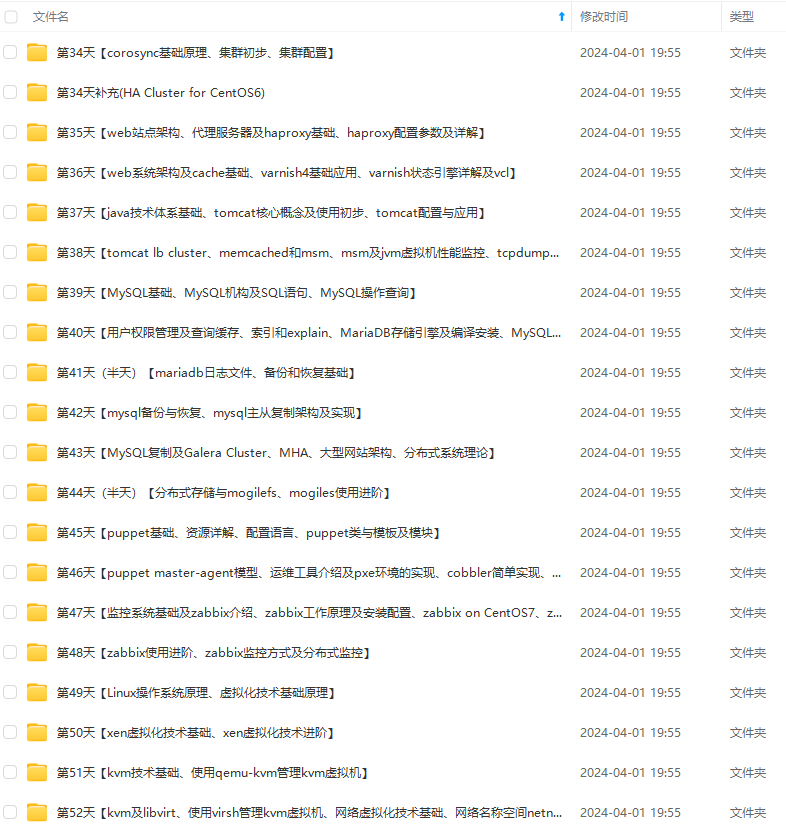
因此收集整理了一份《2024年最新Linux运维全套学习资料》,初衷也很简单,就是希望能够帮助到想自学提升又不知道该从何学起的朋友。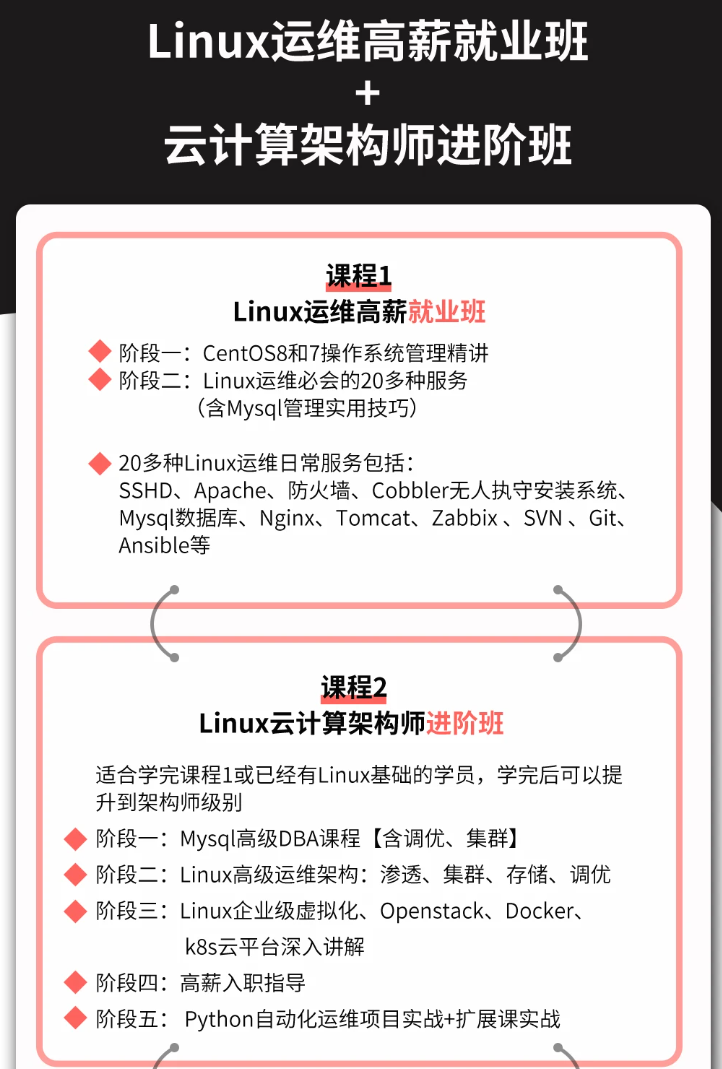
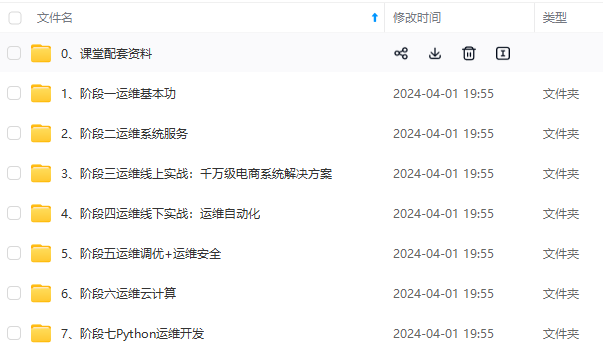
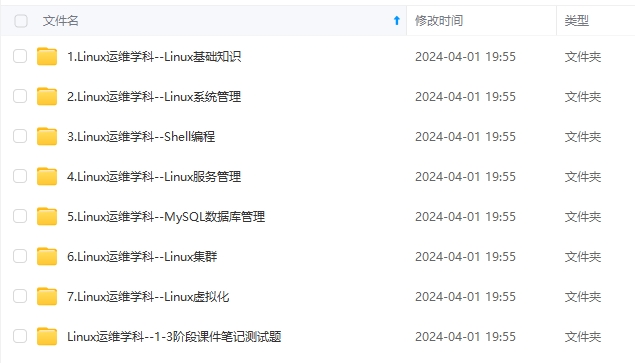
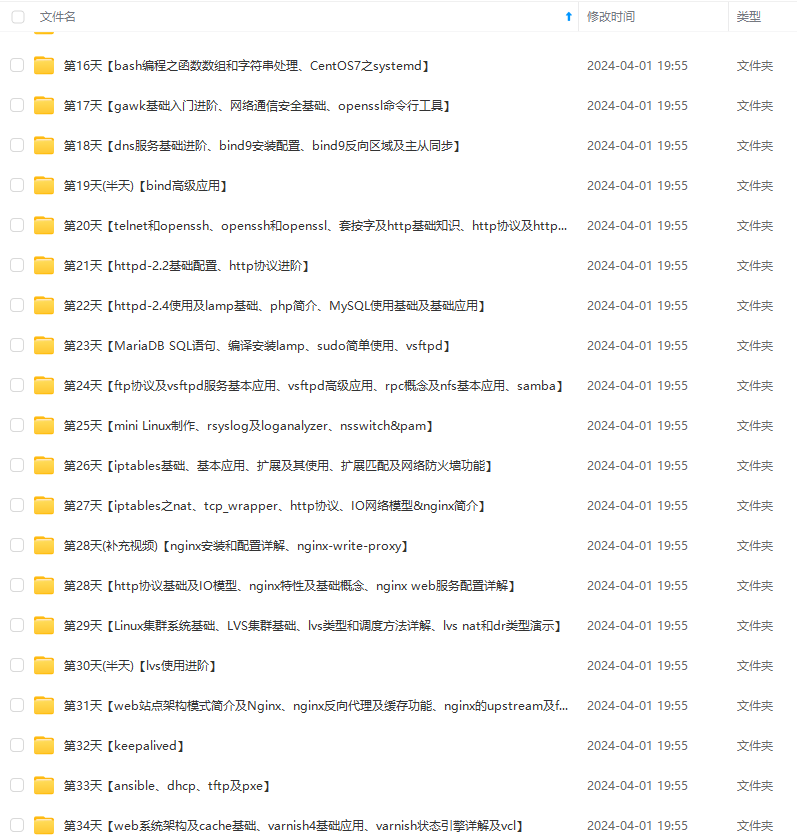
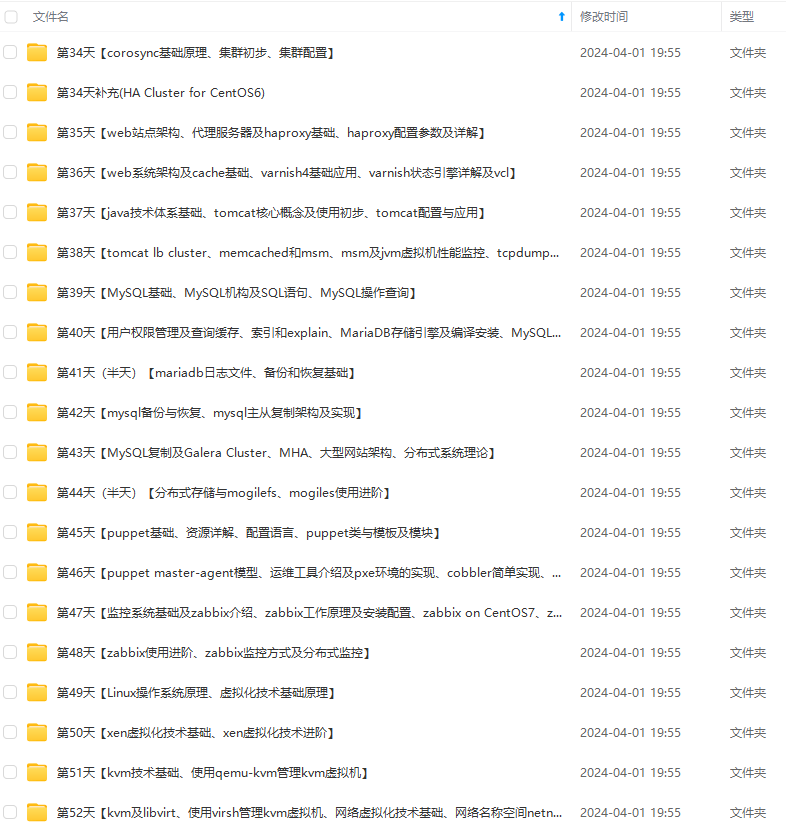
既有适合小白学习的零基础资料,也有适合3年以上经验的小伙伴深入学习提升的进阶课程,涵盖了95%以上运维知识点,真正体系化!
由于文件比较多,这里只是将部分目录截图出来,全套包含大厂面经、学习笔记、源码讲义、实战项目、大纲路线、讲解视频,并且后续会持续更新
pip install torch-2.0.0+cu117-cp310-cp310-win_amd64.whl
pip install torchvision-0.15.0+cu117-cp310-cp310-win_amd64.whl
可在网站搜索对应版本https://download.pytorch.org/whl/
验证是否使用GPU学习
import torch
from transformers import __version__ as transformers_version
import torchvision

print("PyTorch VER:", torch.__version__)
print("Transformers version:", transformers_version)
print("TorchVision version:", torchvision.__version__)

# 检查是否有可用的 GPU
if torch.cuda.is_available():
    print("CUDA version:", torch.version.cuda)
    print("GPU TRUE")
else:
    print("GPU FALSE")

# 检查其他库的版本
# 这里可以添加其他库的检查
打开composite_demo/client.py修改模型位置
运行命令测试,缺少什么模块就安装
streamlit run main.py
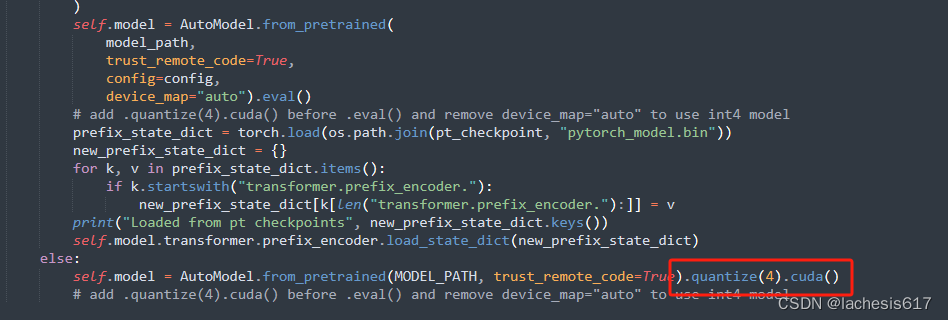
如果显存低于12G,回答响应太慢,改变量化模型后,可以正常对话。
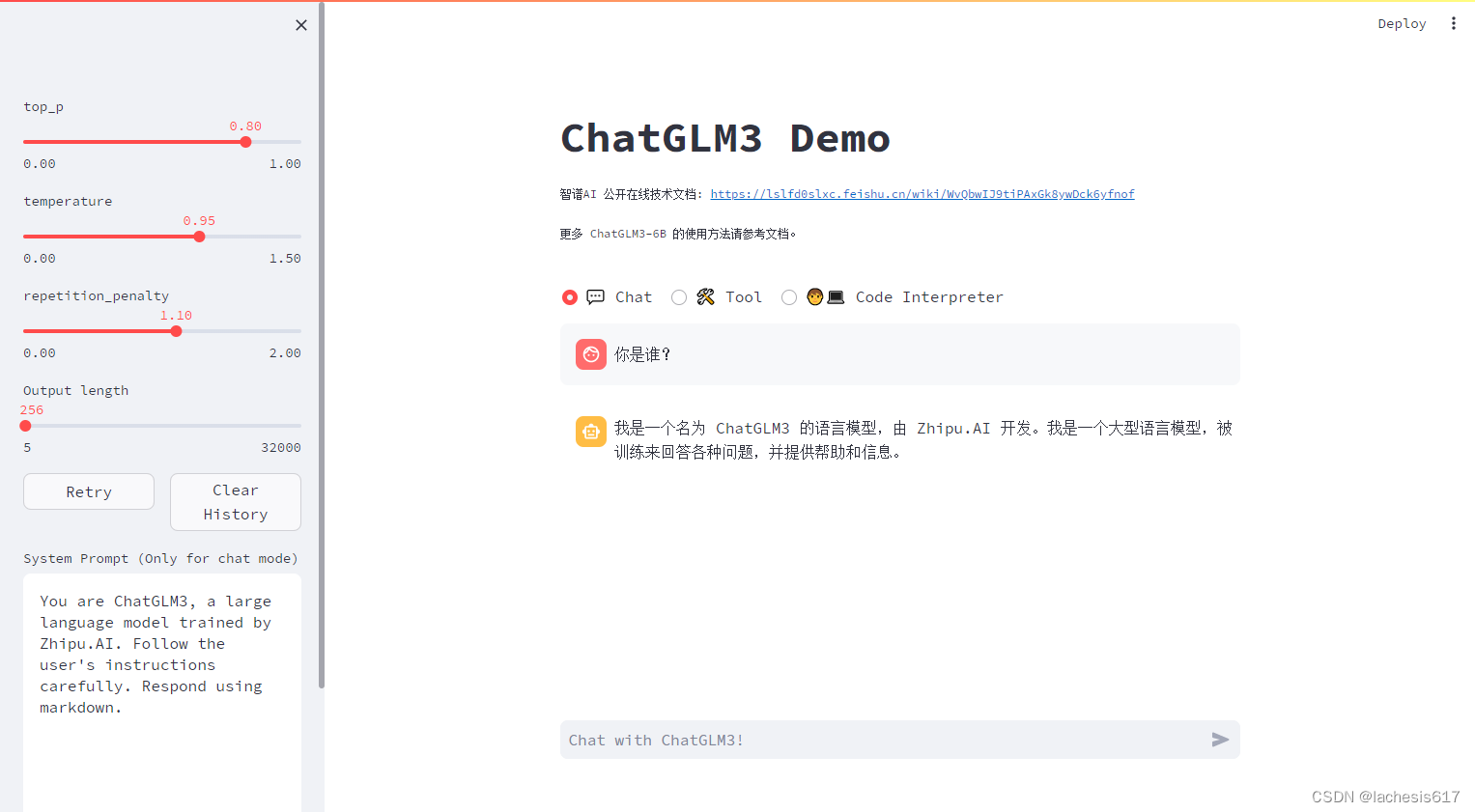
正常对话,代码和环境都可以运行。
切换到D:…\ChatGLM3-main\openai_api_demo
修改openai_api.py使用chatglm3模型位置

如果有其他模型,放在一个目录

上postman测试。请求体测试。
{
  "model": "string",
  "messages": [
    {
      "role": "user",
      "content": "你好",
      "name": "string",
      "function_call": {
        "name": "string",
        "arguments": "string"
      }
    }
  ],
  "temperature": 0.8,
  "top_p": 0.8,
  "max_tokens": 0,
  "stream": false,
  "functions": {},
  "repetition_penalty": 1.1
}
成功后运行
python openai_api.py
可替换openai_api.py代码
# coding=utf-8
# Implements API for ChatGLM3-6B in OpenAI's format. (https://platform.openai.com/docs/api-reference/chat)
# Usage: python openai_api.py
# Visit http://localhost:8000/docs for documents.
# 在OpenAI的API中,max_tokens 等价于 HuggingFace 的 max_new_tokens 而不是 max_length,
# 例如,对于6b模型,设置max_tokens = 8192,则会报错,因为扣除历史记录和提示词后,模型不能输出那么多的tokens。
import os
import time
import json
from contextlib import asynccontextmanager
from typing import List, Literal, Optional, Union
import torch
from torch.cuda import get_device_properties
import uvicorn
from fastapi import FastAPI, HTTPException
from fastapi.middleware.cors import CORSMiddleware
from loguru import logger
from pydantic import BaseModel, Field
from sse_starlette.sse import EventSourceResponse
from transformers import AutoTokenizer, AutoModel
from utils import process_response, generate_chatglm3, generate_stream_chatglm3
MODEL_PATH = os.environ.get('MODEL_PATH', 'THUDM_chatglm3-6b')
TOKENIZER_PATH = os.environ.get("TOKENIZER_PATH", MODEL_PATH)
DEVICE = 'cuda' if torch.cuda.is_available() else 'cpu'
@asynccontextmanager
async def lifespan(app: FastAPI): # collects GPU memory
yield
if torch.cuda.is_available():
torch.cuda.empty_cache()
torch.cuda.ipc_collect()
app = FastAPI(lifespan=lifespan)
app.add_middleware(
CORSMiddleware,
allow_origins=["*"],
allow_credentials=True,
allow_methods=["*"],
allow_headers=["*"],
)
class ModelCard(BaseModel):
id: str
object: str = "model"
created: int = Field(default_factory=lambda: int(time.time()))
owned_by: str = "owner"
root: Optional[str] = None
parent: Optional[str] = None
permission: Optional[list] = None
class ModelList(BaseModel):
object: str = "list"
data: List[ModelCard] = []
class FunctionCallResponse(BaseModel):
name: Optional[str] = None
arguments: Optional[str] = None
class ChatMessage(BaseModel):
role: Literal["user", "assistant", "system", "function"]
content: str = None
name: Optional[str] = None
function_call: Optional[FunctionCallResponse] = None
class DeltaMessage(BaseModel):
role: Optional[Literal["user", "assistant", "system"]] = None
content: Optional[str] = None
function_call: Optional[FunctionCallResponse] = None
class ChatCompletionRequest(BaseModel):
model: str
messages: List[ChatMessage]
temperature: Optional[float] = 0.8
top_p: Optional[float] = 0.8
max_tokens: Optional[int] = None
stream: Optional[bool] = False
functions: Optional[Union[dict, List[dict]]] = None
# Additional parameters
repetition_penalty: Optional[float] = 1.1
class ChatCompletionResponseChoice(BaseModel):
index: int
message: ChatMessage
finish_reason: Literal["stop", "length", "function_call"]
class ChatCompletionResponseStreamChoice(BaseModel):
index: int
delta: DeltaMessage
finish_reason: Optional[Literal["stop", "length", "function_call"]]
class UsageInfo(BaseModel):
prompt_tokens: int = 0
total_tokens: int = 0
completion_tokens: Optional[int] = 0
class ChatCompletionResponse(BaseModel):
model: str
object: Literal["chat.completion", "chat.completion.chunk"]
choices: List[Union[ChatCompletionResponseChoice, ChatCompletionResponseStreamChoice]]
created: Optional[int] = Field(default_factory=lambda: int(time.time()))
usage: Optional[UsageInfo] = None
@app.get("/v1/models", response_model=ModelList)
async def list_models():
model_card = ModelCard(id="chatglm3-6b")
return ModelList(data=[model_card])
@app.post("/v1/chat/completions", response_model=ChatCompletionResponse)
async def create_chat_completion(request: ChatCompletionRequest):
global model, tokenizer
if len(request.messages) < 1 or request.messages[-1].role == "assistant":
raise HTTPException(status_code=400, detail="Invalid request")
gen_params = dict(
messages=request.messages,
temperature=request.temperature,
top_p=request.top_p,
max_tokens=request.max_tokens or 1024,
echo=False,
stream=request.stream,
repetition_penalty=request.repetition_penalty,
functions=request.functions,
)
logger.debug(f"==== request ====\n{gen_params}")
if request.stream:
# Use the stream mode to read the first few characters, if it is not a function call, direct stram output
predict_stream_generator = predict_stream(request.model, gen_params)
output = next(predict_stream_generator)
if not contains_custom_function(output):
return EventSourceResponse(predict_stream_generator, media_type="text/event-stream")
# Obtain the result directly at one time and determine whether tools needs to be called.
logger.debug(f"First result output:\n{output}")
function_call = None
if output and request.functions:
try:
function_call = process_response(output, use_tool=True)
except:
logger.warning("Failed to parse tool call")
# CallFunction
if isinstance(function_call, dict):
function_call = FunctionCallResponse(**function_call)
"""
In this demo, we did not register any tools.
You can use the tools that have been implemented in our `tool_using` and implement your own streaming tool implementation here.
Similar to the following method:
function_args = json.loads(function_call.arguments)
tool_response = dispatch_tool(tool_name: str, tool_params: dict)
"""
tool_response = ""
if not gen_params.get("messages"):
gen_params["messages"] = []
gen_params["messages"].append(ChatMessage(
role="assistant",
content=output,
))
gen_params["messages"].append(ChatMessage(
role="function",
name=function_call.name,
content=tool_response,
))
# Streaming output of results after function calls
generate = predict(request.model, gen_params)
return EventSourceResponse(generate, media_type="text/event-stream")
else:
# Handled to avoid exceptions in the above parsing function process.
generate = parse_output_text(request.model, output)
return EventSourceResponse(generate, media_type="text/event-stream")
# Here is the handling of stream = False
response = generate_chatglm3(model, tokenizer, gen_params)
# Remove the first newline character
if response["text"].startswith("\n"):
response["text"] = response["text"][1:]
response["text"] = response["text"].strip()
usage = UsageInfo()
function_call, finish_reason = None, "stop"
if request.functions:
try:
function_call = process_response(response["text"], use_tool=True)
except:
logger.warning("Failed to parse tool call, maybe the response is not a tool call or have been answered.")
if isinstance(function_call, dict):
finish_reason = "function_call"
function_call = FunctionCallResponse(**function_call)
message = ChatMessage(
role="assistant",
content=response["text"],
function_call=function_call if isinstance(function_call, FunctionCallResponse) else None,
)
logger.debug(f"==== message ====\n{message}")
choice_data = ChatCompletionResponseChoice(
index=0,
message=message,
finish_reason=finish_reason,
)
task_usage = UsageInfo.model_validate(response["usage"])
for usage_key, usage_value in task_usage.model_dump().items():
setattr(usage, usage_key, getattr(usage, usage_key) + usage_value)
return ChatCompletionResponse(model=request.model, choices=[choice_data], object="chat.completion", usage=usage)
async def predict(model_id: str, params: dict):
global model, tokenizer
choice_data = ChatCompletionResponseStreamChoice(
index=0,
delta=DeltaMessage(role="assistant"),
finish_reason=None
)
chunk = ChatCompletionResponse(model=model_id, choices=[choice_data], object="chat.completion.chunk")
yield "{}".format(chunk.model_dump_json(exclude_unset=True))
previous_text = ""
for new_response in generate_stream_chatglm3(model, tokenizer, params):
decoded_unicode = new_response["text"]
delta_text = decoded_unicode[len(previous_text):]
previous_text = decoded_unicode
finish_reason = new_response["finish_reason"]
if len(delta_text) == 0 and finish_reason != "function_call":
continue
function_call = None
if finish_reason == "function_call":
try:
function_call = process_response(decoded_unicode, use_tool=True)
except:
logger.warning(
"Failed to parse tool call, maybe the response is not a tool call or have been answered.")
if isinstance(function_call, dict):
function_call = FunctionCallResponse(**function_call)
delta = DeltaMessage(
content=delta_text,
role="assistant",
function_call=function_call if isinstance(function_call, FunctionCallResponse) else None,
)
choice_data = ChatCompletionResponseStreamChoice(
index=0,
delta=delta,
finish_reason=finish_reason
)
chunk = ChatCompletionResponse(model=model_id, choices=[choice_data], object="chat.completion.chunk")
yield "{}".format(chunk.model_dump_json(exclude_unset=True))
choice_data = ChatCompletionResponseStreamChoice(
index=0,
delta=DeltaMessage(),
finish_reason="stop"
)
chunk = ChatCompletionResponse(model=model_id, choices=[choice_data], object="chat.completion.chunk")
yield "{}".format(chunk.model_dump_json(exclude_unset=True))
yield '[DONE]'
def predict_stream(model_id, gen_params):
"""
The function call is compatible with stream mode output.
The first seven characters are determined.
If not a function call, the stream output is directly generated.
Otherwise, the complete character content of the function call is returned.
:param model_id:
:param gen_params:
:return:
"""
output = ""
is_function_call = False
has_send_first_chunk = False
for new_response in generate_stream_chatglm3(model, tokenizer, gen_params):
decoded_unicode = new_response["text"]
delta_text = decoded_unicode[len(output):]
output = decoded_unicode
# When it is not a function call and the character length is> 7,
# try to judge whether it is a function call according to the special function prefix
if not is_function_call and len(output) > 7:
# Determine whether a function is called
is_function_call = contains_custom_function(output)
if is_function_call:
continue
# Non-function call, direct stream output
finish_reason = new_response["finish_reason"]
# Send an empty string first to avoid truncation by subsequent next() operations.
if not has_send_first_chunk:
message = DeltaMessage(
content="",
role="assistant",
function_call=None,
)
choice_data = ChatCompletionResponseStreamChoice(
index=0,
delta=message,
finish_reason=finish_reason
)
chunk = ChatCompletionResponse(model=model_id, choices=[choice_data], object="chat.completion.chunk")
yield "{}".format(chunk.model_dump_json(exclude_unset=True))
send_msg = delta_text if has_send_first_chunk else output
has_send_first_chunk = True
message = DeltaMessage(
content=send_msg,
role="assistant",
function_call=None,
)
choice_data = ChatCompletionResponseStreamChoice(
index=0,
delta=message,
finish_reason=finish_reason
)
chunk = ChatCompletionResponse(model=model_id, choices=[choice_data], object="chat.completion.chunk")
yield "{}".format(chunk.model_dump_json(exclude_unset=True))
if is_function_call:
yield output
else:
yield '[DONE]'
async def parse_output_text(model_id: str, value: str):
"""
Directly output the text content of value
:param model_id:
:param value:
:return:
"""
choice_data = ChatCompletionResponseStreamChoice(
index=0,
delta=DeltaMessage(role="assistant", content=value),
finish_reason=None
)
chunk = ChatCompletionResponse(model=model_id, choices=[choice_data], object="chat.completion.chunk")
yield "{}".format(chunk.model_dump_json(exclude_unset=True))
choice_data = ChatCompletionResponseStreamChoice(
index=0,
delta=DeltaMessage(),
finish_reason="stop"
)
chunk = ChatCompletionResponse(model=model_id, choices=[choice_data], object="chat.completion.chunk")
yield "{}".format(chunk.model_dump_json(exclude_unset=True))
yield '[DONE]'
def contains_custom_function(value: str) -> bool:
"""
Determine whether 'function_call' according to a special function prefix.
For example, the functions defined in "tool_using/tool_register.py" are all "get_xxx" and start with "get_"
[Note] This is not a rigorous judgment method, only for reference.
:param value:
:return:
"""
return value and 'get_' in value
if __name__ == "__main__":
tokenizer = AutoTokenizer.from_pretrained(TOKENIZER_PATH, trust_remote_code=True)
model = AutoModel.from_pretrained(MODEL_PATH, trust_remote_code=True)
if torch.cuda.is_available():
total_vram_in_gb = get_device_properties(0).total_memory / 1073741824
print(f'\033[32m显存大小: {total_vram_in_gb:.2f} GB\033[0m')
with torch.cuda.device(f'cuda:{0}'):
torch.cuda.empty_cache()
torch.cuda.ipc_collect()
if total_vram_in_gb > 13:
model = model.half().cuda()
print(f'\033[32m使用显卡fp16精度运行\033[0m')
elif total_vram_in_gb > 10:
**先自我介绍一下,小编浙江大学毕业,去过华为、字节跳动等大厂,目前在阿里**
**深知大多数程序员,想要提升技能,往往是自己摸索成长,但自己不成体系的自学效果低效又漫长,而且极易碰到天花板技术停滞不前!**
**因此收集整理了一份《2024年最新Linux运维全套学习资料》,初衷也很简单,就是希望能够帮助到想自学提升又不知道该从何学起的朋友。**
**既有适合小白学习的零基础资料,也有适合3年以上经验的小伙伴深入学习提升的进阶课程,涵盖了95%以上运维知识点,真正体系化!**
**由于文件比较多,这里只是将部分目录截图出来,全套包含大厂面经、学习笔记、源码讲义、实战项目、大纲路线、讲解视频,并且后续会持续更新**
**[需要这份系统化的资料的朋友,可以点击这里获取!](https://bbs.csdn.net/topics/618542503)**
**
**深知大多数程序员,想要提升技能,往往是自己摸索成长,但自己不成体系的自学效果低效又漫长,而且极易碰到天花板技术停滞不前!**
**因此收集整理了一份《2024年最新Linux运维全套学习资料》,初衷也很简单,就是希望能够帮助到想自学提升又不知道该从何学起的朋友。**
[外链图片转存中...(img-KmMnQgDa-1715099523060)]
[外链图片转存中...(img-KcKmvkWQ-1715099523060)]
[外链图片转存中...(img-1nhLJuH3-1715099523061)]
[外链图片转存中...(img-otynyhCO-1715099523061)]
[外链图片转存中...(img-hyic557t-1715099523061)]
**既有适合小白学习的零基础资料,也有适合3年以上经验的小伙伴深入学习提升的进阶课程,涵盖了95%以上运维知识点,真正体系化!**
**由于文件比较多,这里只是将部分目录截图出来,全套包含大厂面经、学习笔记、源码讲义、实战项目、大纲路线、讲解视频,并且后续会持续更新**
**[需要这份系统化的资料的朋友,可以点击这里获取!](https://bbs.csdn.net/topics/618542503)**

一站式 AI 云服务平台
更多推荐



 5
5 0
0- 0


 已为社区贡献10条内容

所有评论(0)