
服务器运维管理系统-centos演示
centos7.9系统切换到root用户:执行以下命令:等待几分钟安装完成即可。外网面板地址: http://220.160.56.22:8888/39ac0af9内网面板地址: http://192.168.183.135:8888/39ac0af9username: iu63roxvpassword: 7d7966c3If you cannot access the panel,release
·
centos7.9系统切换到root用户:
执行以下命令:
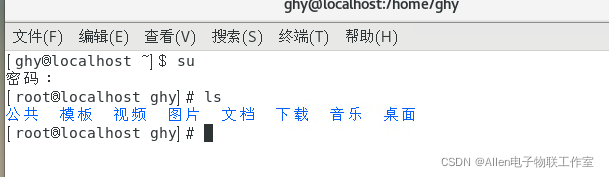

等待几分钟安装完成即可。
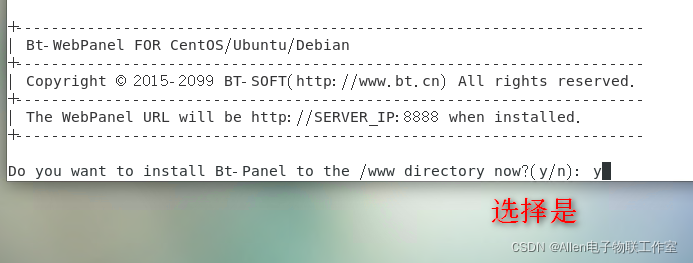
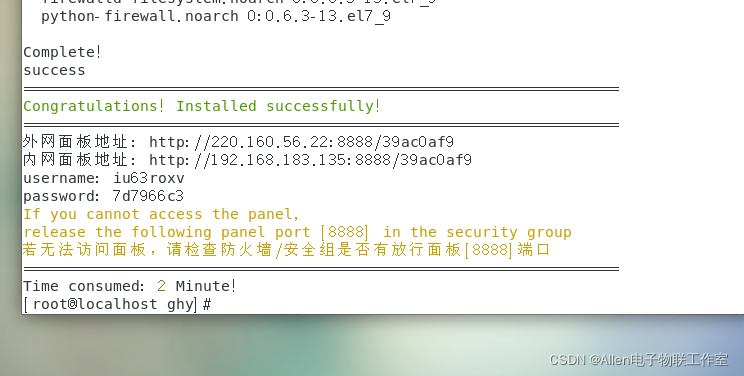
外网面板地址: http://220.160.56.22:8888/39ac0af9
内网面板地址: http://192.168.183.135:8888/39ac0af9
username: iu63roxv
password: 7d7966c3
If you cannot access the panel,
release the following panel port [8888] in the security group
若无法访问面板,请检查防火墙/安全组是否有放行面板[8888]端口
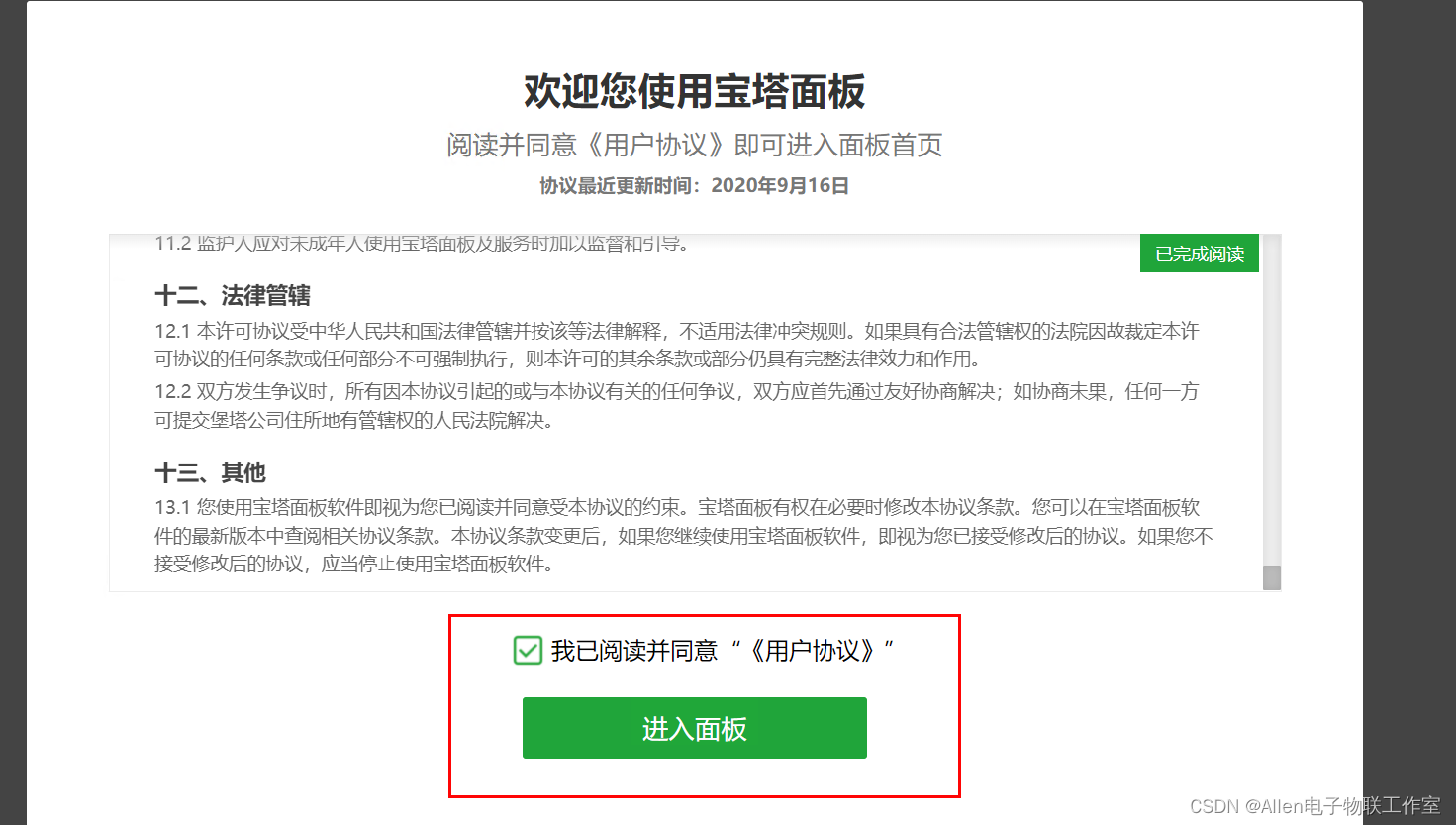
使用内网地址进行登录:
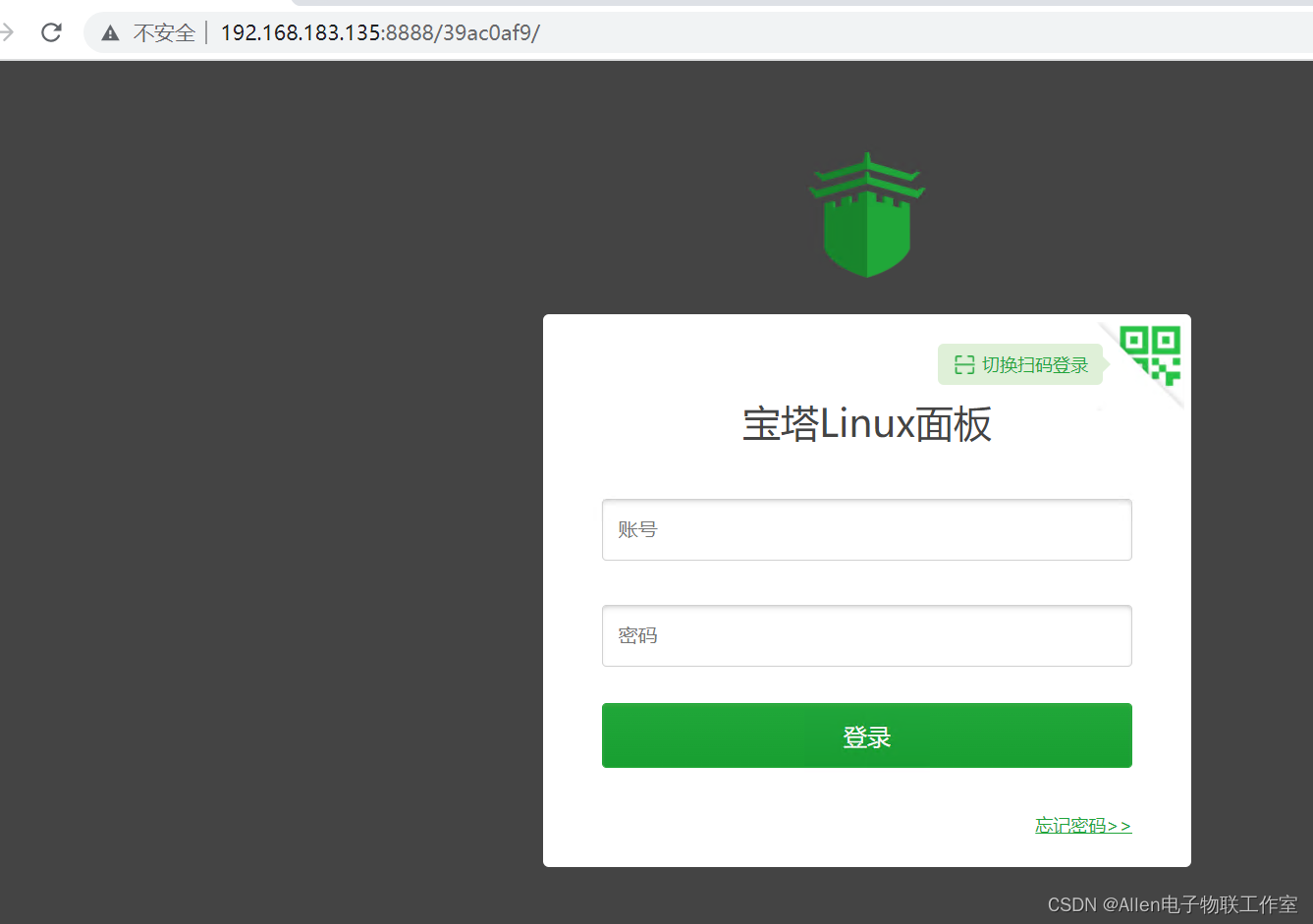
绑定宝塔账号:
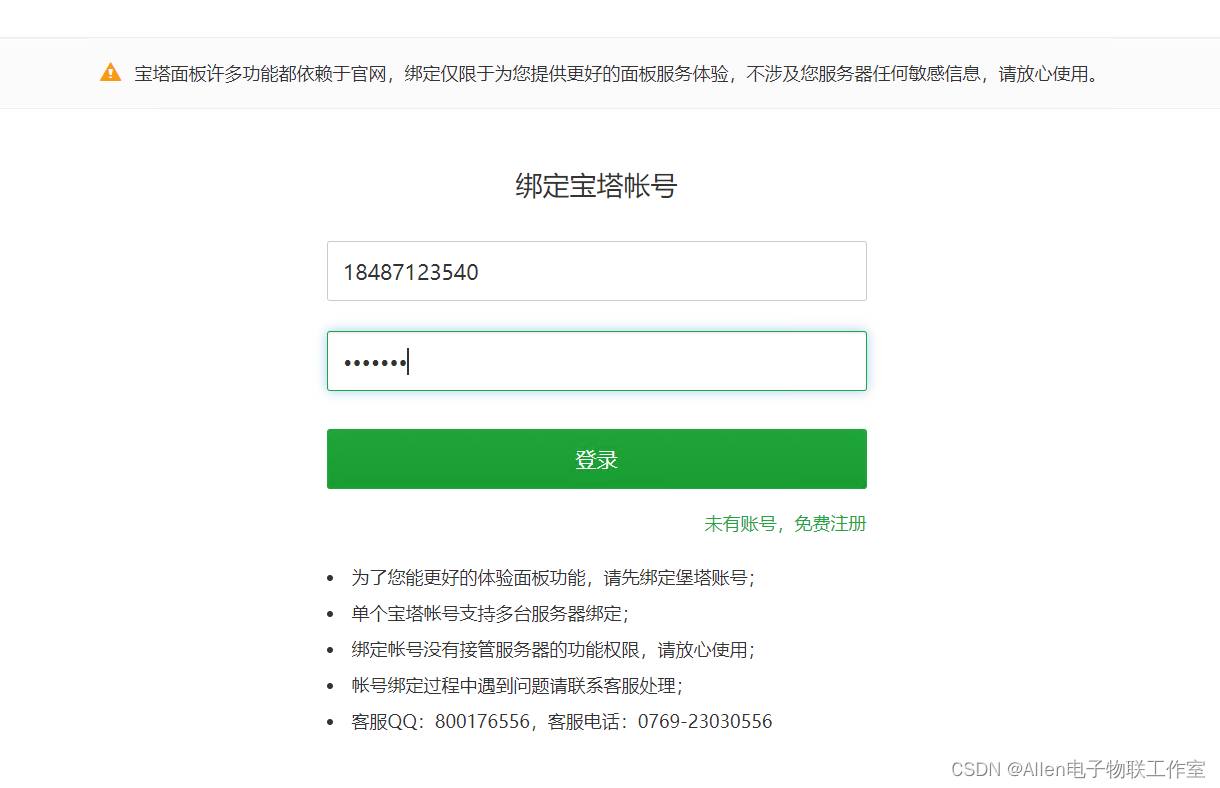
电话 ghy@123456
关闭即可。
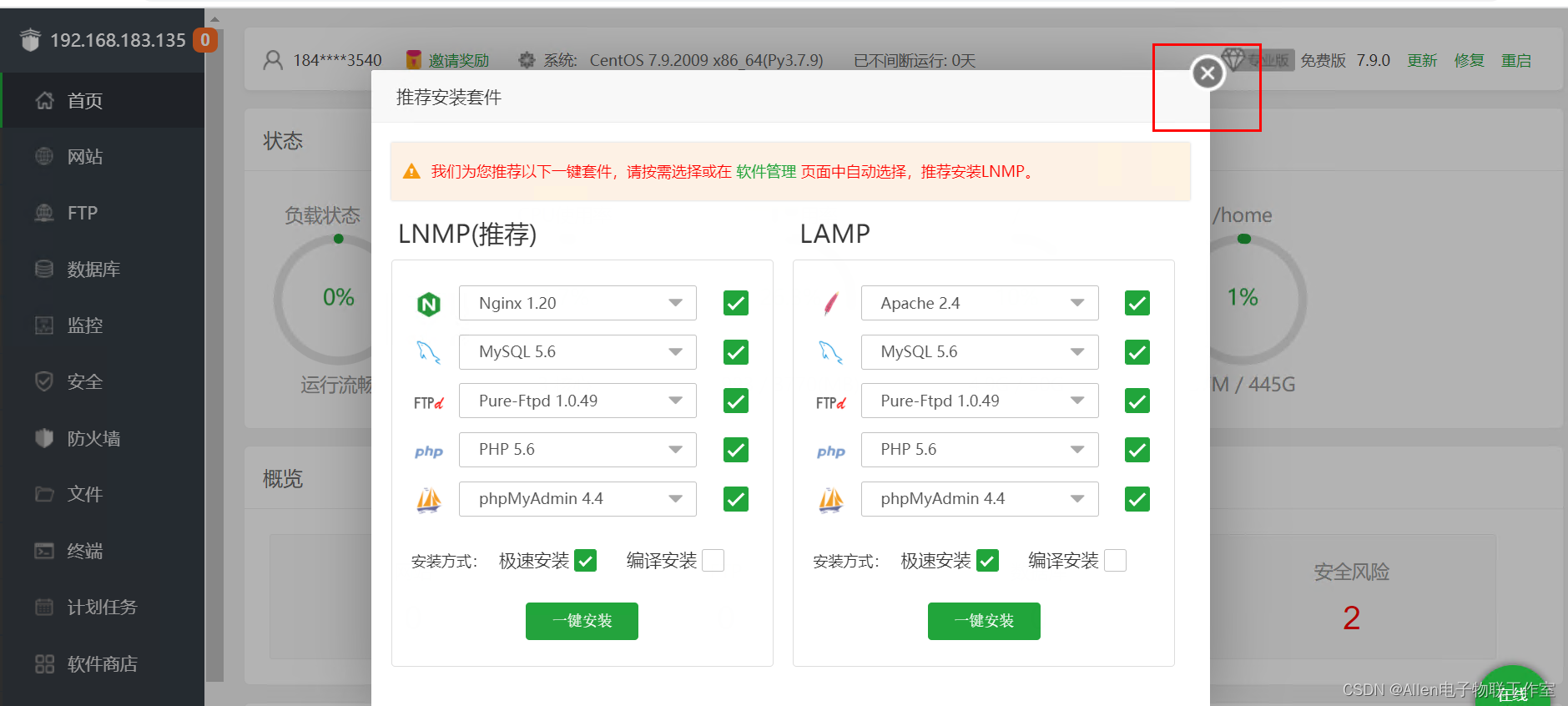
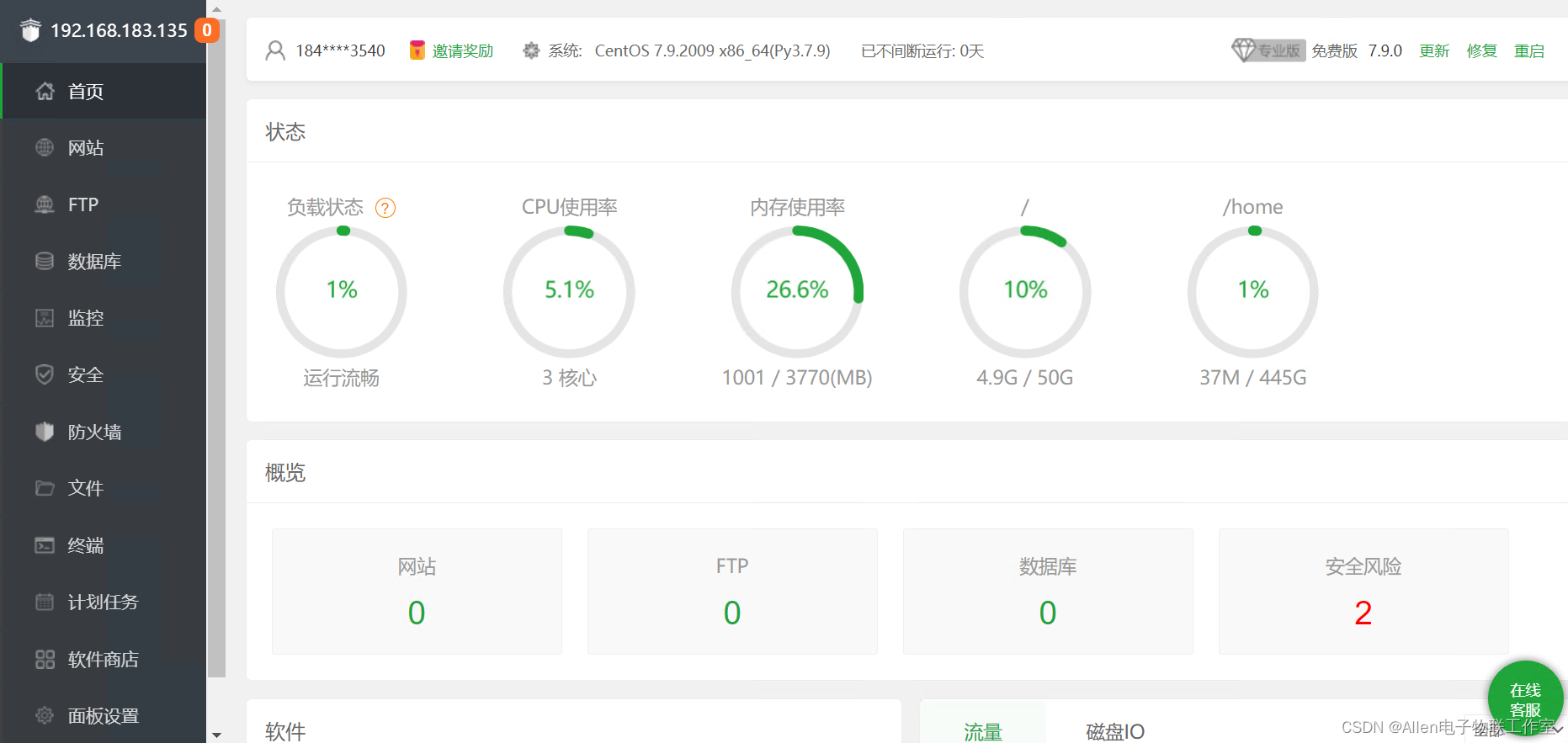
安装nginx环境:
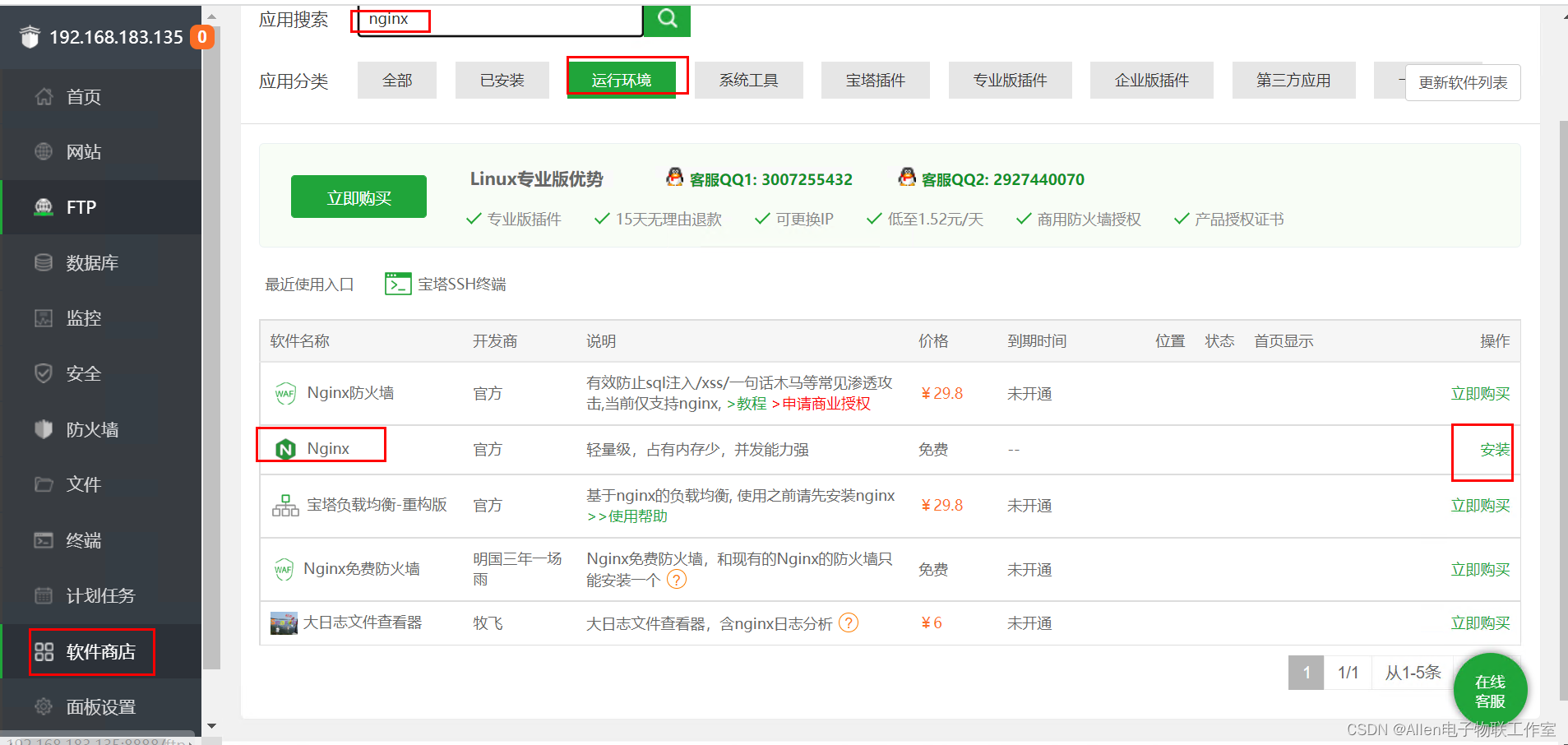
点击安装即可。
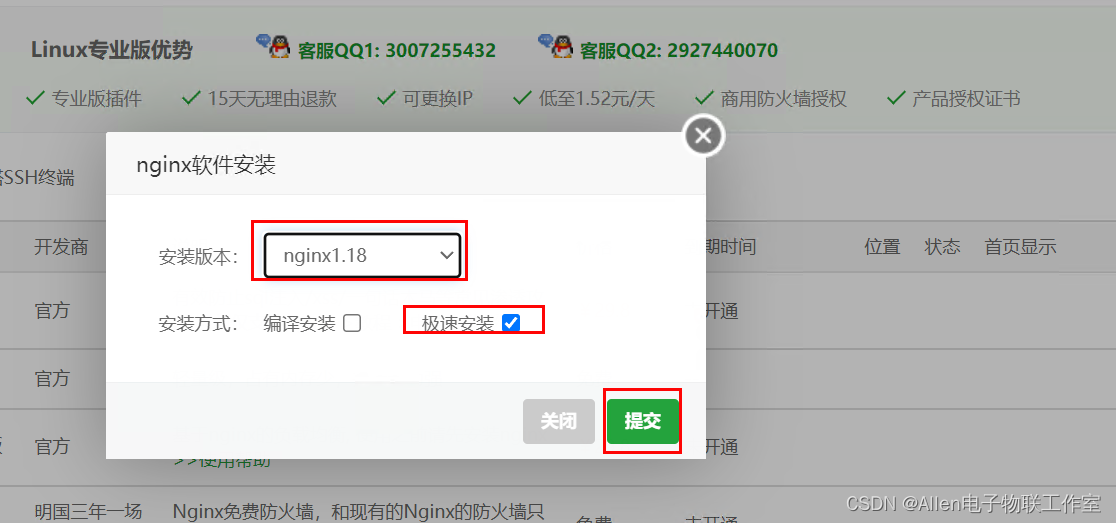
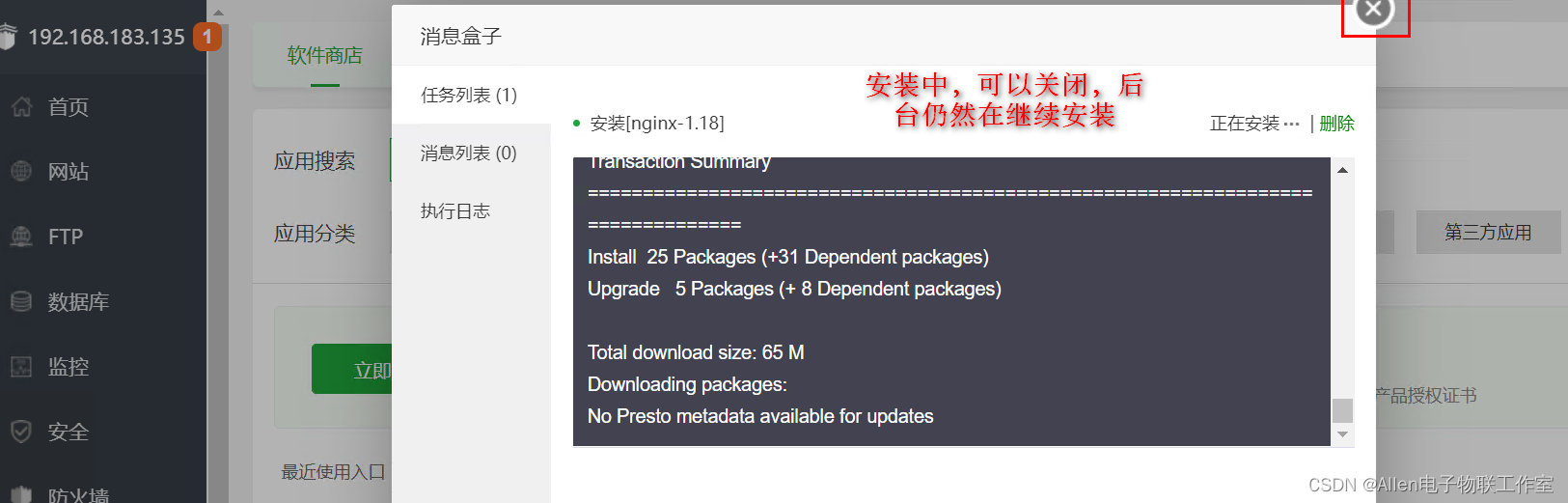
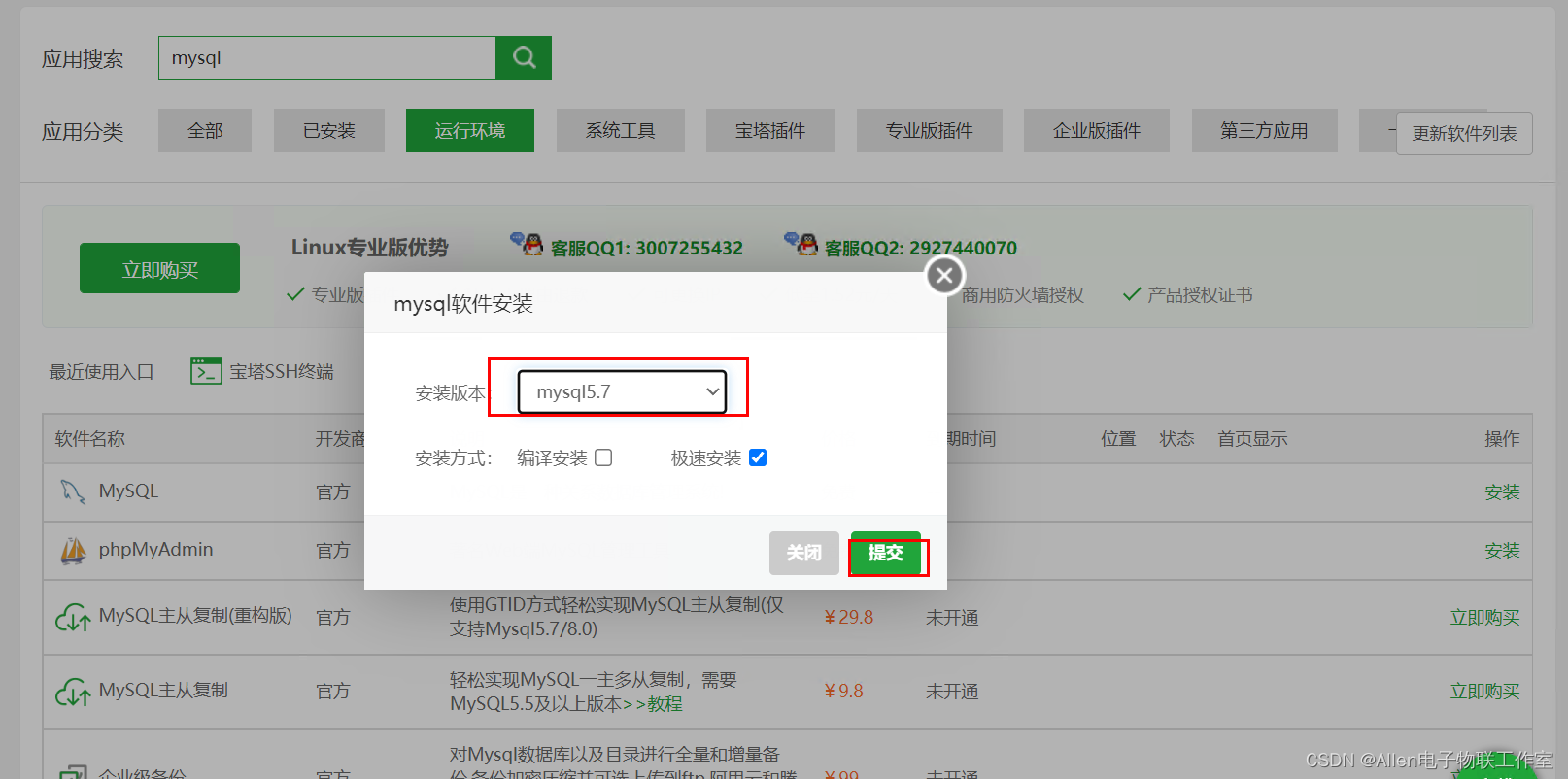
安装mysql:
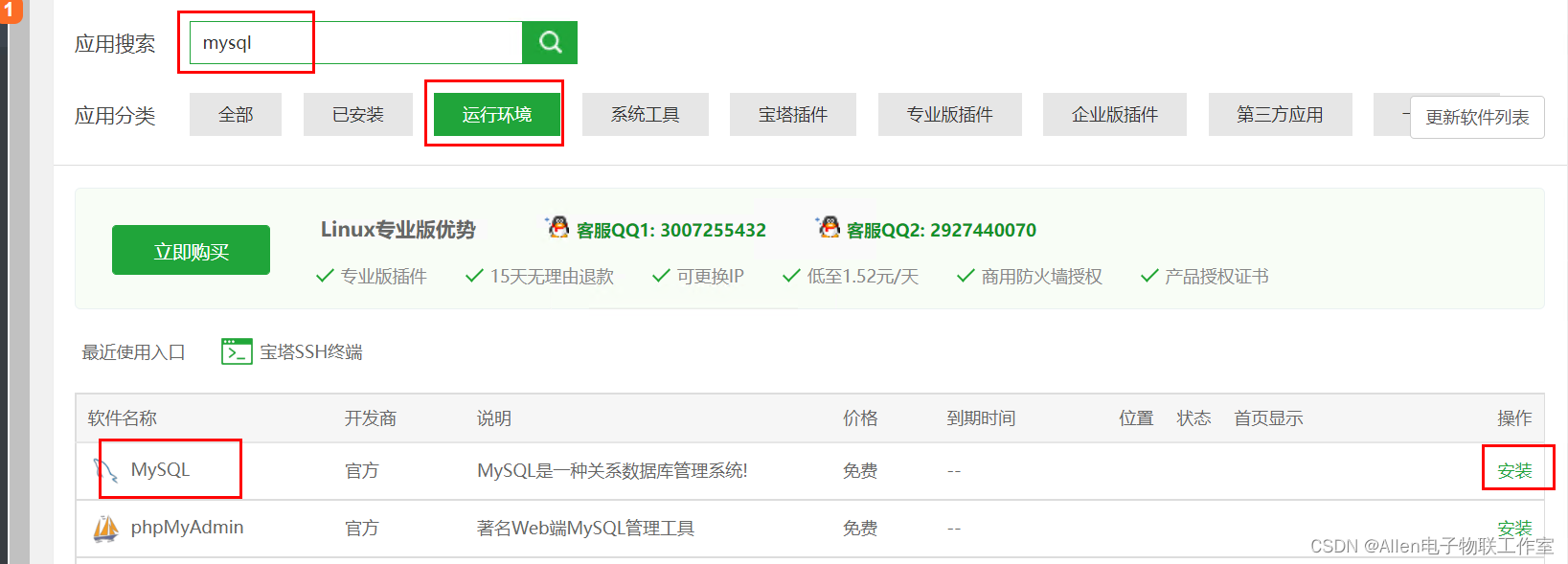
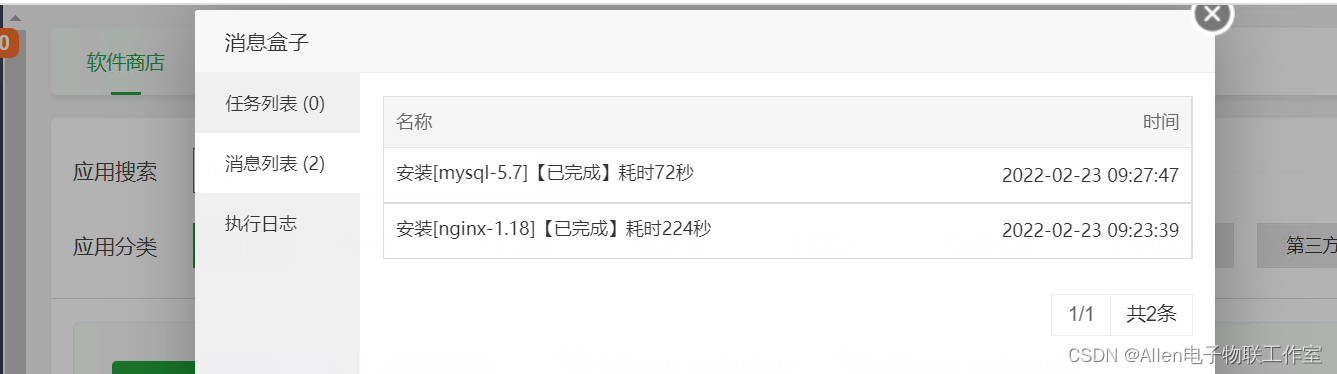
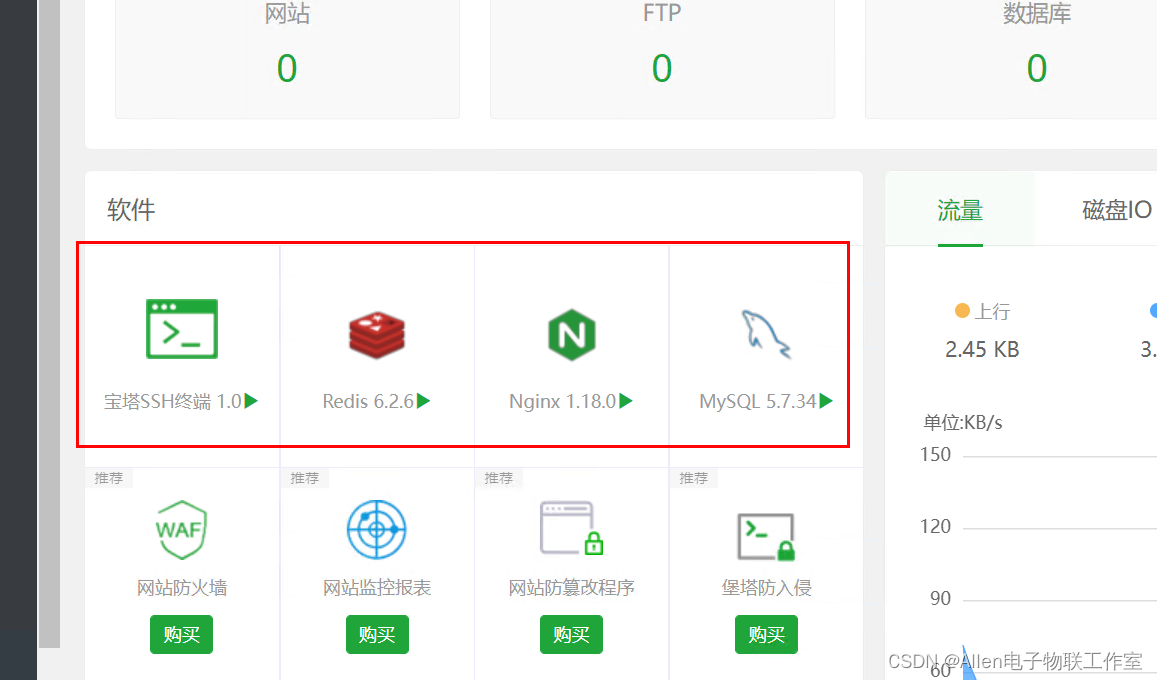
安装情况:
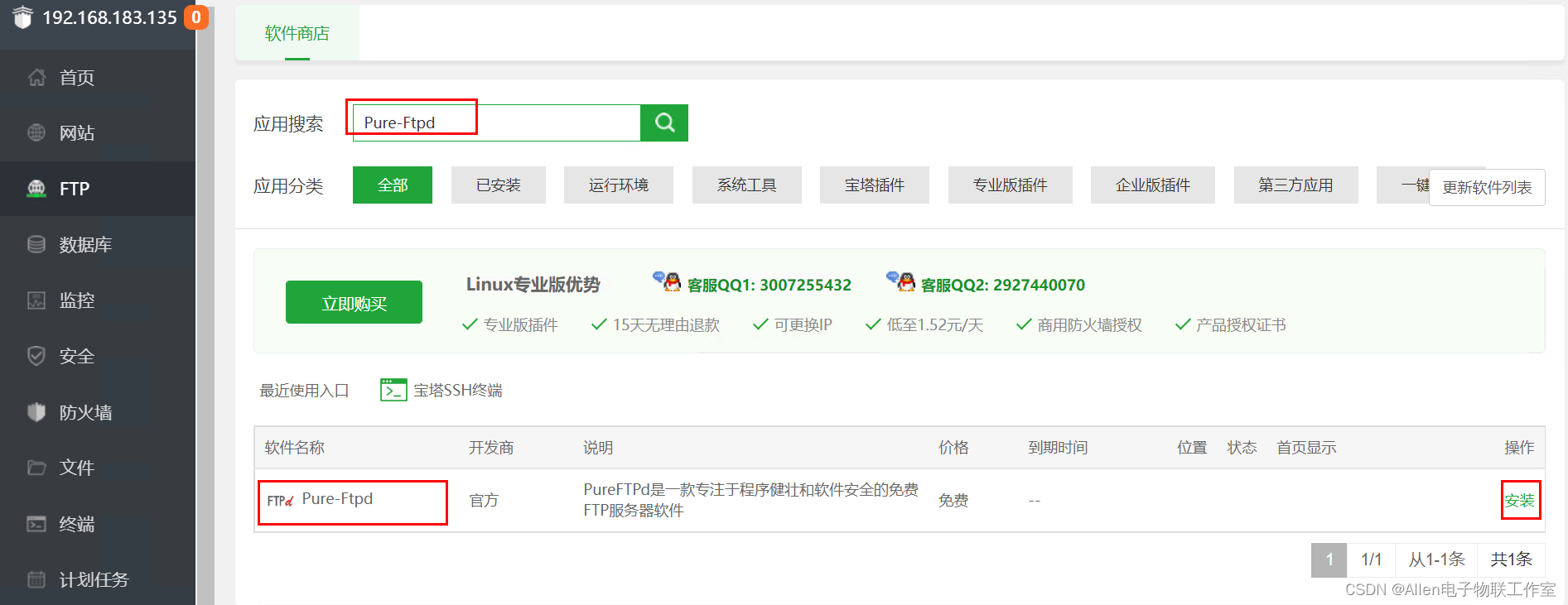
搭建FTP服务:
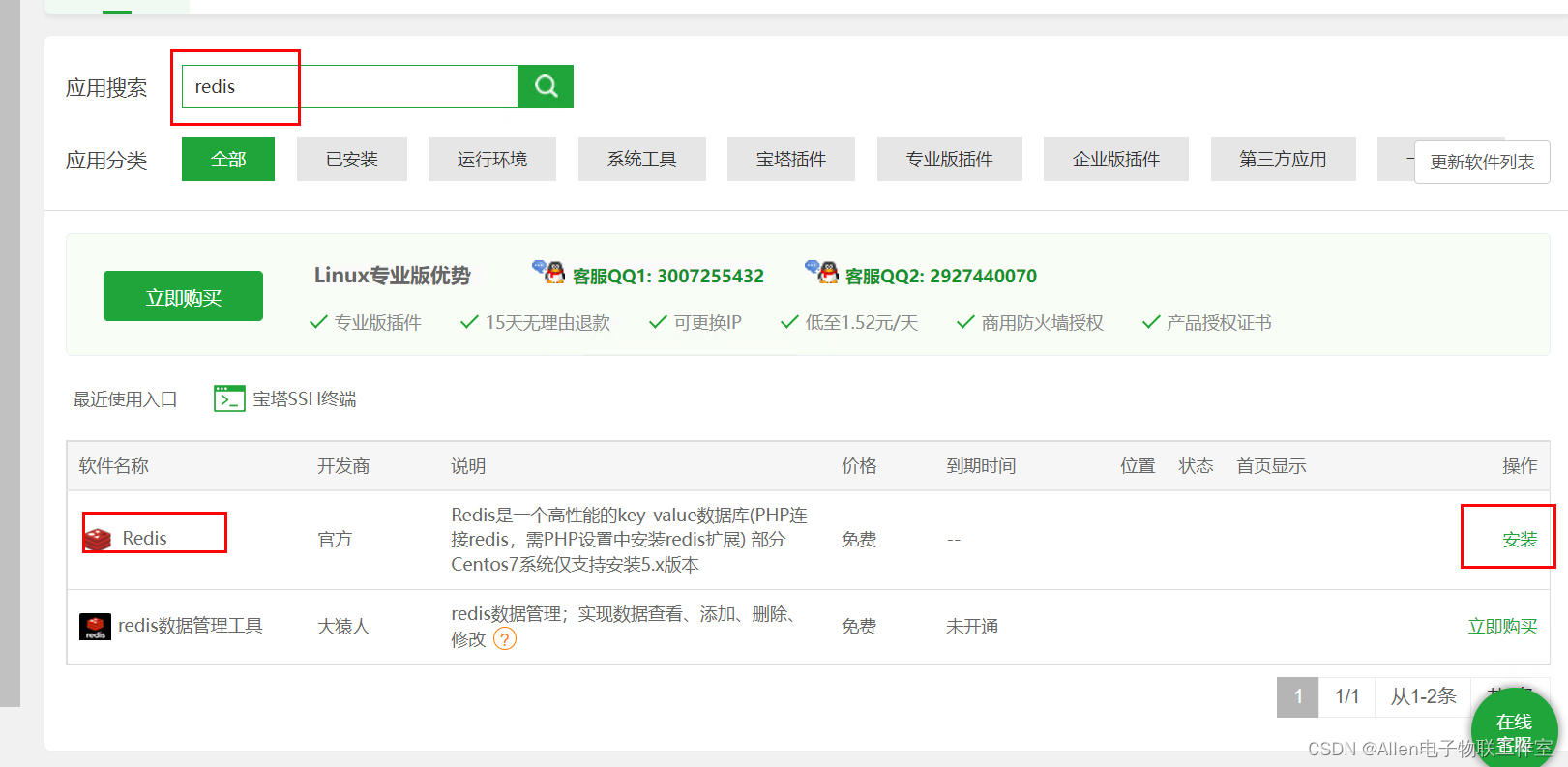
安装redis:
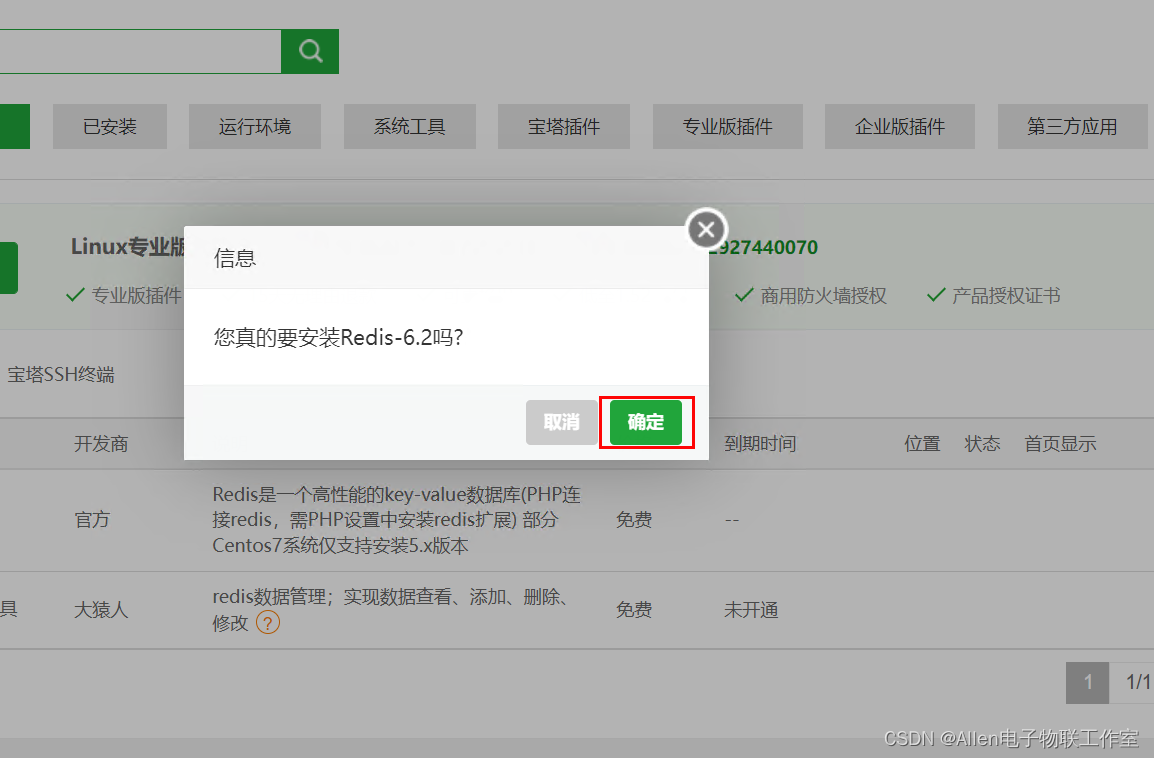
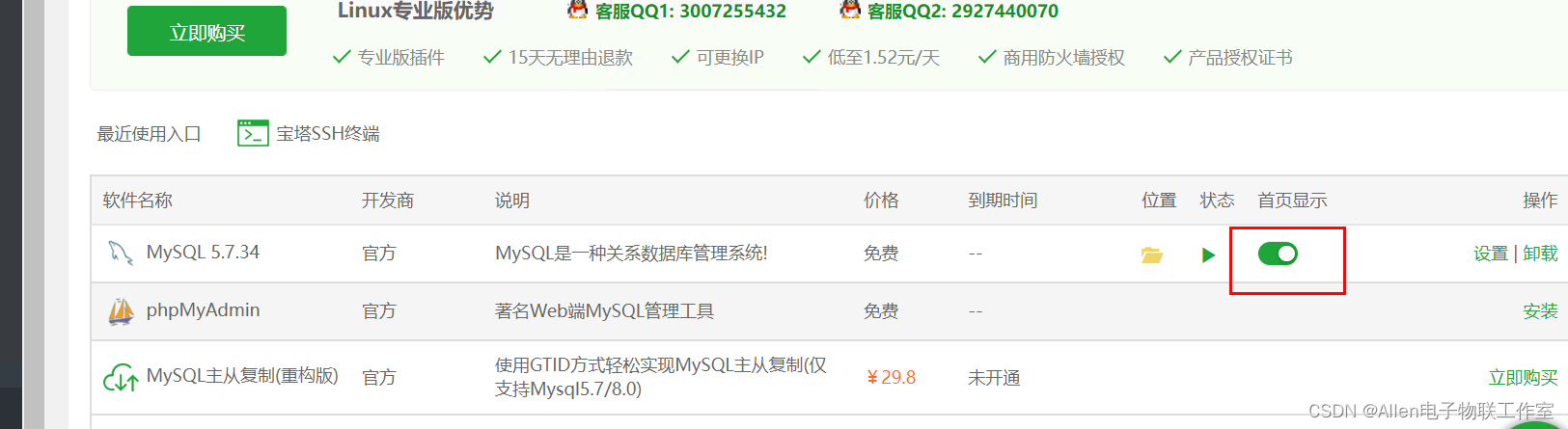
设置显示到首页:

一站式 AI 云服务平台
更多推荐



 1
1 0
0- 0


 已为社区贡献6条内容

所有评论(0)