
Flutter 自定义 CustomPainter 动画:如何在 Canvas 上实现丝滑变换
Flutter 自定义 CustomPainter 动画:如何在 Canvas 上实现丝滑变换
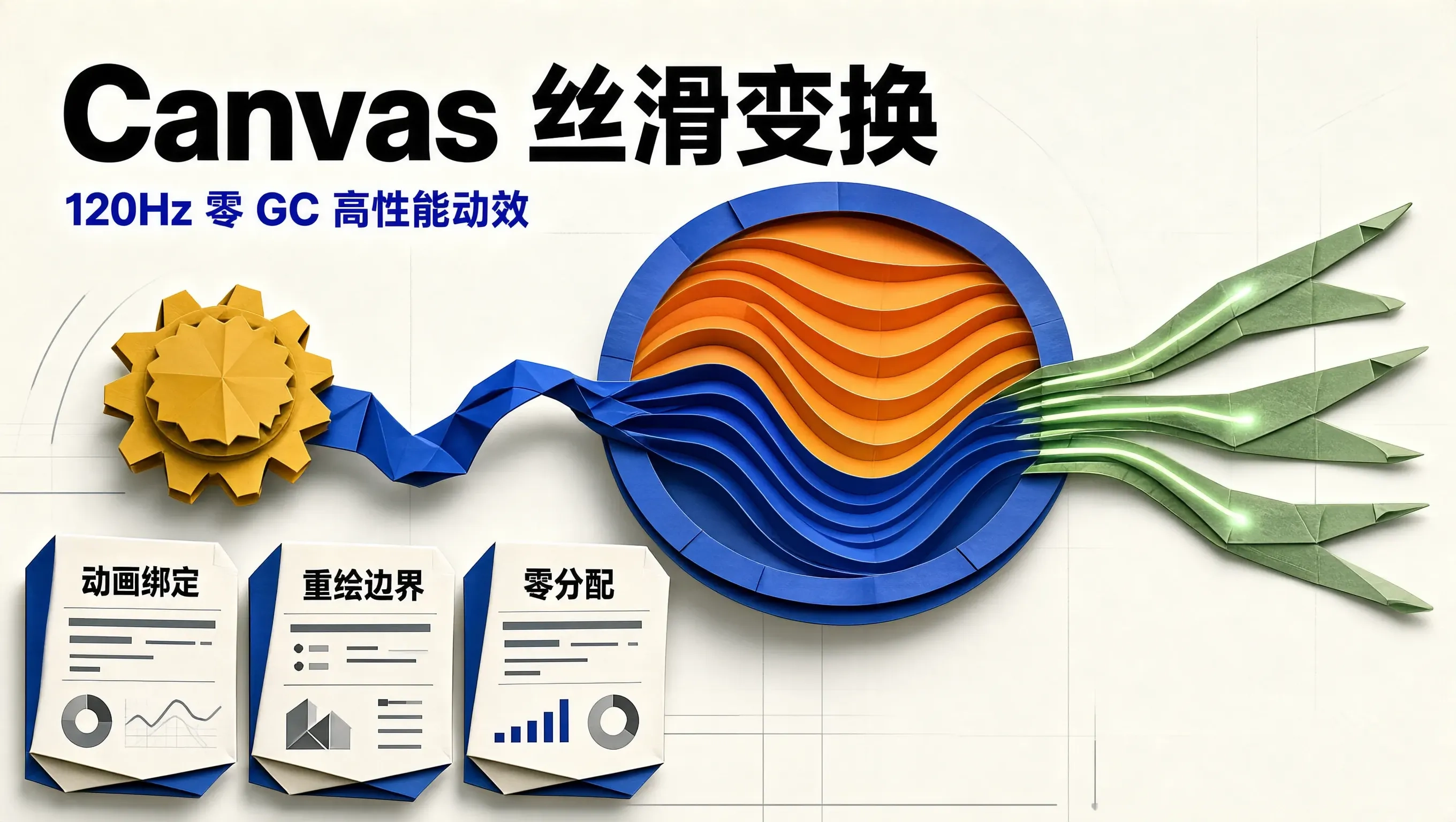
在 Flutter 跨端开发中,当常规的内置 Widget(如 Container、Row、Stack)无法满足极其复杂的非标几何动效——例如动态呼吸的光环雷达、具有物理波动的液体波浪、或者平滑形变的折线数据图表时,CustomPainter(自定义画笔) 就是我们直接与 Skia/Impeller 渲染引擎对话的终极武器。
然而,很多开发者在写 CustomPainter 动画时,容易陷入两个极端:要么在每次重绘时疯狂 new Paint() 和 new Path() 导致 GC 频繁卡顿,要么把 shouldRepaint 永远写成 return true 导致严重的无效全屏重绘。
本文将带大家从底层原理出发,掌握 CustomPainter 与动画控制器高效绑定的架构模式,并探讨如何在 120Hz 刷新率下实现零 GC 开销的丝滑 Canvas 变换。
CustomPainter 与动画控制器的优雅绑定
在 Flutter 中,驱动 CustomPainter 重绘的最标准、最高性能的方式,不是在 StatefulWidget 的 build 里到处 setState(),而是将 AnimationController(或 Animation<double>)直接作为 Listenable 传入 CustomPainter 的 super(repaint: ...)。
这样,每次 VSync 信号到达触发 Controller 数值更新时,Flutter 只会通知底层的 RenderCustomPaint 单独执行 paint() 方法,而完全不会触发上层 Widget 树的 build() 重建!
// 高性能 Canvas 动态波浪画笔实现
import 'dart:math' as math;
import 'package:flutter/material.dart';

class WaveProgressPainter extends CustomPainter {
  final Animation<double> animation;
  final double progress; // 0.0 到 1.0
  final Color waveColor;

  // 性能关键:提前复用 Paint 与 Path 实例,严禁在 paint() 内部重复 new
  late final Paint _wavePaint;
  late final Paint _bgPaint;
  final Path _wavePath = Path();

  WaveProgressPainter({
    required this.animation,
    required this.progress,
    required this.waveColor,
  }) : super(repaint: animation) {
    _wavePaint = Paint()
      ..color = waveColor
      ..style = PaintingStyle.fill;

    _bgPaint = Paint()
      ..color = waveColor.withOpacity(0.12)
      ..style = PaintingStyle.fill;
  }

  @override
  void paint(Canvas canvas, Size size) {
    final width = size.width;
    final height = size.height;
    final radius = width / 2;
    final center = Offset(radius, radius);

    // 1. 裁剪圆形视口
    canvas.save();
    final clipPath = Path()..addOval(Rect.fromCircle(center: center, radius: radius));
    canvas.clipPath(clipPath);

    // 2. 绘制淡色底圆
    canvas.drawCircle(center, radius, _bgPaint);

    // 3. 计算波浪物理高度与水平相位偏移
    final baseWaterLevel = height * (1.0 - progress);
    final phase = animation.value * 2 * math.pi; // 随时间 0 到 2PI 周期流动

    _wavePath.reset();
    _wavePath.moveTo(0, height);
    _wavePath.lineTo(0, baseWaterLevel);

    // 正弦波物理采样:y = A * sin(omega * x + phi) + base
    const waveAmplitude = 8.0; // 振幅 (波峰高度)
    const waveFrequency = 0.025; // 频率

    for (double x = 0; x <= width; x += 4.0) {
      final y = baseWaterLevel + waveAmplitude * math.sin(waveFrequency * x + phase);
      _wavePath.lineTo(x, y);
    }

    _wavePath.lineTo(width, height);
    _wavePath.close();

    // 4. 绘制水波
    canvas.drawPath(_wavePath, _wavePaint);
    canvas.restore();
  }

  @override
  bool shouldRepaint(covariant WaveProgressPainter oldDelegate) {
    // 仅在业务进度值或颜色发生真实变化时才返回 true (控制器变化由 super(repaint) 接管)
    return oldDelegate.progress != progress || oldDelegate.waveColor != waveColor;
  }
}
组件封装与消费:隔离重绘边界
为了防止 Canvas 的重绘波及页面的其他 UI 区域,在组件外层包裹一层 RepaintBoundary 是跨端动画工程的必修课:
class AnimatedWaveCircleWidget extends StatefulWidget {
  final double progress;
  const AnimatedWaveCircleWidget({Key? key, required this.progress}) : super(key: key);

  @override
  State<AnimatedWaveCircleWidget> createState() => _AnimatedWaveCircleWidgetState();
}

class _AnimatedWaveCircleWidgetState extends State<AnimatedWaveCircleWidget>
    with SingleTickerProviderStateMixin {
  late AnimationController _controller;

  @override
  void initState() {
    super.initState();
    // 持续循环驱动波浪流动
    _controller = AnimationController(
      vsync: this,
      duration: const Duration(milliseconds: 2000),
    )..repeat();
  }

  @override
  void dispose() {
    _controller.dispose();
    super.dispose();
  }

  @override
  Widget build(BuildContext context) {
    return RepaintBoundary(
      child: CustomPaint(
        size: const Size(180, 180),
        painter: WaveProgressPainter(
          animation: _controller,
          progress: widget.progress,
          waveColor: const Color(0xFF4F46E5),
        ),
      ),
    );
  }
}
生产级性能三大准则
在将 CustomPainter 应用于高帧率复杂场景时,必须严格遵守以下军规:
- 对象池与实例预存(Zero Allocation in paint):
在 120Hz 屏幕上,paint()每秒被调用 120 次。如果每次都新建Paint、Path、TextStyle或闭包函数,会导致 JVM / Dart 虚拟机的 Eden 区在一两秒内被填满,诱发频繁的 Minor GC,直接造成界面卡顿掉帧。 - 离屏缓存(PictureRecorder 预光栅化):
如果 Canvas 内部包含复杂的静态背景或复杂的矢量网格,可以使用PictureRecorder在初始化时先将其录制成Picture或Image,在paint()循环中直接调用canvas.drawPicture()进行毫秒级图层贴图。 - 精细化
shouldRepaint:
严格对比前后代理实例的关键业务属性,绝不盲目返回true。
总结
CustomPainter 是 Flutter 跨端动效体系中最接近底层渲染引擎的画笔。通过将控制器作为 repaint 参数解耦 Widget 重建、在类内部持久化复用绘图对象,并配合 RepaintBoundary 隔绝重绘脏区,你就能在任意移动端设备上,从容绘制出既有数学艺术美感又如丝般顺滑的高性能动效。

一站式 AI 云服务平台
更多推荐

 0
0 0
0- 0


 已为社区贡献36条内容

所有评论(0)