
仓颉cangjie 语言helloworld gui显示图片
仓颉cangjie 语言helloworld gui程序运行
显示图片
在fedora下运行通过,结果如下
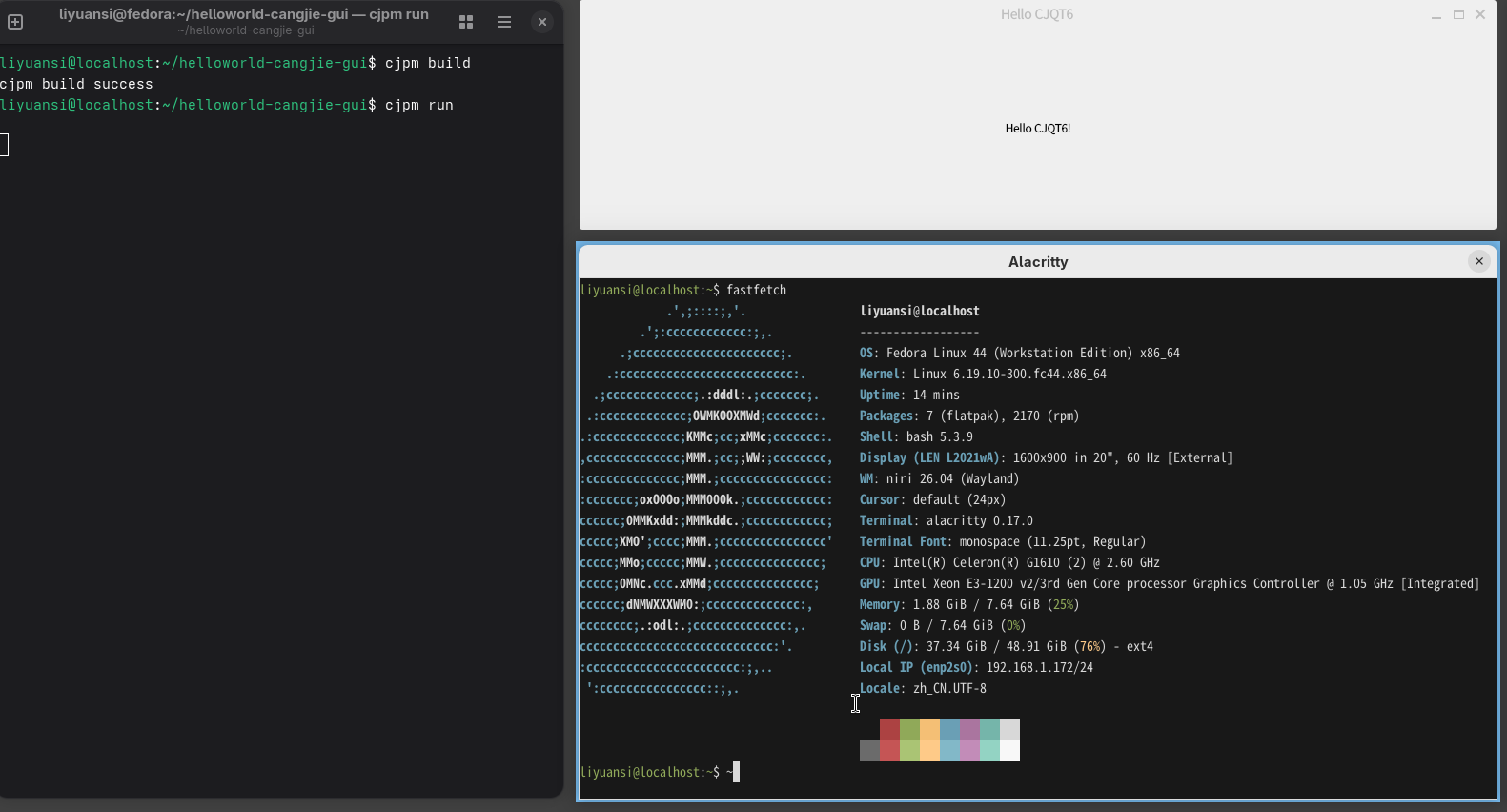
克隆CJQT6 项目
git clone https://gitcode.com/Cangjie-TPC/CJQT6.git
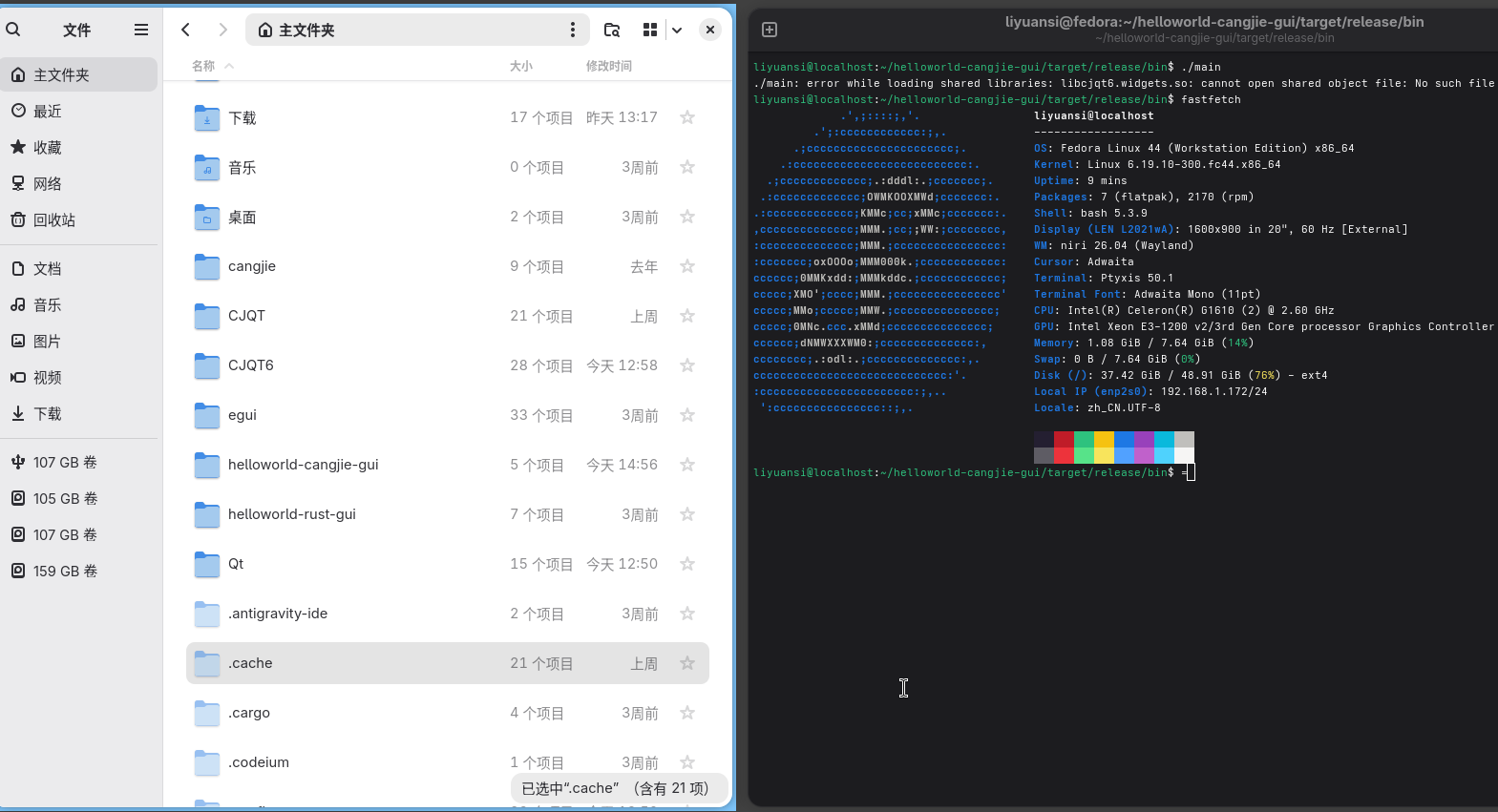
按他的要求编译。然后你试试他的helloworld
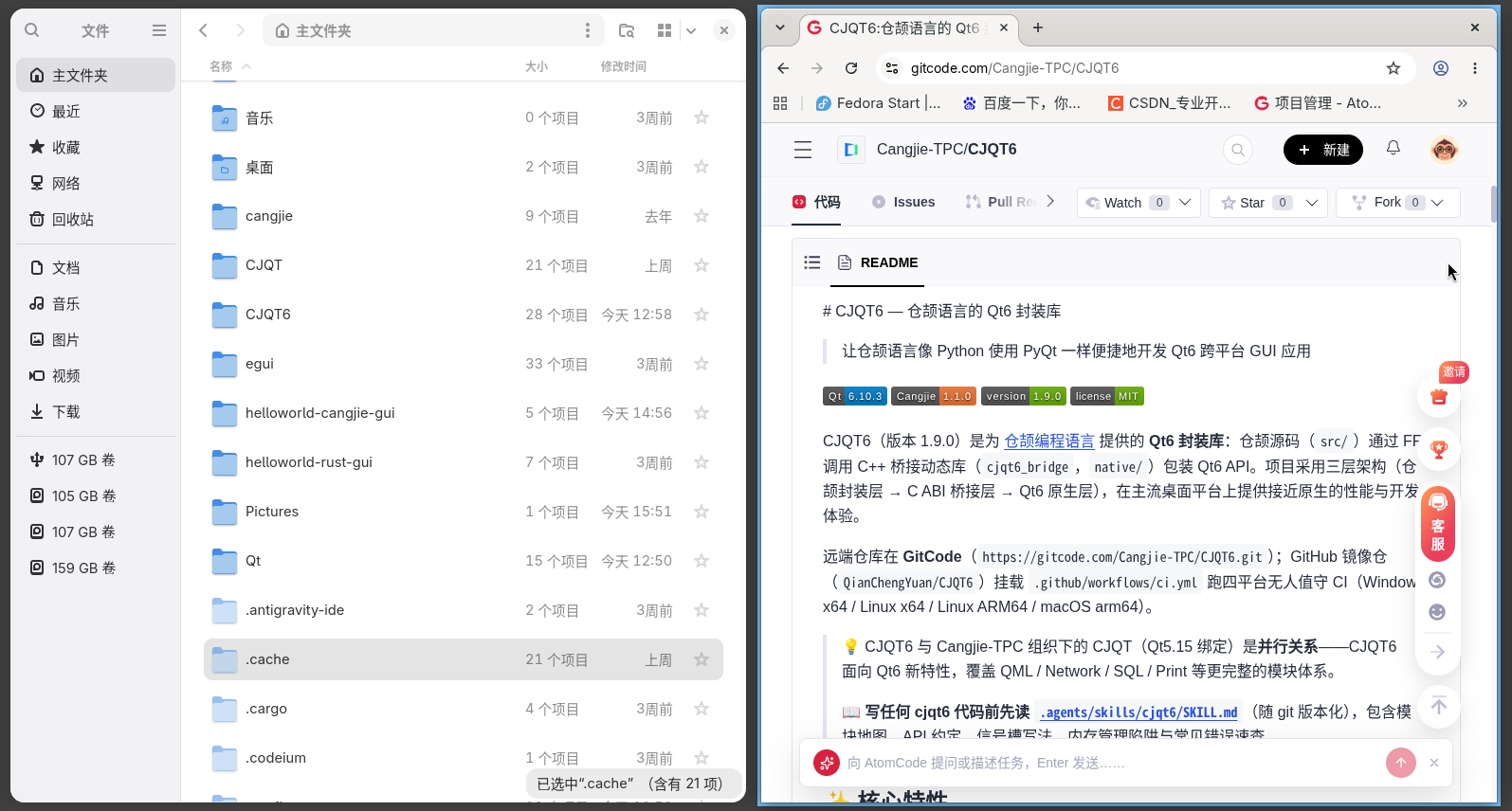
也可以克隆这个helloworld-cangjie
git clone https://gitcode.com/liyuansi2222/helloworld-cangjie-gui.git
这时你的目录下有两个文件夹 CJQT6,helloworld-cangjie-gui
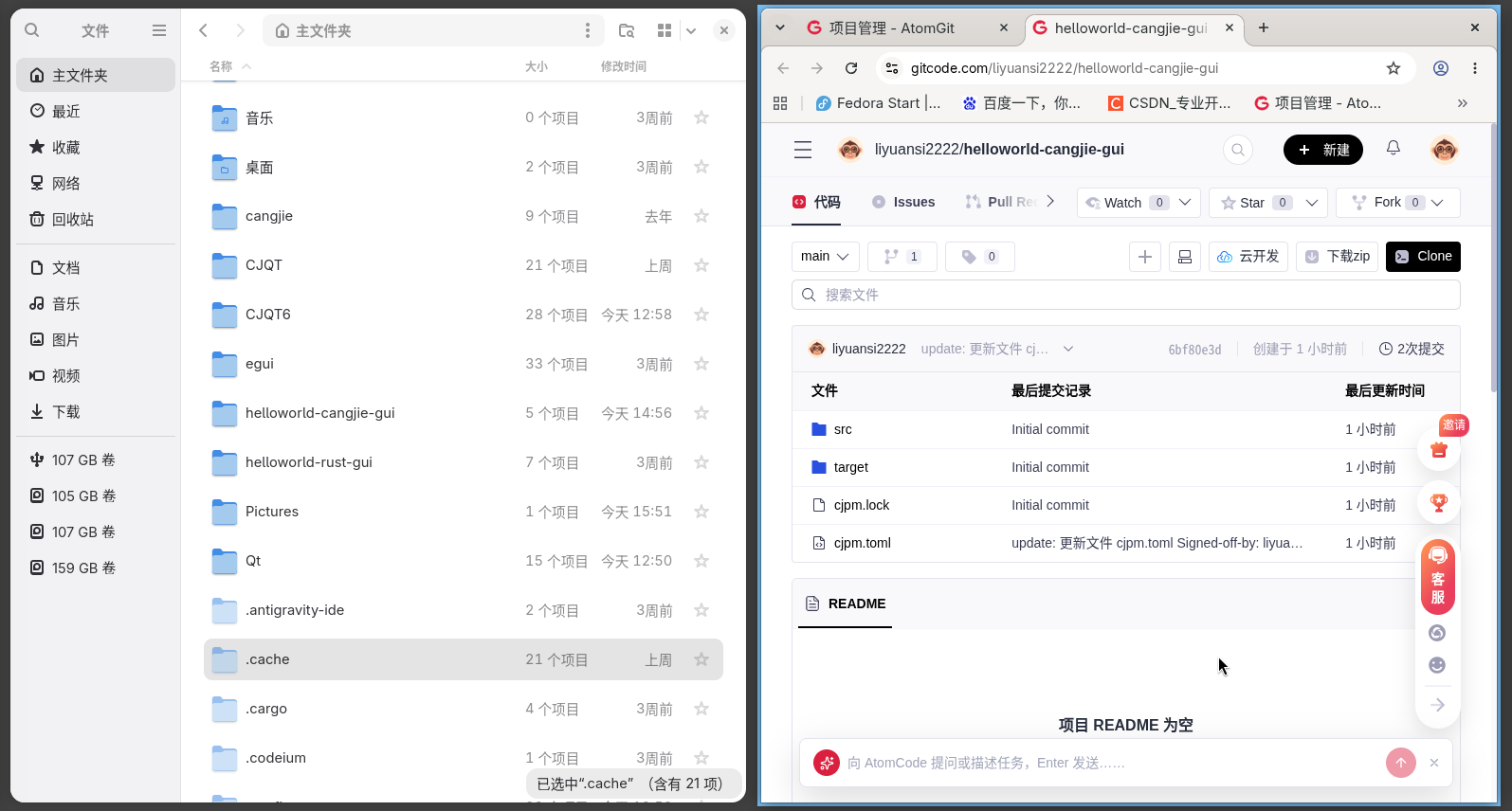
cd helloworld-cangjie-gui
cjpm build
cjpm run
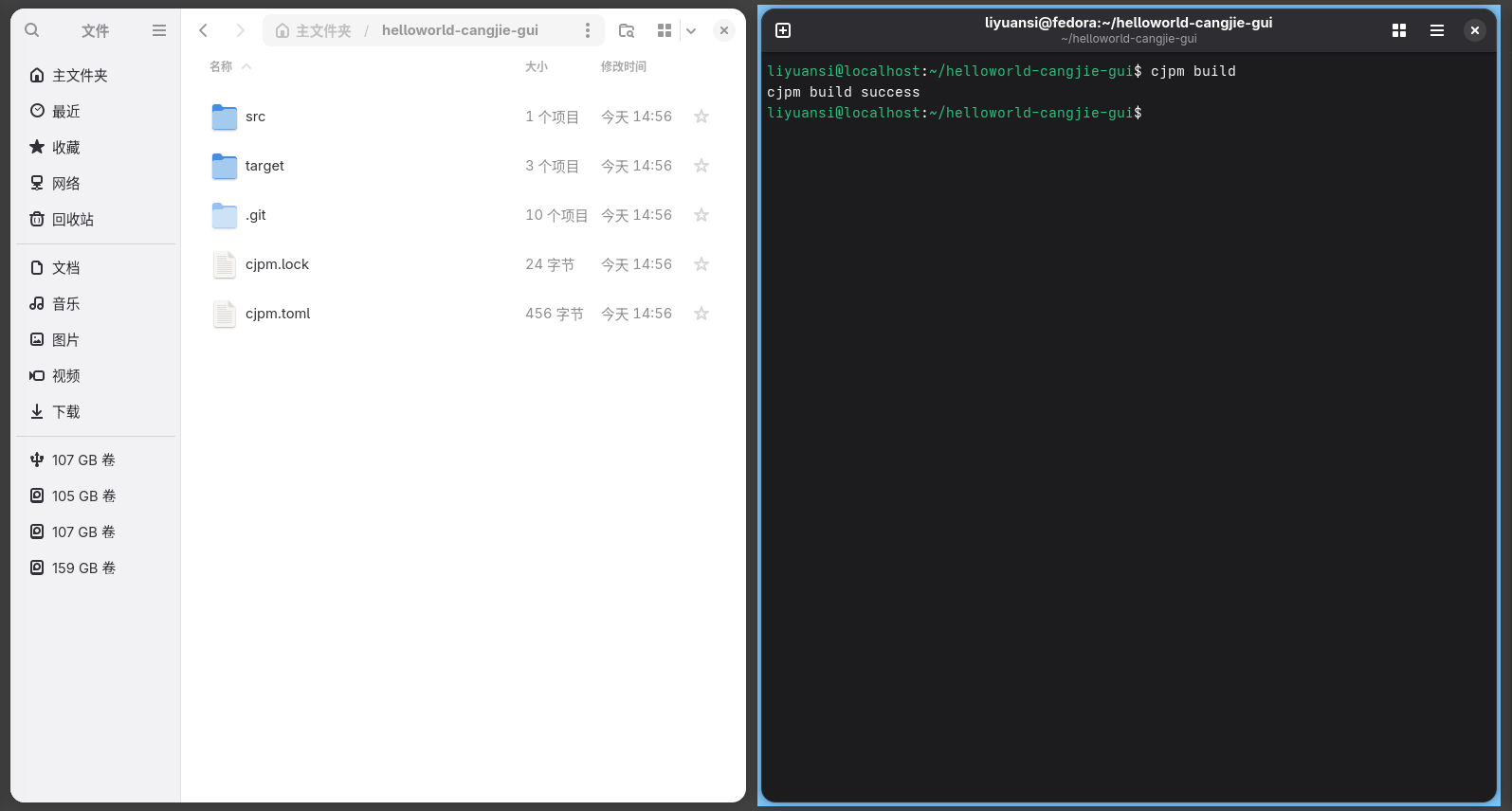
结果出来了。
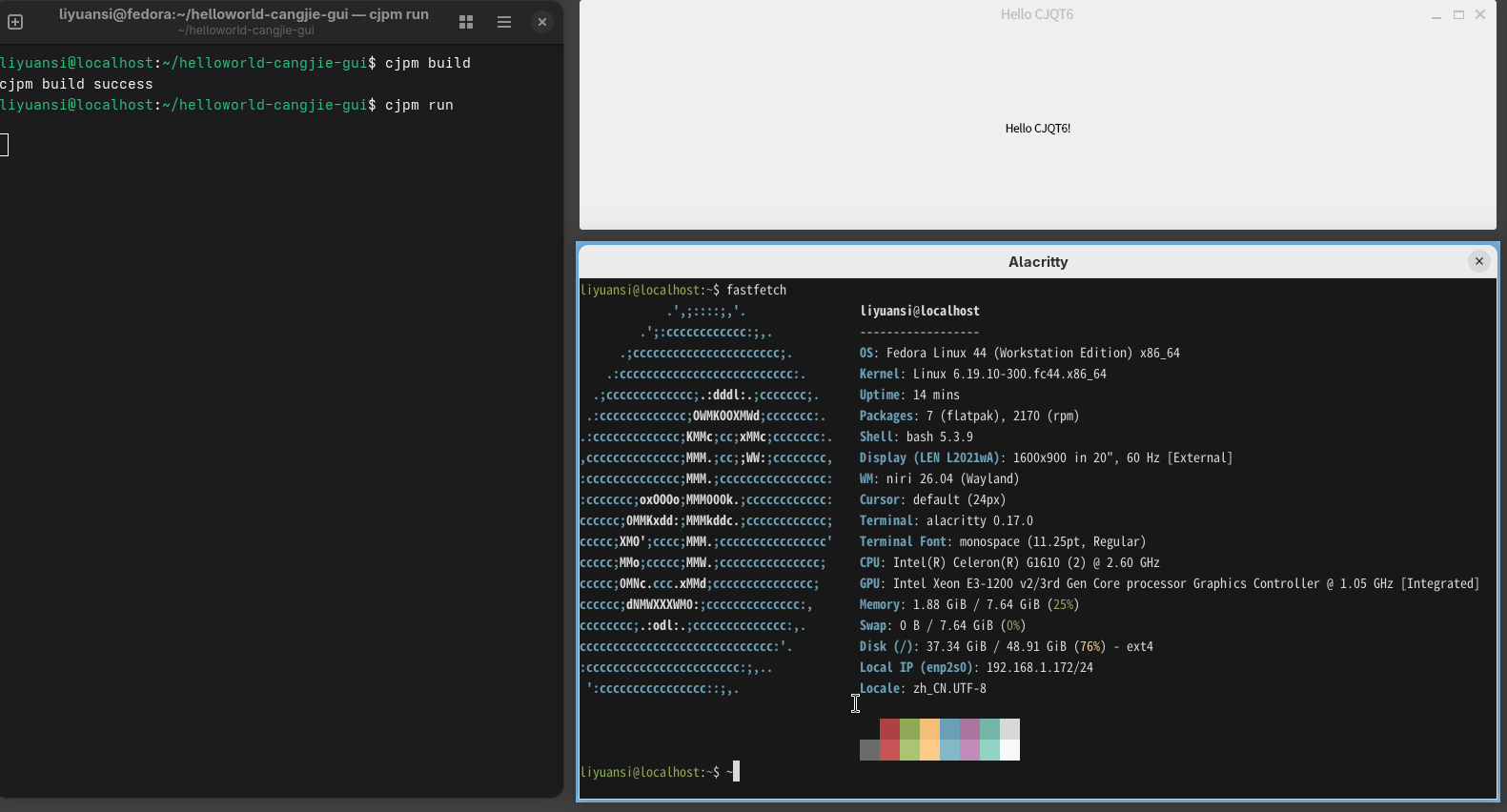
注意,一定要CJQT6 构建成功后 ,才能运行我们的helloworld
现在我只在fedora下运行成功
附录:显示图片

克隆CJQT6 项目
git clone https://gitcode.com/Cangjie-TPC/CJQT6.git
并成功构建。
克隆这个helloworld-cangjie
git clone https://gitcode.com/liyuansi2222/helloworld-cangjie-gui.git
这时你的目录下有两个文件夹 CJQT6,helloworld-cangjie-gui
cd helloworld-cangjie-gui
cjpm build
cjpm run
就好了。

helloworld-cangjie-gui 目录下有图片文件cangjie.png
有cjpm.toml文件:
[package]
cjc-version = “1.1.0”
name = “hello_cjqt6”
description = “CJQT6 最小演示实例 - Hello CJQT6”
version = “1.0.0”
target-dir = “”
output-type = “executable”
compile-option = “”
override-compile-option = “”
package-configuration = {}
[dependencies]
cjqt6={path=“…/CJQT6/”}
关键是最后一行,指出cjqt6位置。
子目录src有。main.jc文件。
package hello_cjqt6
// ============================================================
// CJQT6 \E6\9C\80\E5\B0\8F\E6\BC\94\E7\A4\BA\E5\AE\9E\E4\BE\8B - Hello CJQT6
// \E5\88\9B\E5\BB\BA\E4\B8\80\E4\B8\AA\E7\AA\97\E5\8F\A3\EF\BC\8C\E6\98\BE\E7\A4\BA\E5\B1\85\E4\B8\AD\E5\AF\B9\E9\BD\90\E7\9A\84 “Hello CJQT6!” \E6\A0\87\E7\AD\BE
// ============================================================
import cjqt6.core.*
import cjqt6.widgets.*
import cjqt6.gui.*
import cjqt6.paint.*
main(): Int32 {
let app = QApplication()
let window = QWidget()
window.setTitle("Hello CJQT6")
window.resize(400, 300)

let label = QLabel()
let loadedPixmap = QPixmap.load("./cangjie.png")
label.setPixmap(loadedPixmap.getPtr())
// label.setAlignment(Alignment.Center.value)
let layout = QVBoxLayout()
layout.addWidget(label.getPtr())
window.setLayout(layout.getPtr())

window.show()
return app.exec()
}
这两行是读图片及显示。
let loadedPixmap = QPixmap.load(“./cangjie.png”)
label.setPixmap(loadedPixmap.getPtr())
运行结果为:


一站式 AI 云服务平台
更多推荐


 0
 0
- 0


 已为社区贡献1条内容

所有评论(0)